Skip to content

EcoMark OS

Everything your agency does, in one workspace.

Enquiries, leads, listings, viewings, follow-ups and reports, for every member of the team, with EcoMark AI working inside it.

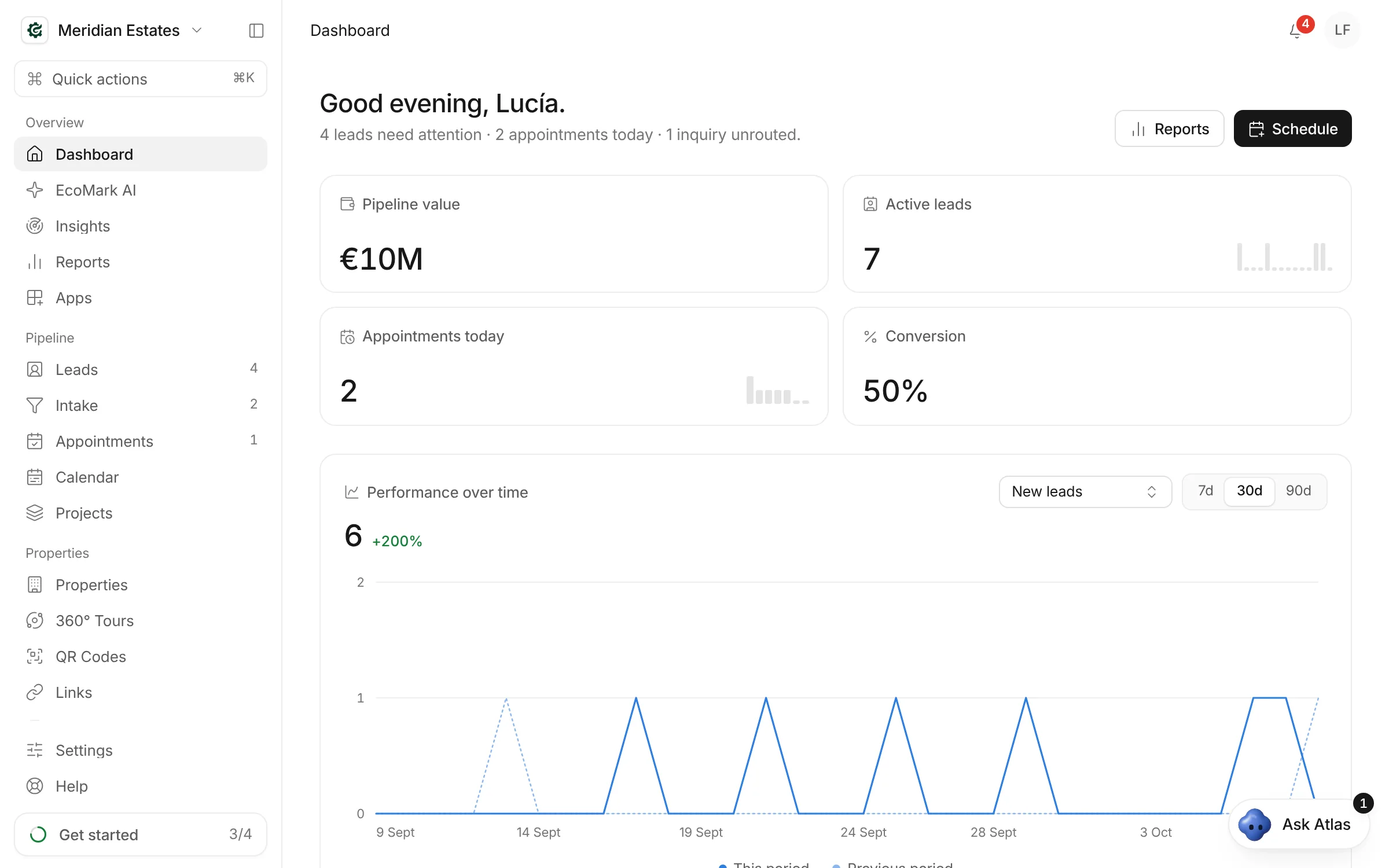
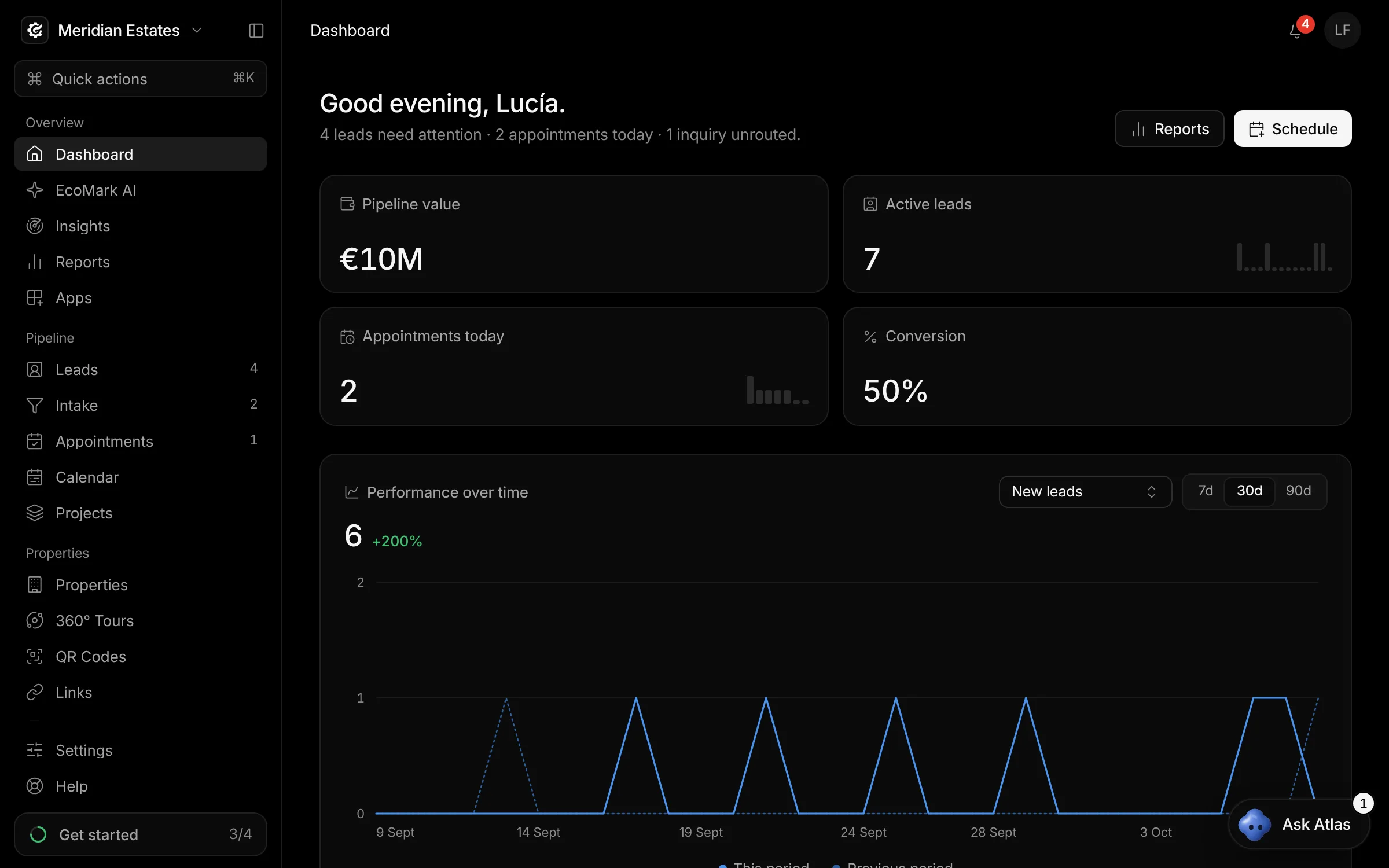
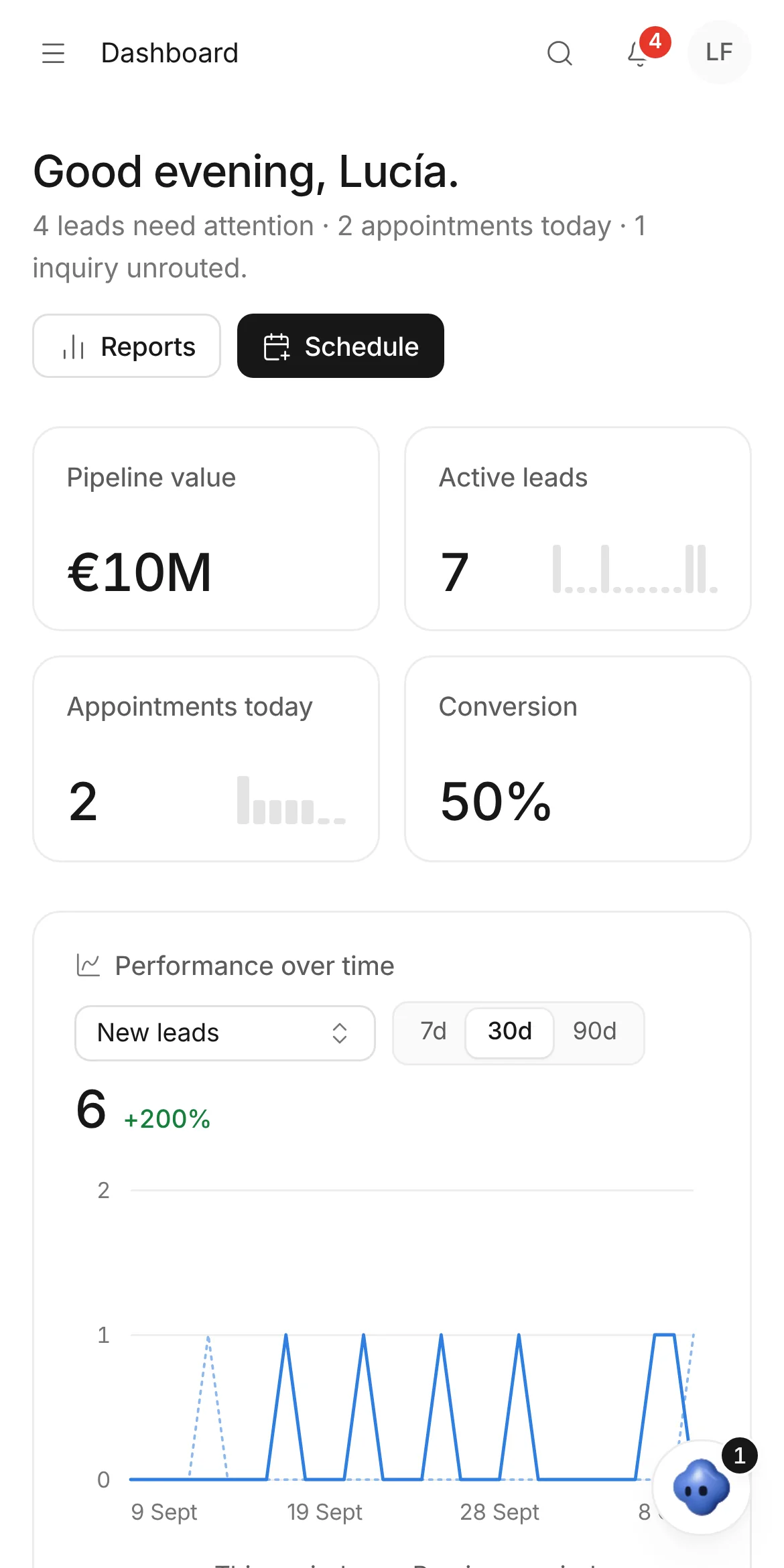
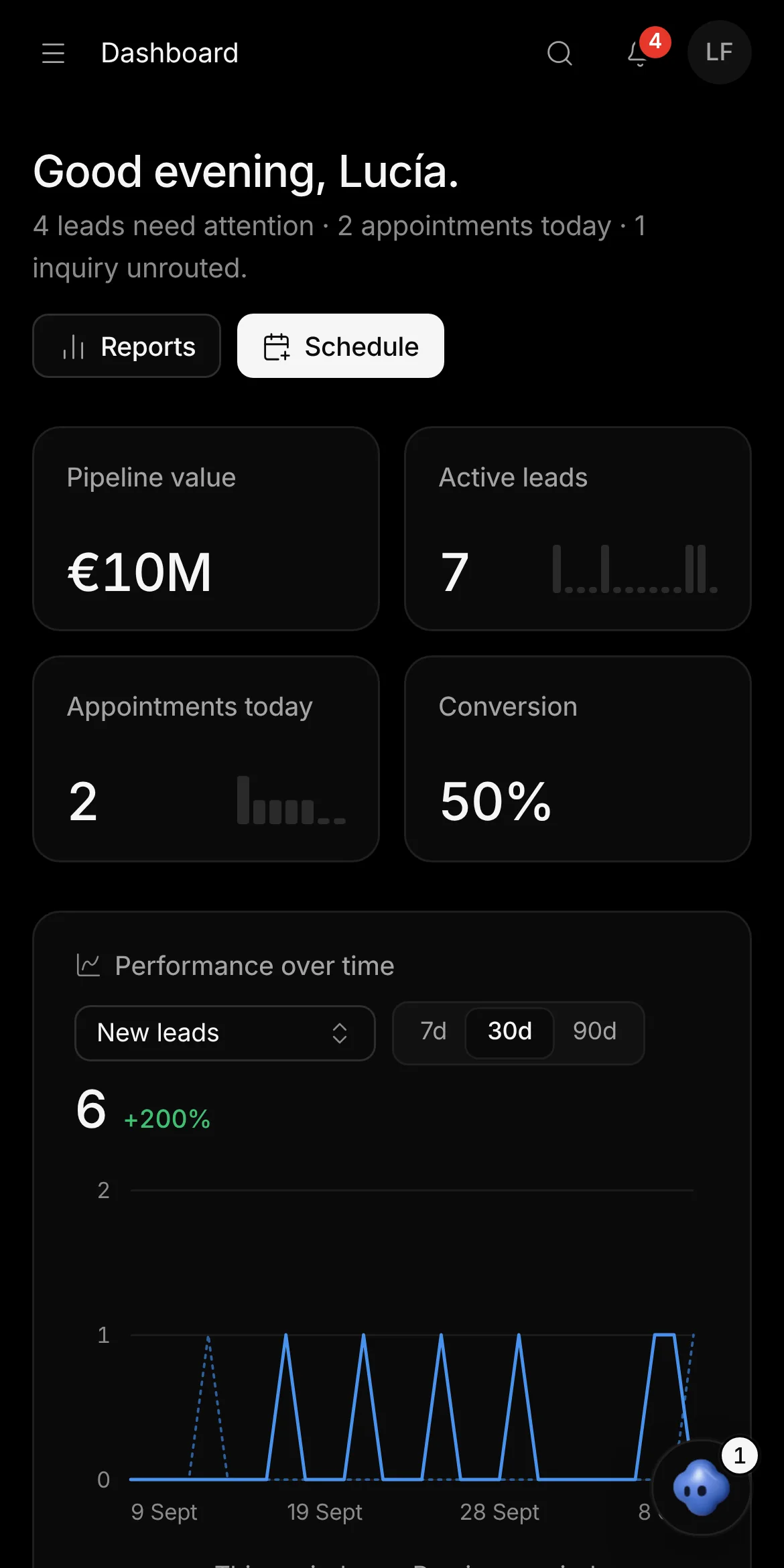
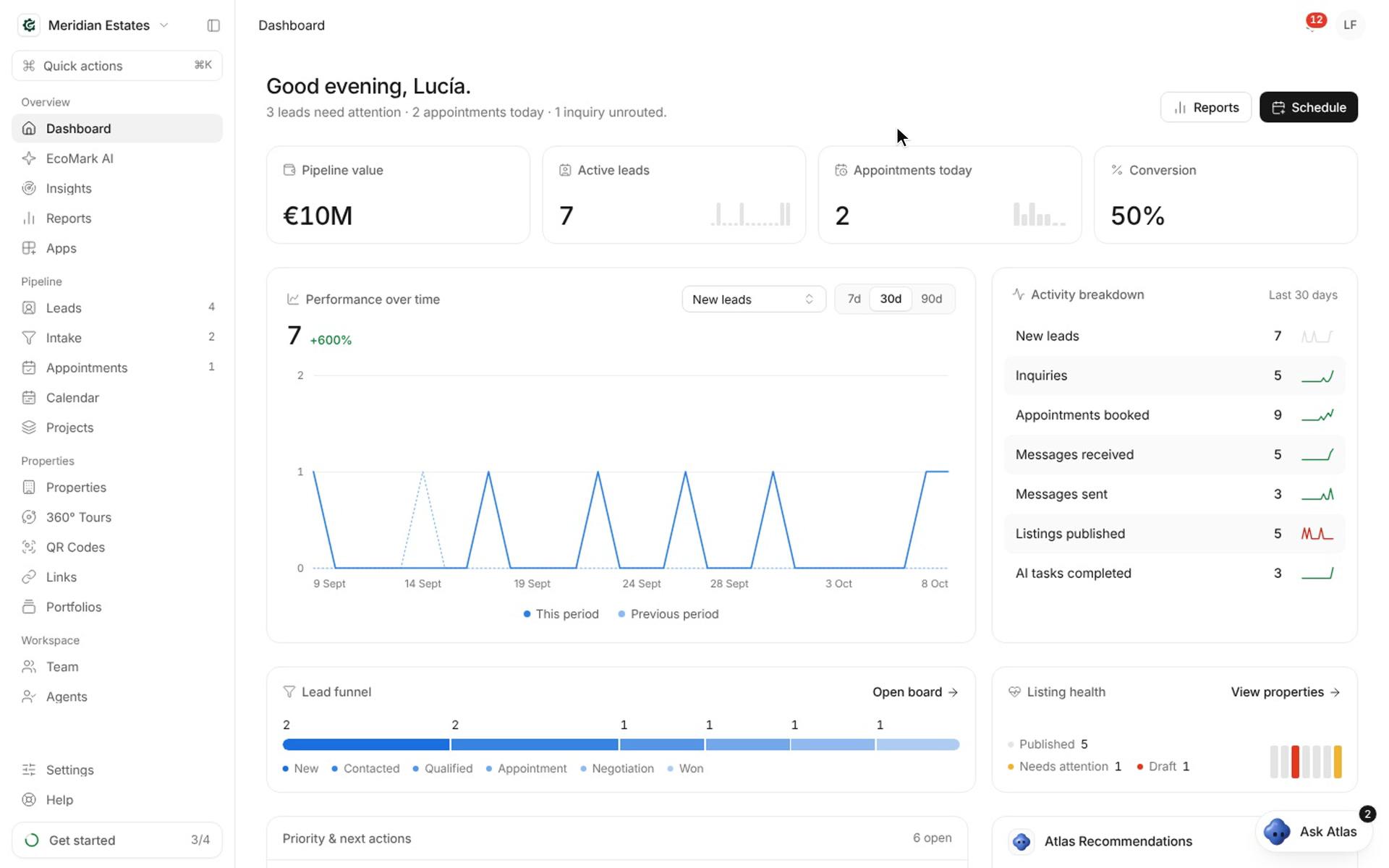
The EcoMark dashboard of a sample agency: priorities and next actions, today's schedule and the pipeline.The EcoMark dashboard of a sample agency: priorities and next actions, today's schedule and the pipeline.The EcoMark dashboard of a sample agency: priorities and next actions, today's schedule and the pipeline.The EcoMark dashboard of a sample agency: priorities and next actions, today's schedule and the pipeline.

On screen

The agency's day, on one screen.

Recorded in EcoMark itself: the pipeline and a lead's record, the week's viewings, and the reports for the period.

The dashboard, the pipeline by stage and a lead's record: activity, criteria and the next step.

The day's work, in EcoMark.

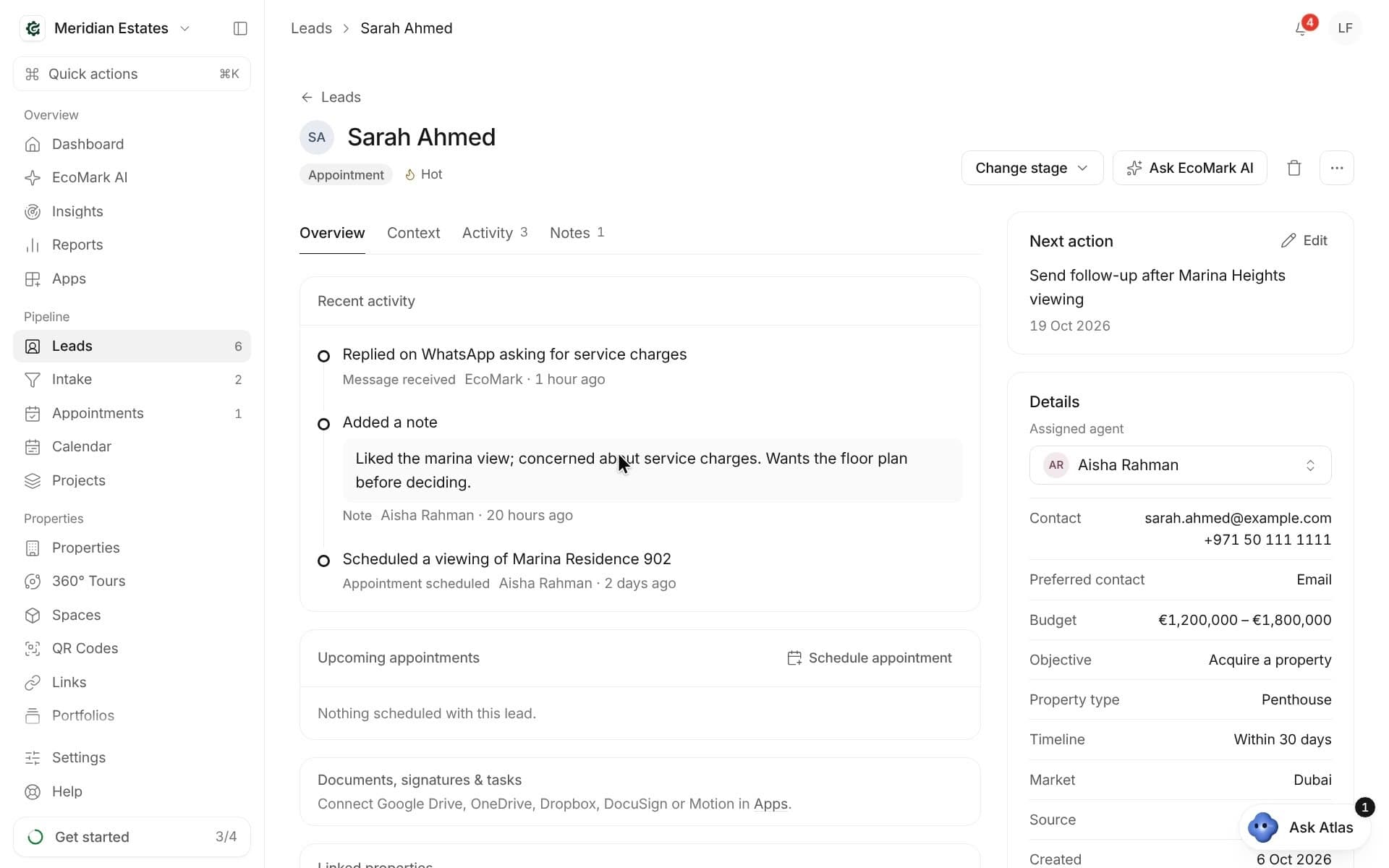
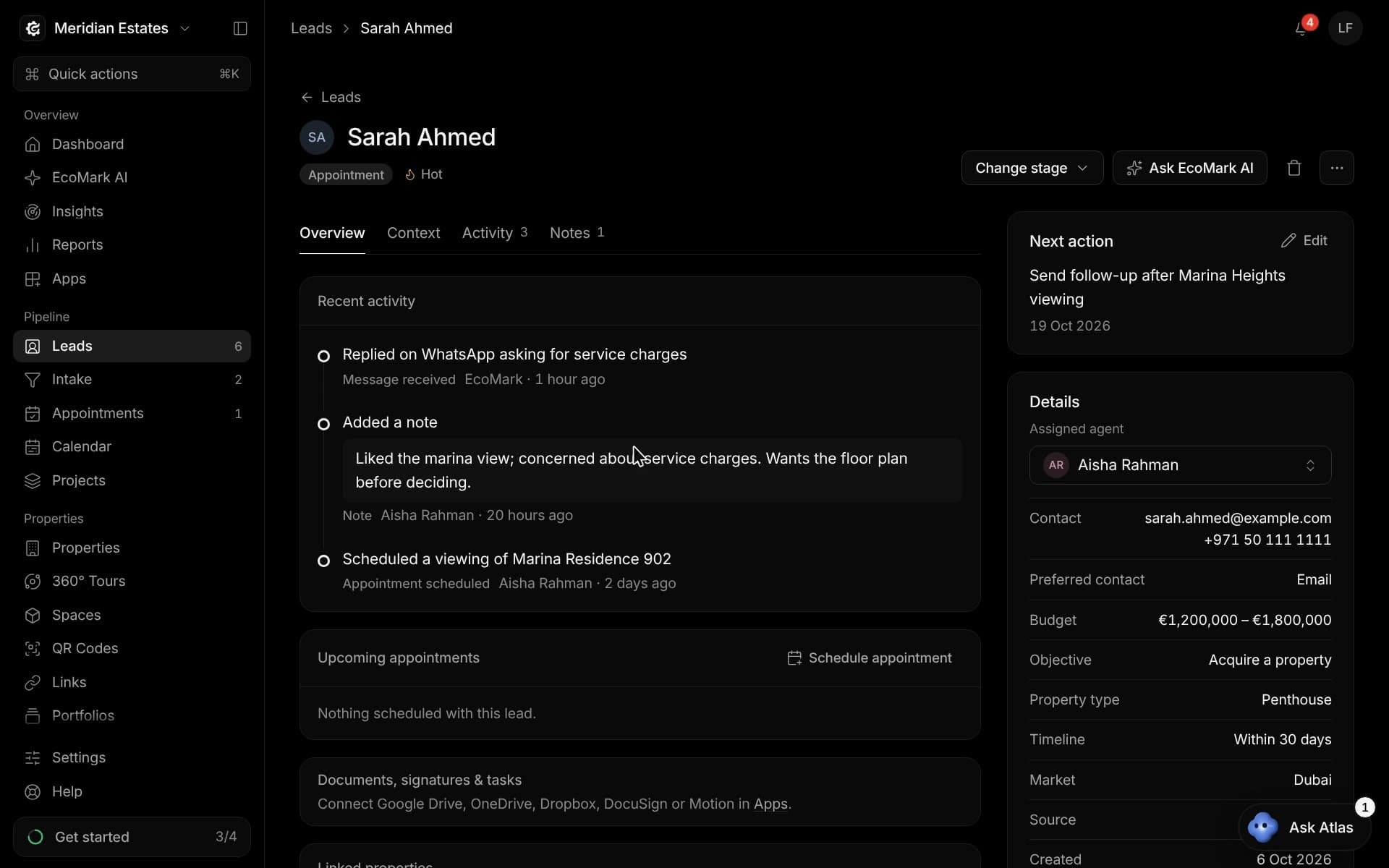
Every lead, with its story.

Activity, notes, appointments and the next action on one record, with the agent in charge of it.

Meet the Ekos
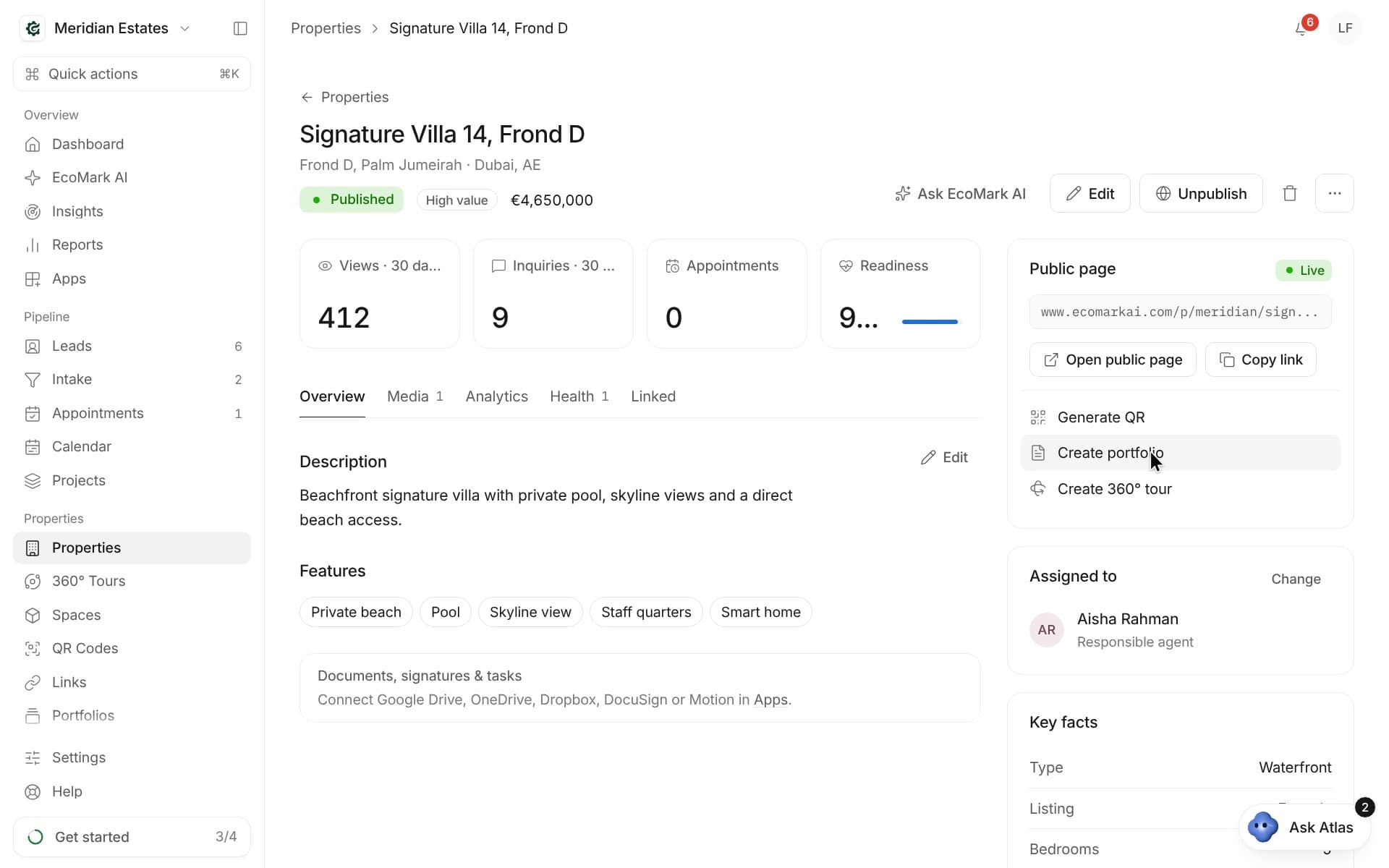
Each listing, ready to share.

Its public page, a QR code, a portfolio or a tour, all made from the listing itself.

Meet EcoMark AI
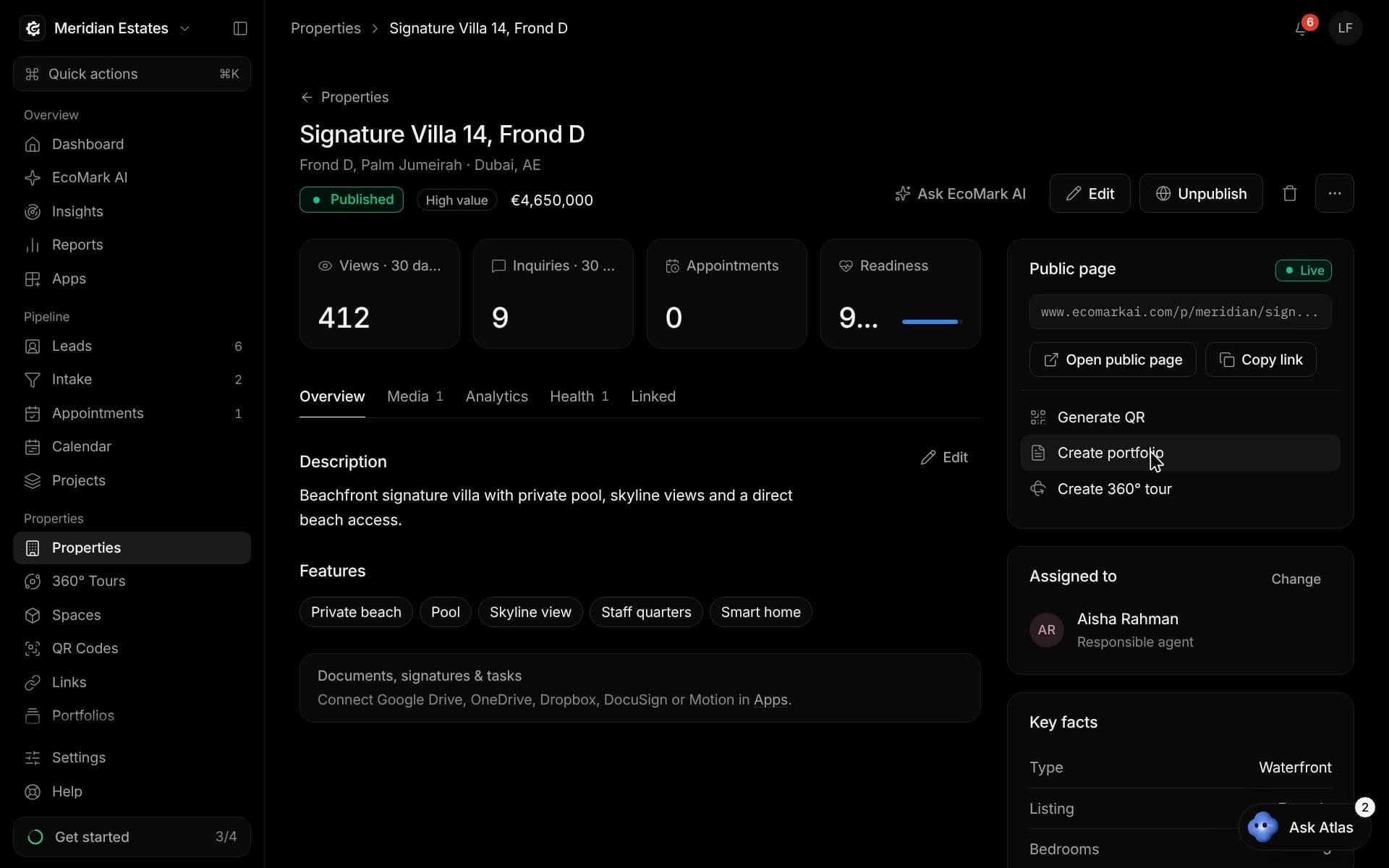
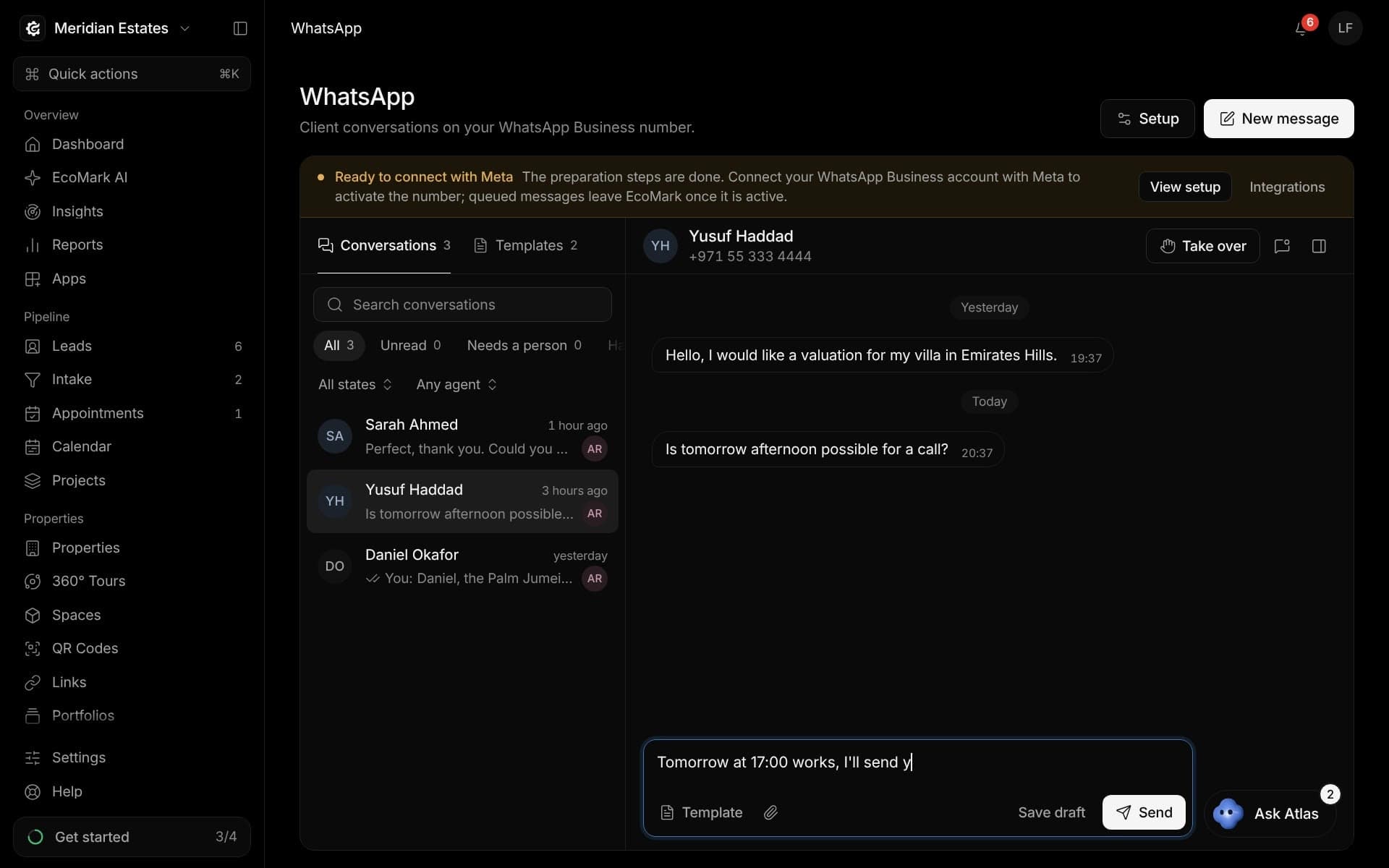
Every WhatsApp conversation in one place.

Clients' messages in an inbox the team shares, with the agent who answers each conversation.

See the integrations
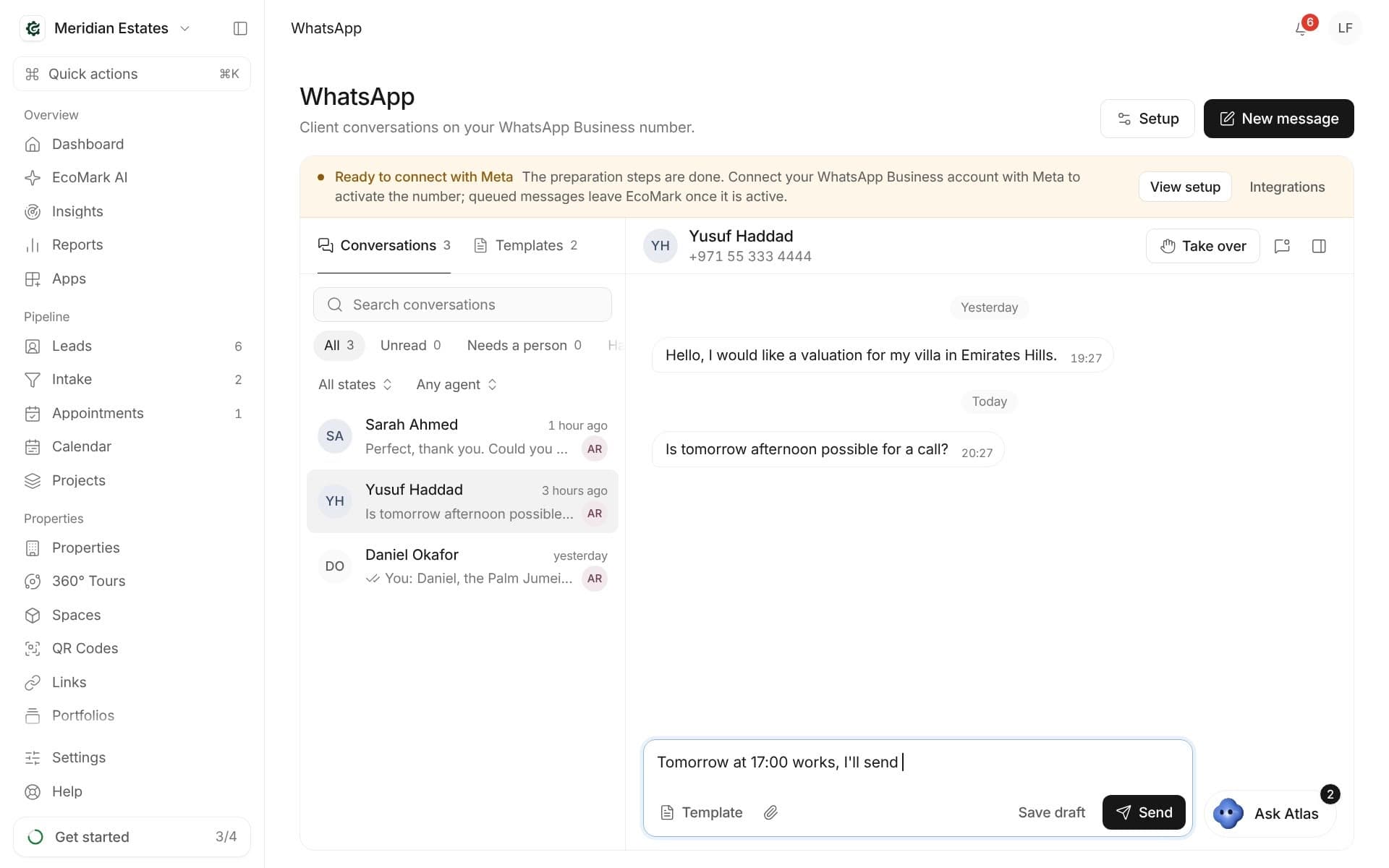
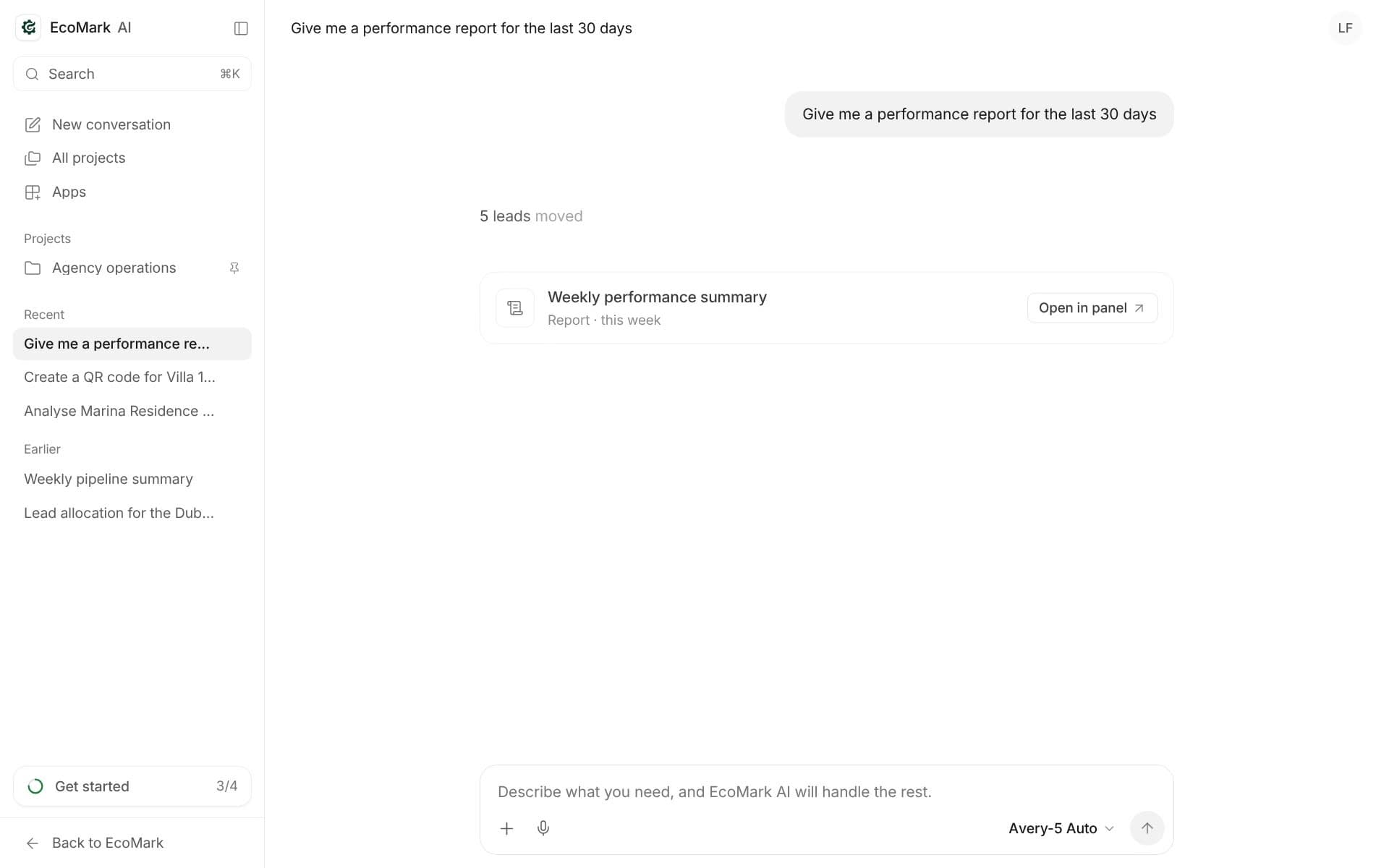
The period's report, in seconds.

Ask for the summary and it is written from the agency's own figures, with the full breakdown in the panel.

Meet EcoMark AI
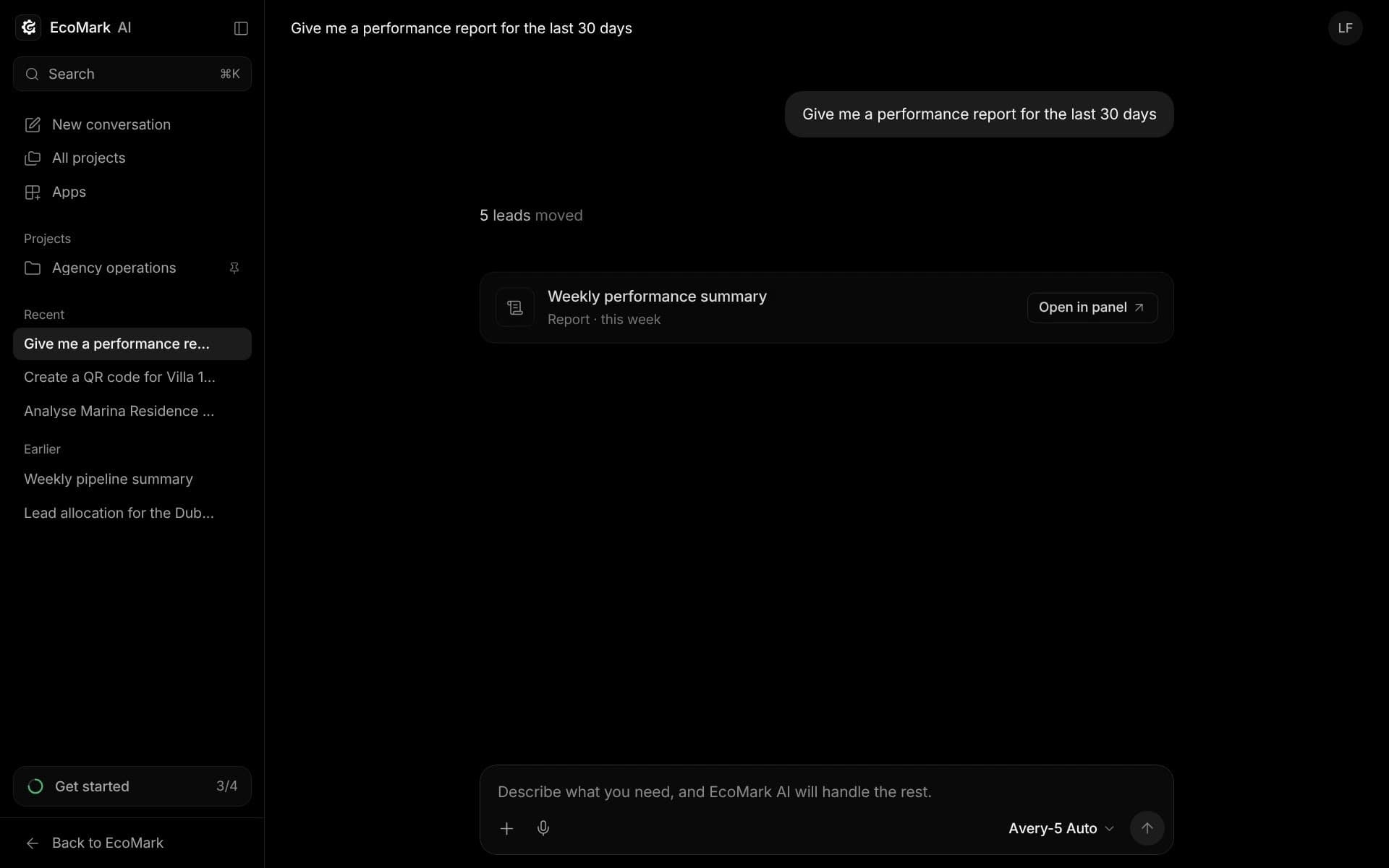
Recorded in EcoMark's demonstration workspace, with sample data.

Inside

Every module, the way the sidebar groups them.

Each one is a page of the same workspace. Administrators see the whole agency; agents see their own work.

  • DashboardPriorities and next actions, today's schedule and a brief of the day.
  • EcoMark AIAsk, prepare and review work with the assistant, from any record.
  • InsightsWhere demand is coming from, what your inventory covers and what to do next.
  • ReportsWhat the agency produced in the period, by team, listing and channel.
  • AppsThe tools your agency works with. An admin connects each one once; agents use what the admin approves.

For agents, in place of Insights and Reports: Performance

Leads and intake

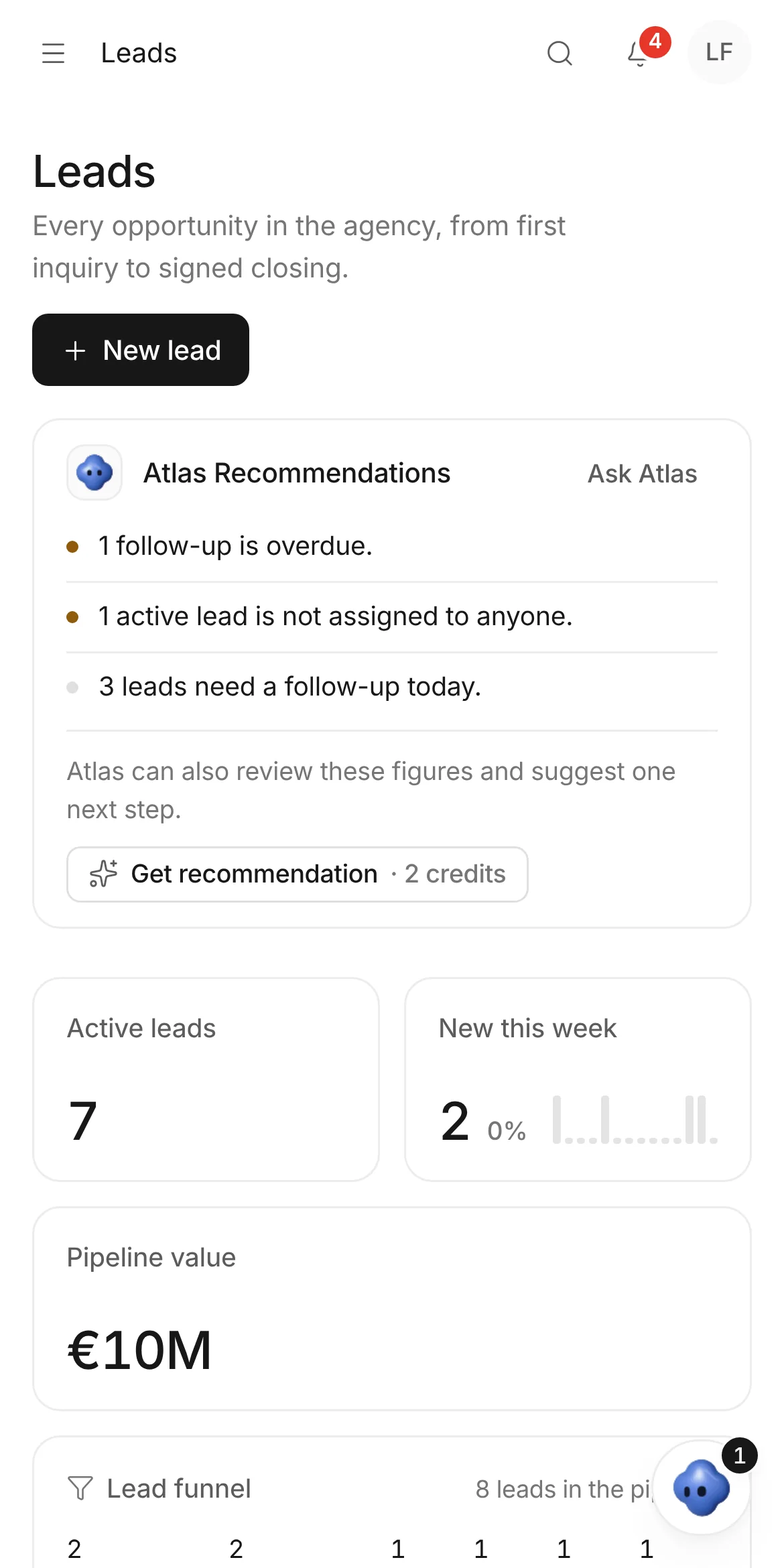
Every enquiry in one place, until it is a lead you can follow.

Intake holds what comes in before it becomes a lead. The pipeline holds everyone you are working with, at the stage they are at.
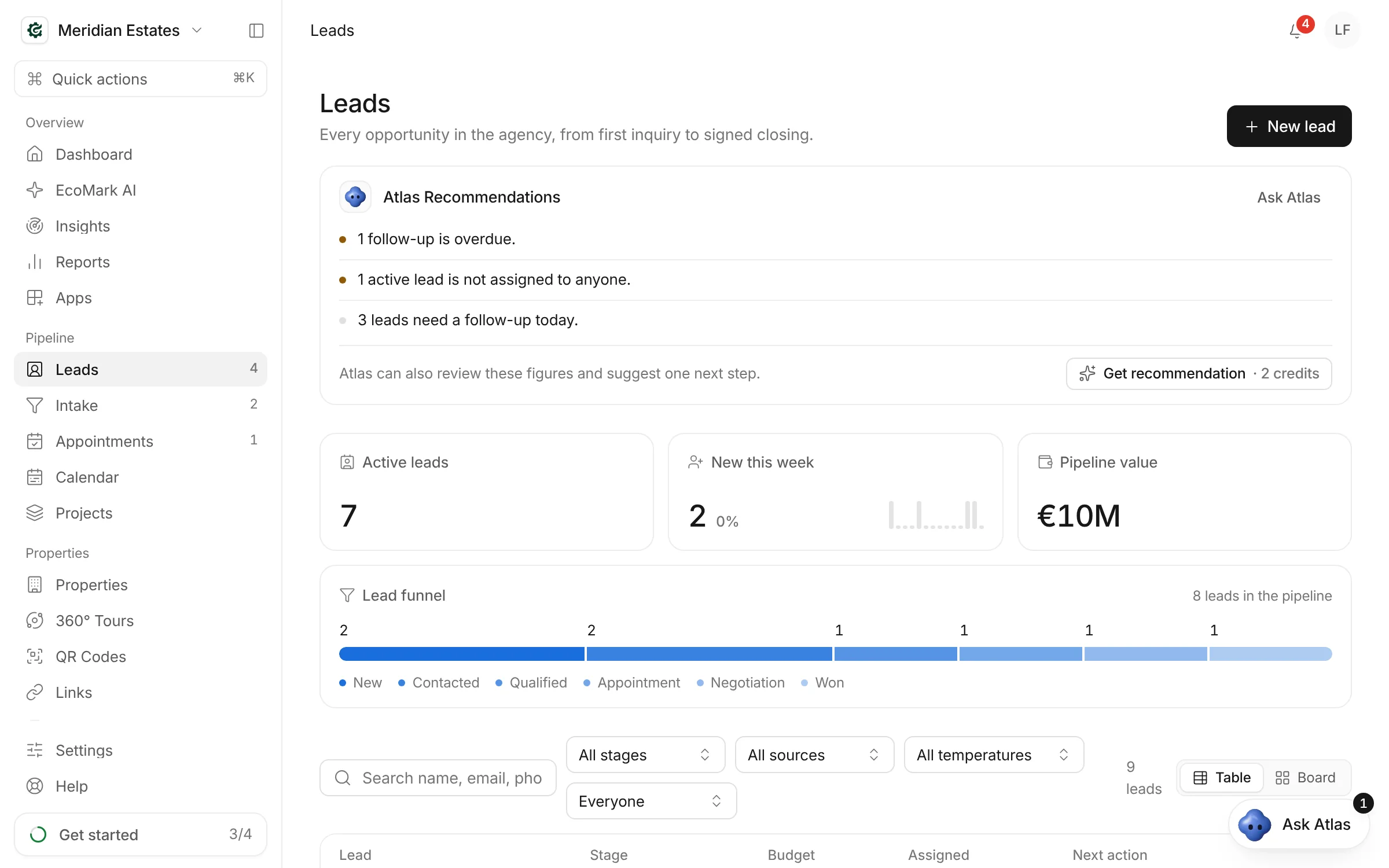
  • Log an enquiry when someone calls, writes or walks in, with where it came from. Convert the real ones and they enter the pipeline at New.
  • One pipeline for the agency: New → Contacted → Qualified → Appointment → Negotiation → Won → Lost.
  • Each lead keeps what the buyer is looking for, what is indispensable to them, the listings they saw and what they said.
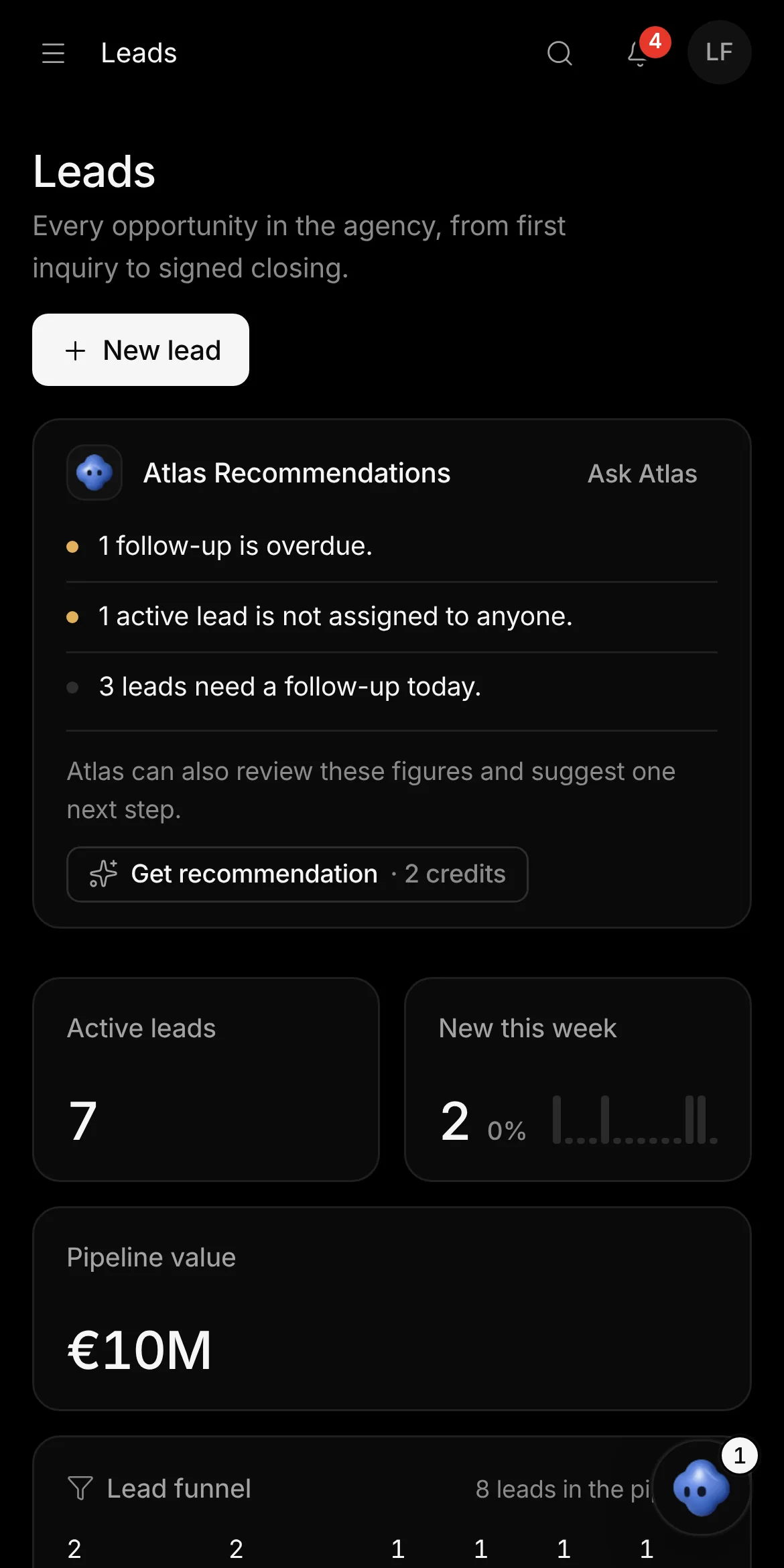
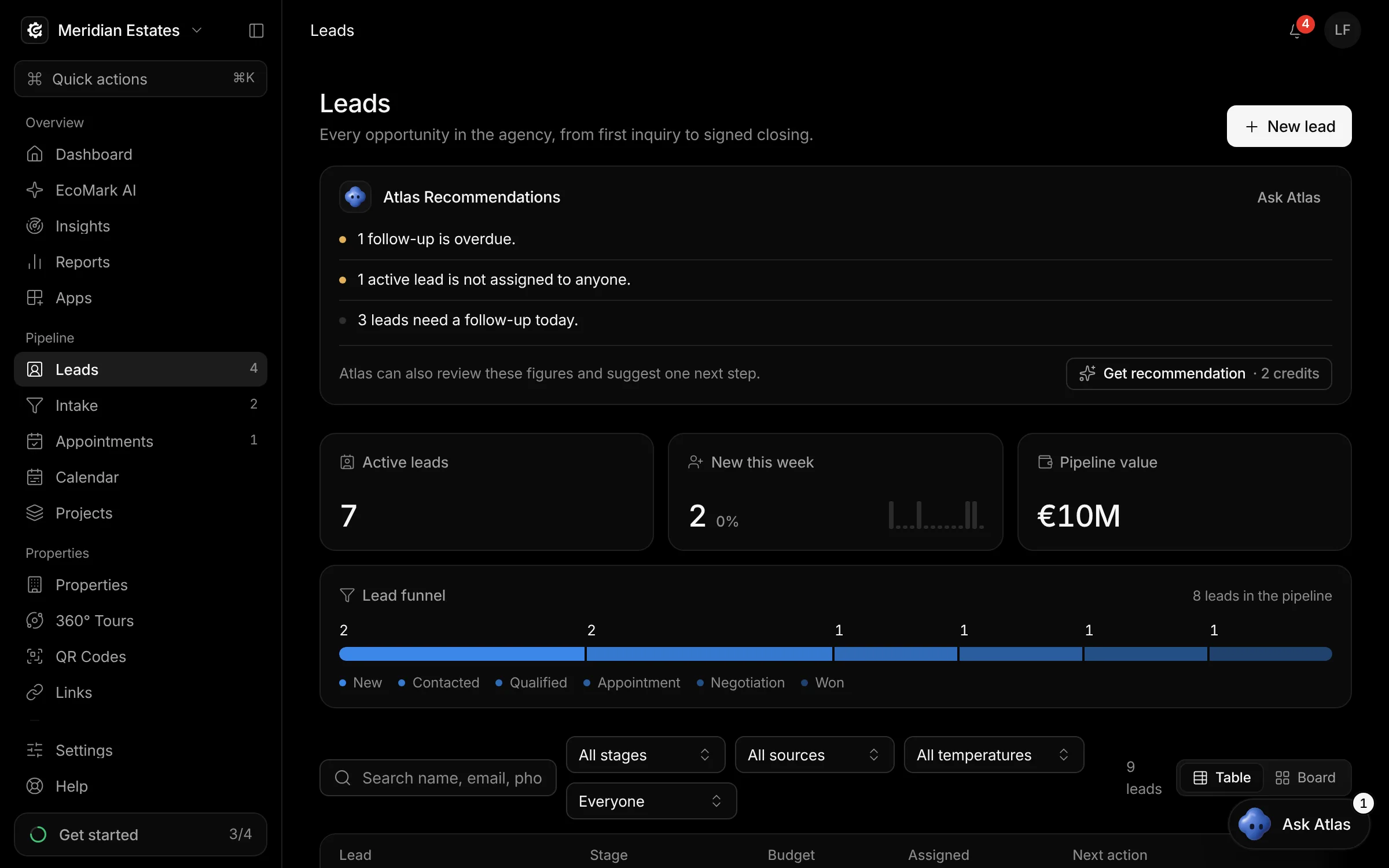
The Leads page of a sample agency: the pipeline with each lead's stage, budget and next action.The Leads page of a sample agency: the pipeline with each lead's stage, budget and next action.The Leads page of a sample agency: the pipeline with each lead's stage, budget and next action.The Leads page of a sample agency: the pipeline with each lead's stage, budget and next action.

Listings and public pages

A listing, complete, and ready to share.

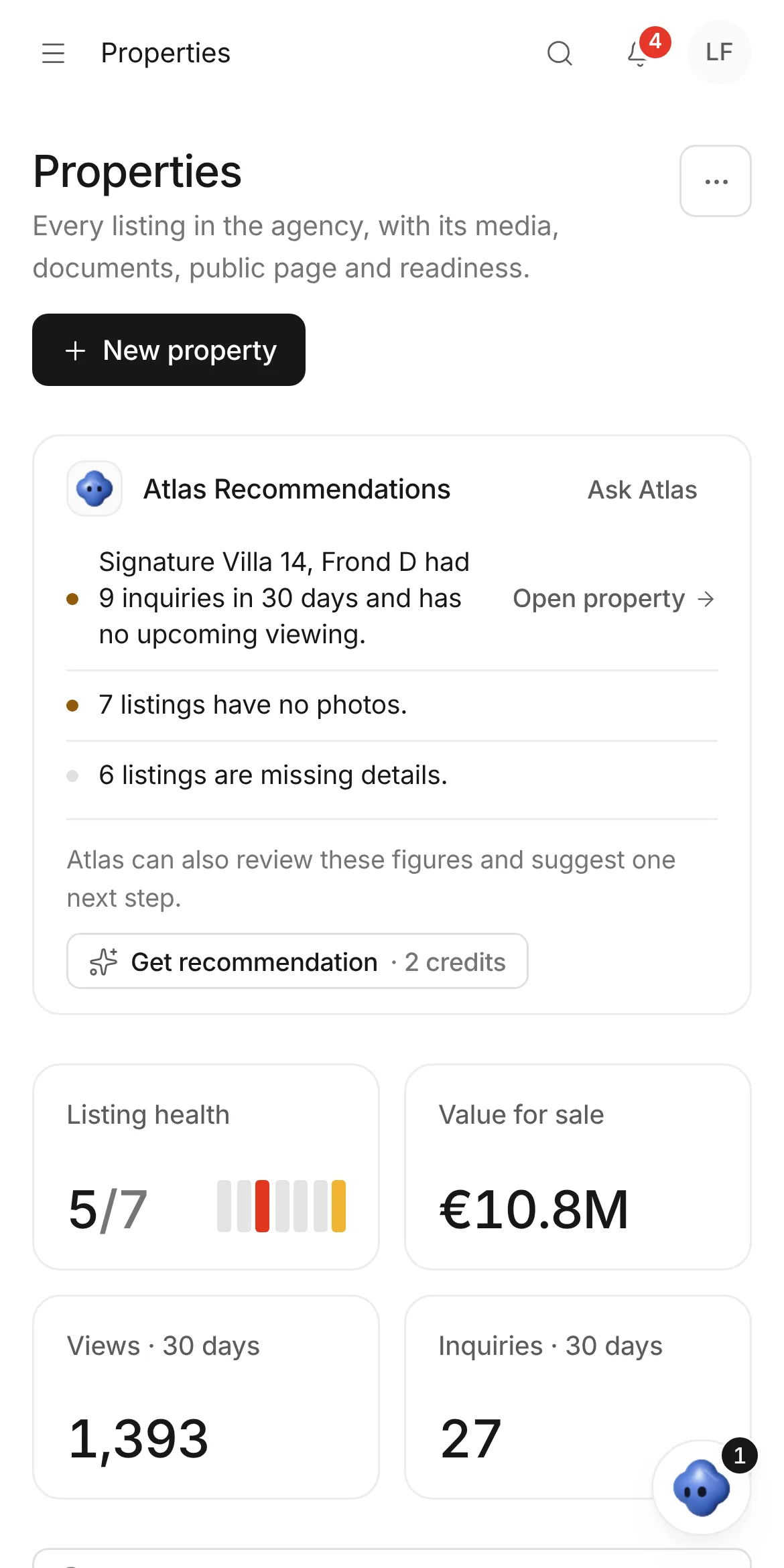
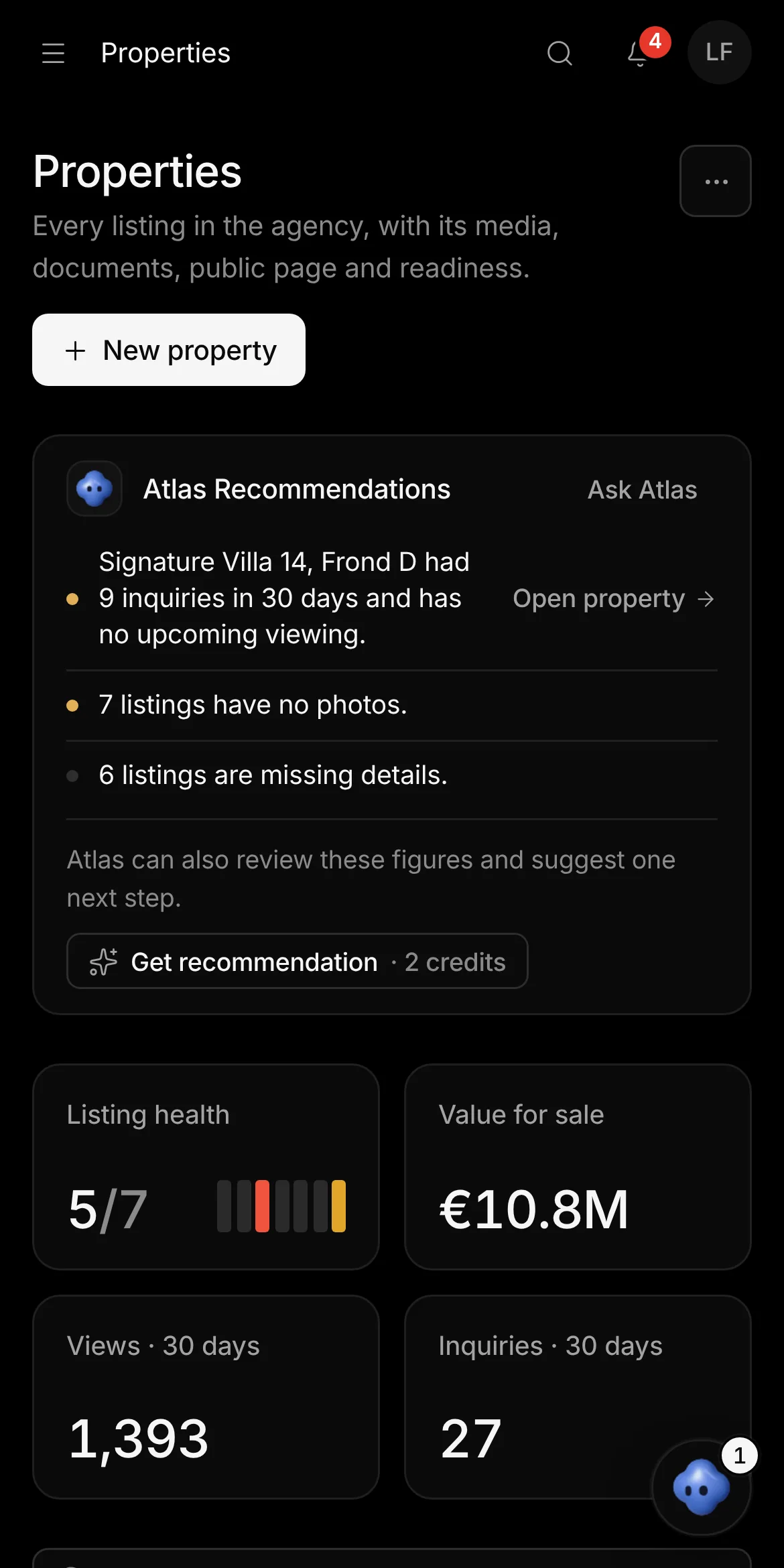
Price, features, photos, documents and the public page live on one record, and the record says what is still missing.
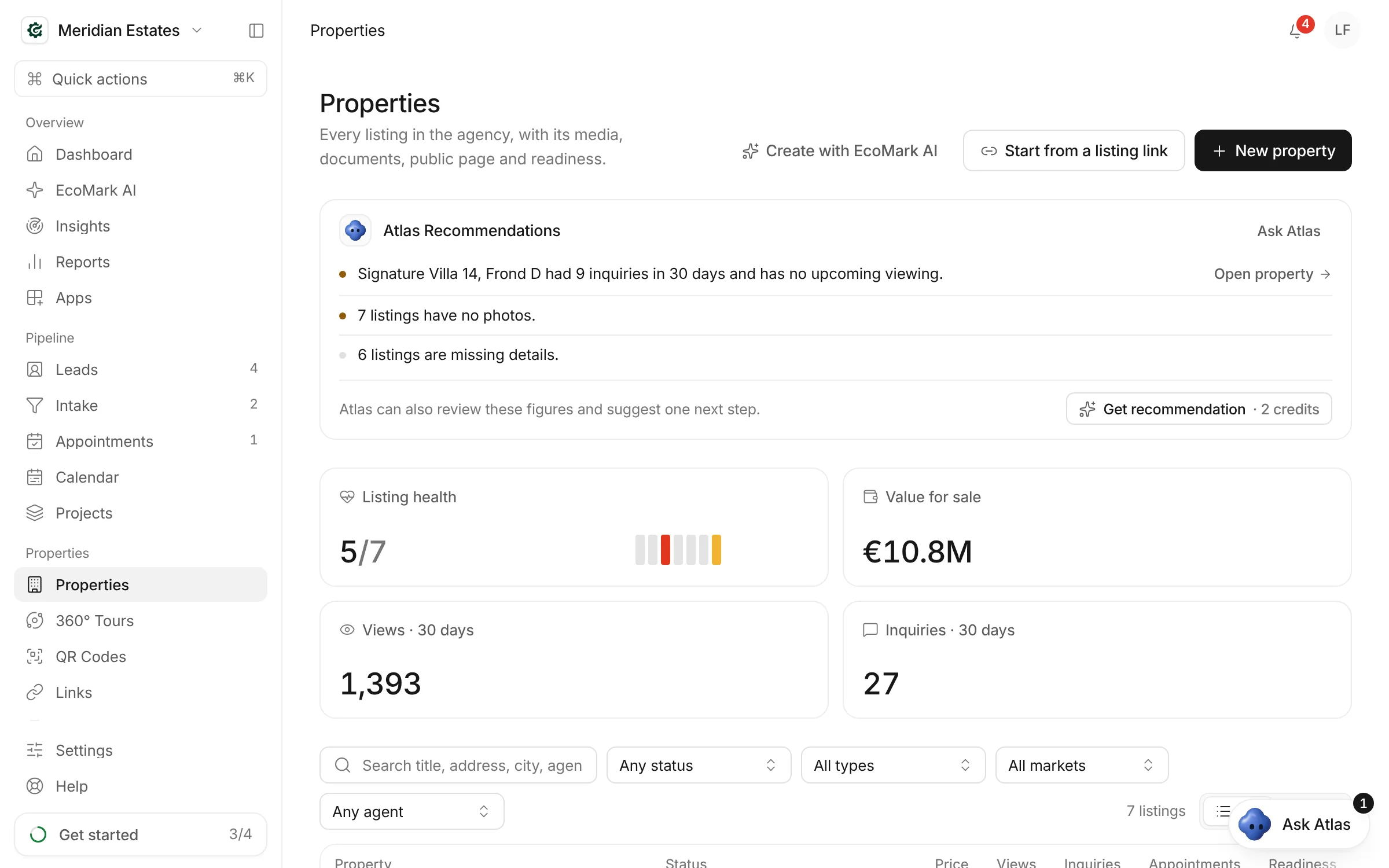
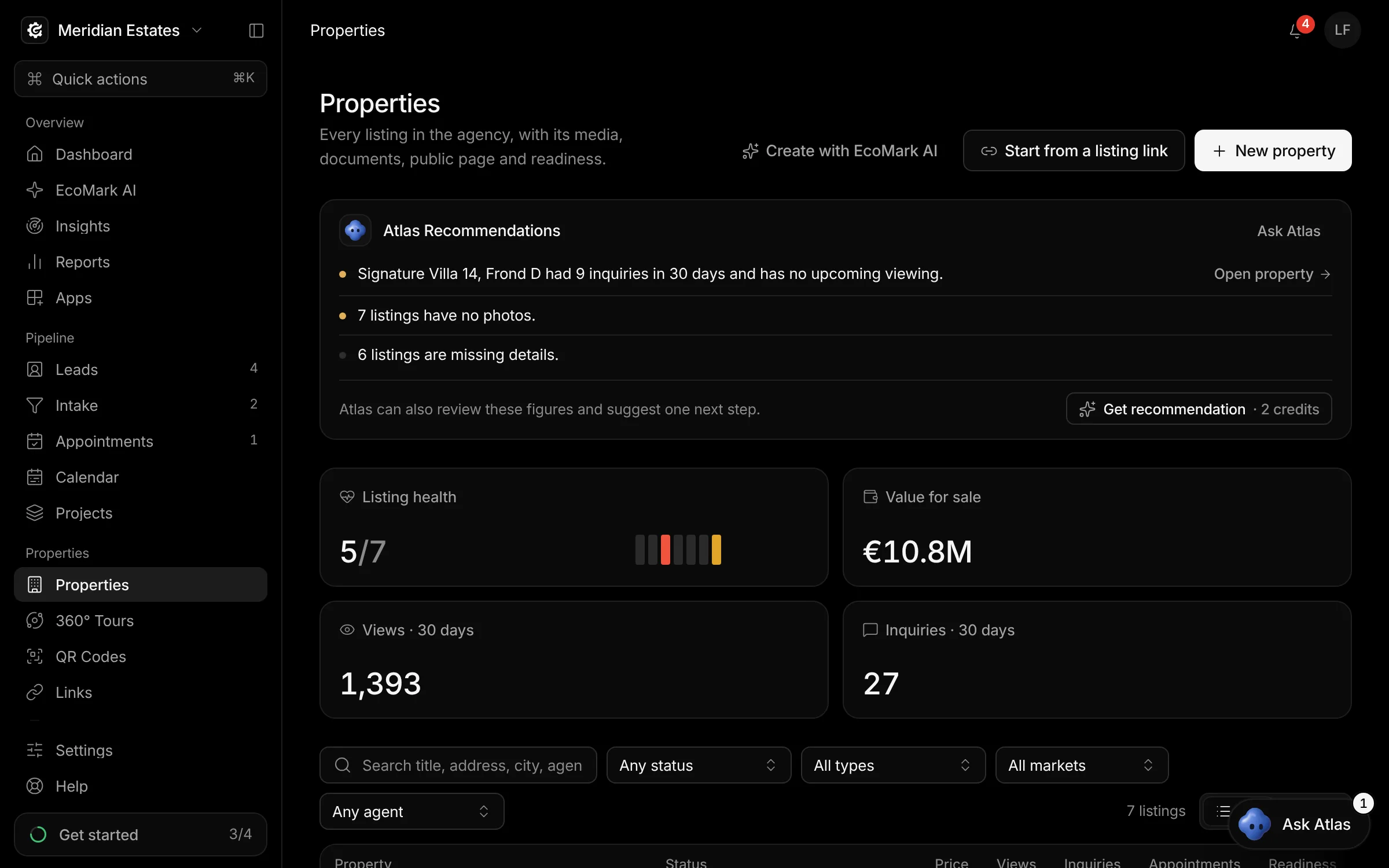
  • Readiness is one percentage of what a listing still needs before it is published: photos, description, documents, price. The missing items are listed beside it.
  • A draft stays private. Publishing is a separate step you take.
  • The property page, portfolios, short links and QR codes are made from the same record.
The Properties page of a sample agency: listings with their price, status and readiness.The Properties page of a sample agency: listings with their price, status and readiness.The Properties page of a sample agency: listings with their price, status and readiness.The Properties page of a sample agency: listings with their price, status and readiness.

Appointments and calendar

Viewings, calls and closings on one calendar.

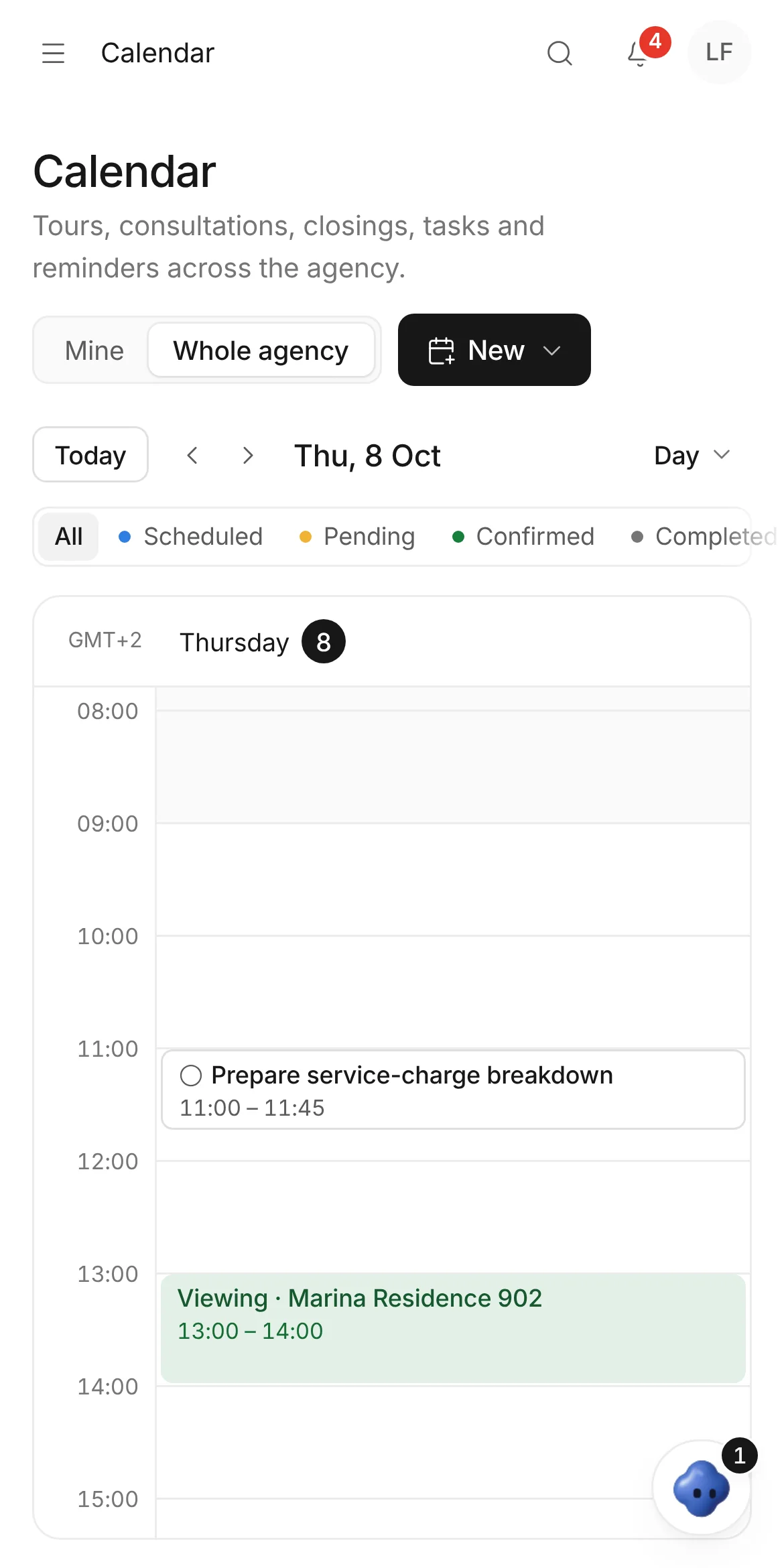
Appointments link the client and the listing. Tasks and reminders sit beside them, in each member's own time zone.
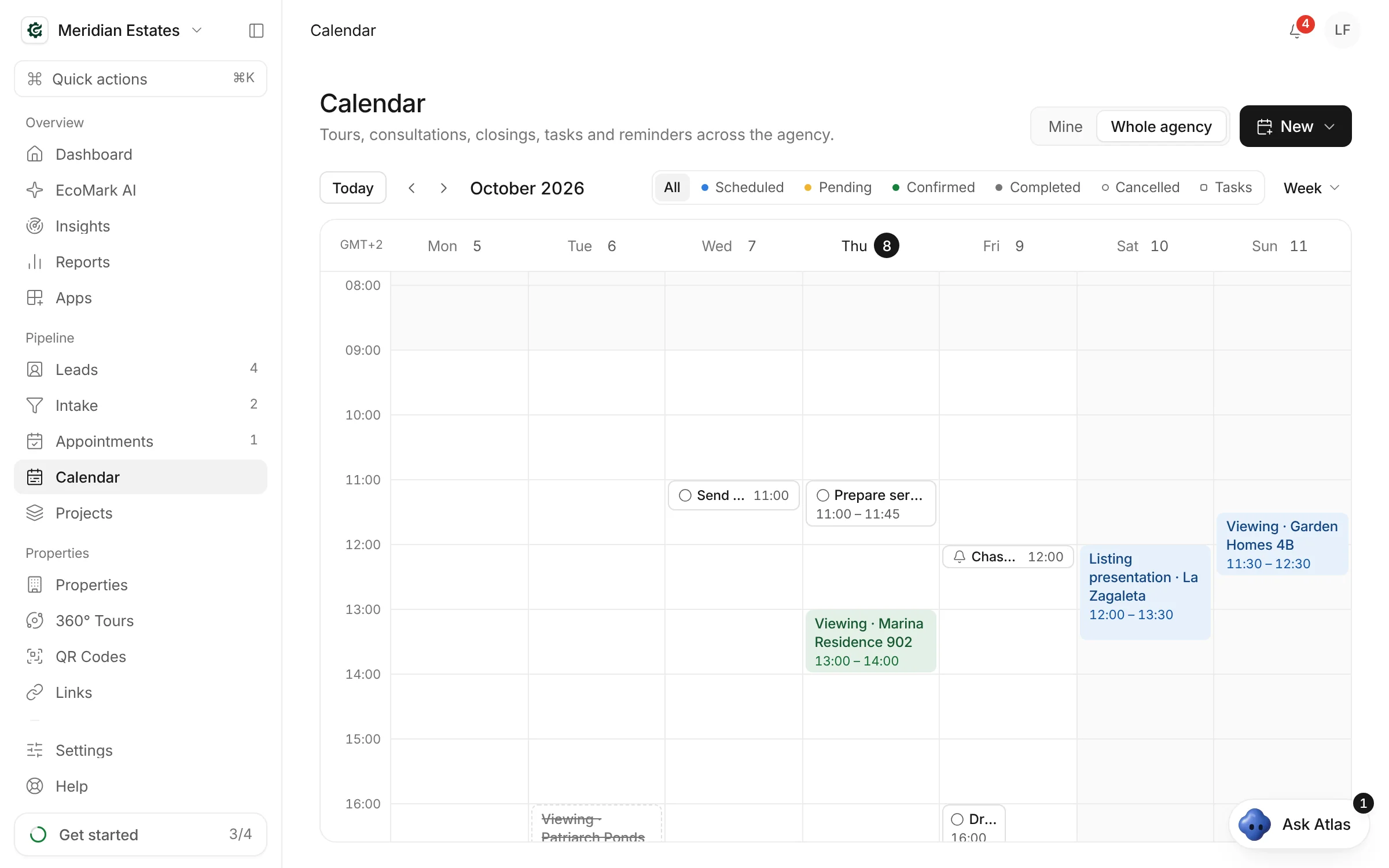
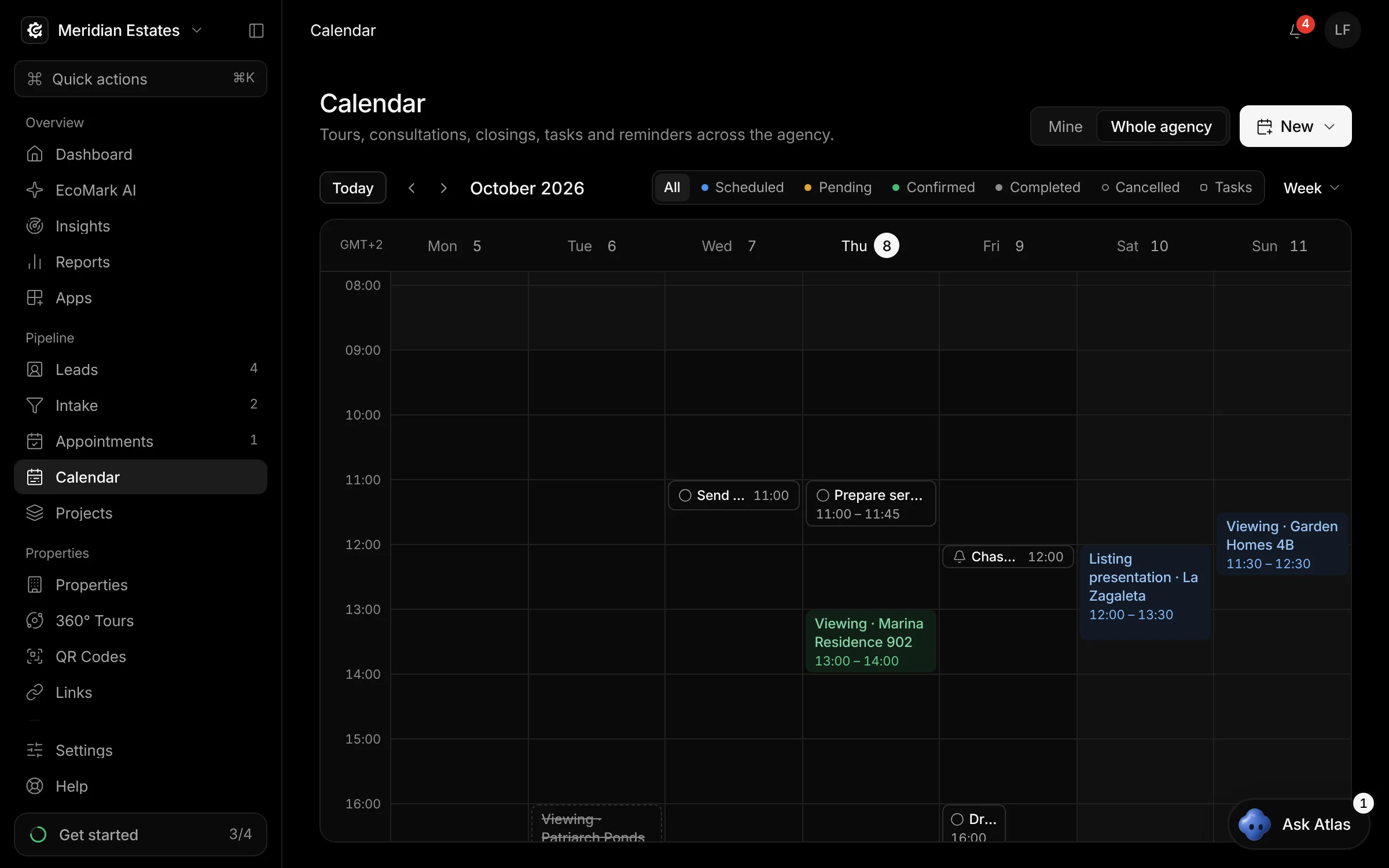
  • Kinds the agency works with: Property tour, Consultation, Listing presentation, Virtual meeting, Closing.
  • Before a viewing, a brief of what is on record about the buyer and the listing. After it, your notes become the follow-up.
  • Admins see the agency's calendar; agents see their own.
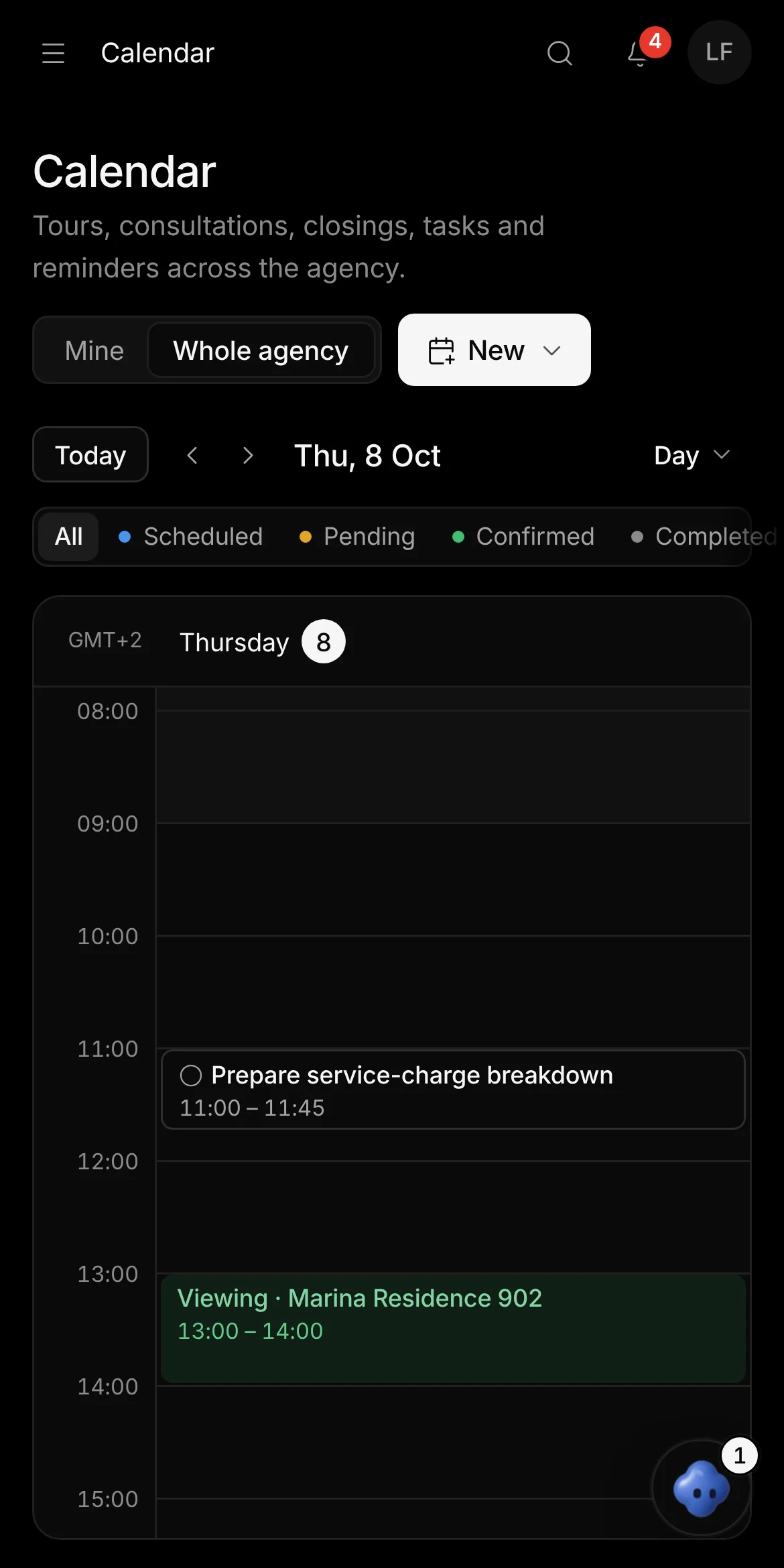
The Calendar of a sample agency: a week of viewings, consultations and tasks.The Calendar of a sample agency: a week of viewings, consultations and tasks.The Calendar of a sample agency: a week of viewings, consultations and tasks.The Calendar of a sample agency: a week of viewings, consultations and tasks.

Reports

What the agency produced, in figures you can trust.

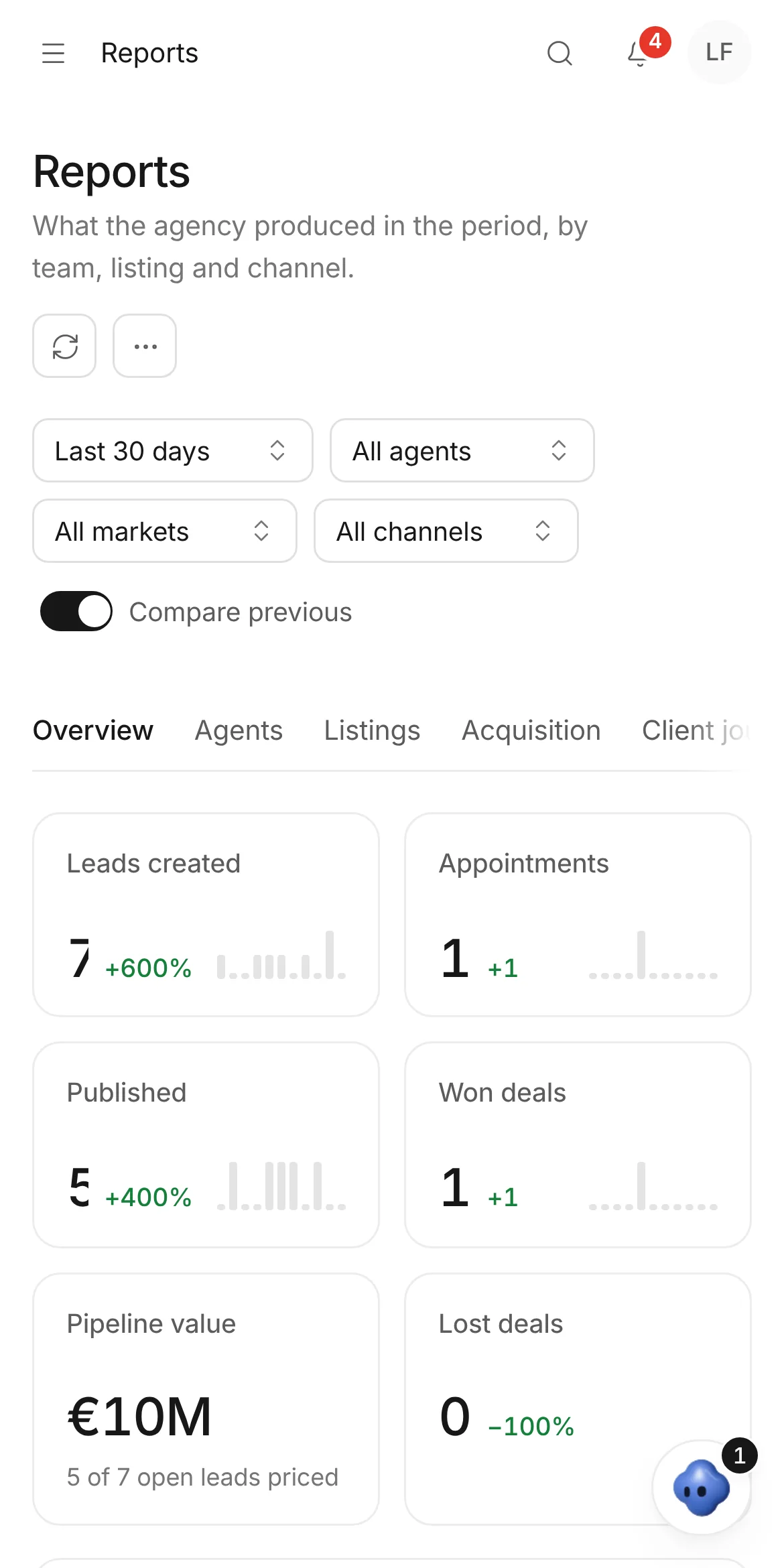
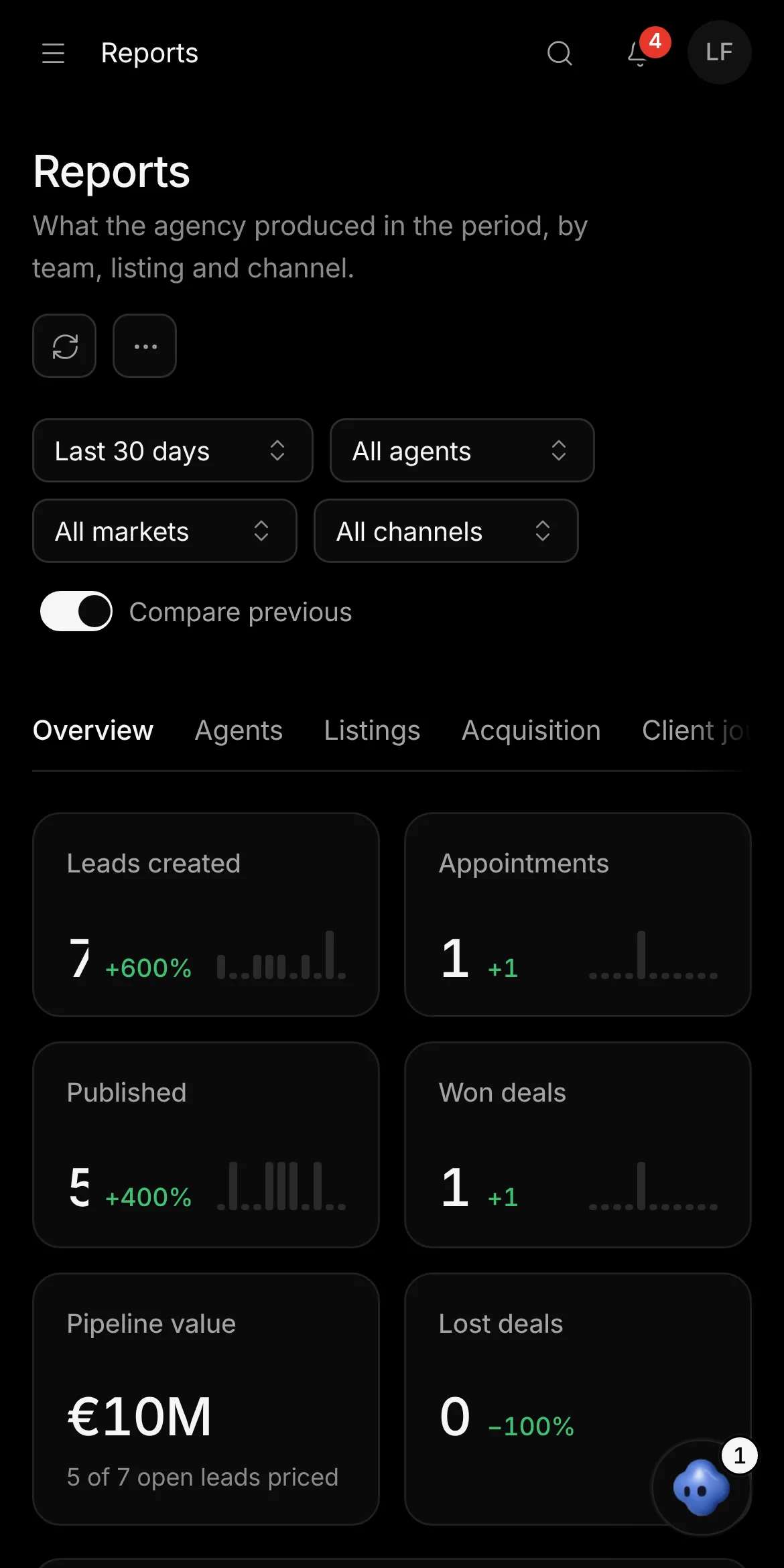
Counted from the records themselves: leads, enquiries, viewings, listings and messages, for the period you choose.
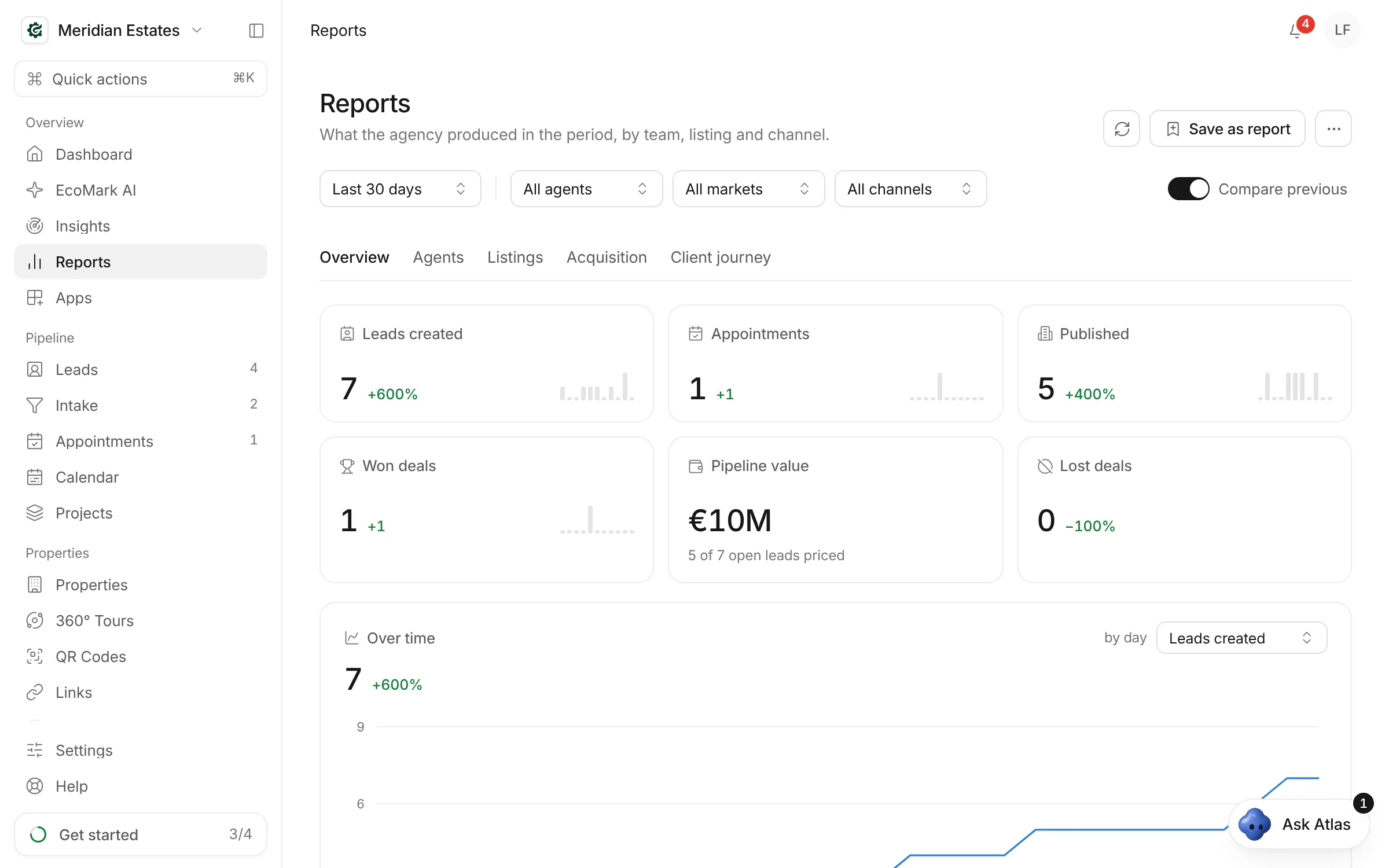
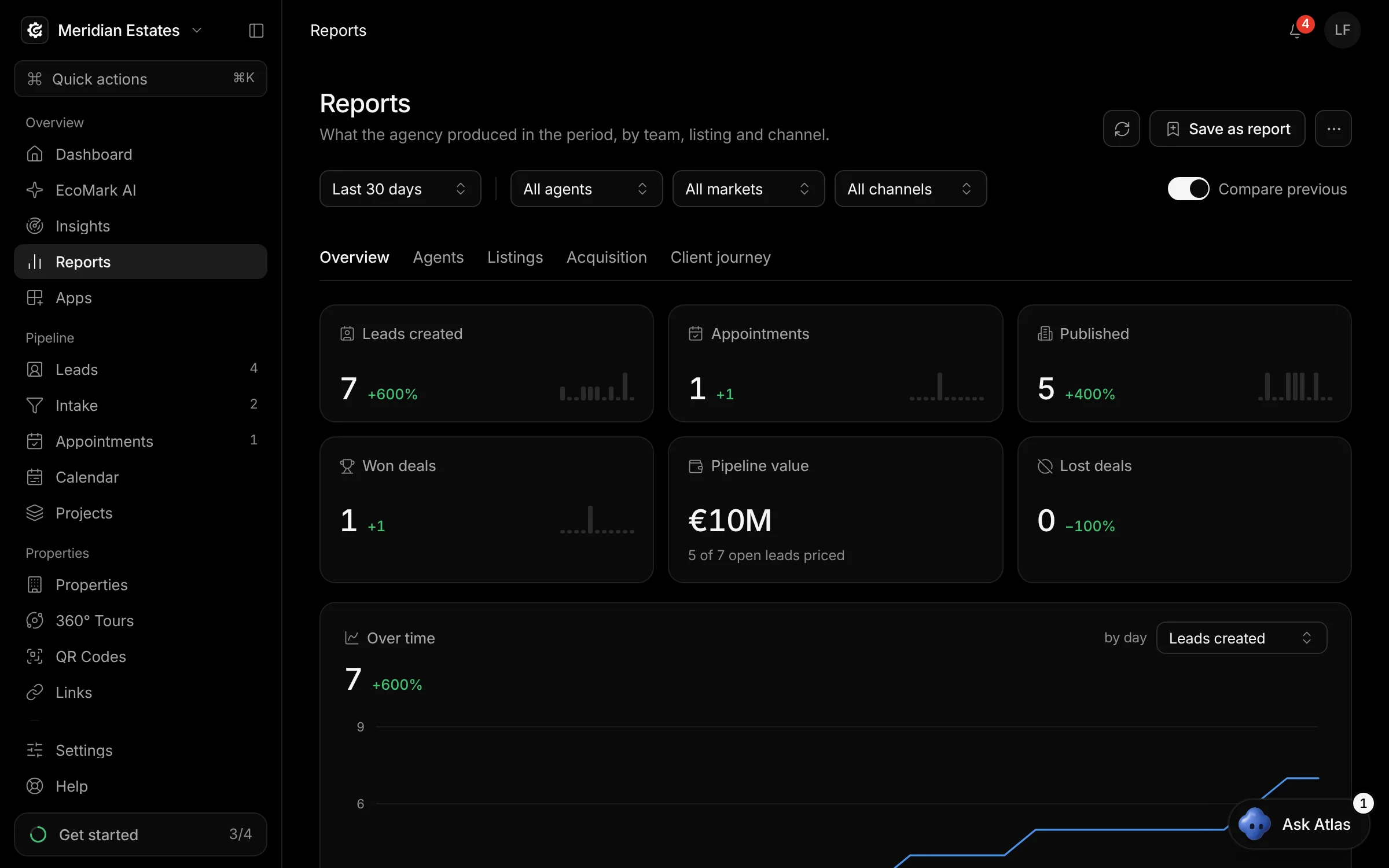
  • Views by period: Overview, Agents, Listings, Acquisition, Client journey.
  • Insights: where demand is coming from, what your inventory covers and what to do next.
  • Reports export to CSV.
The Reports page of a sample agency: the period's figures by team, listing and channel.The Reports page of a sample agency: the period's figures by team, listing and channel.The Reports page of a sample agency: the period's figures by team, listing and channel.The Reports page of a sample agency: the period's figures by team, listing and channel.

One connected journey

From the first message to the report, nothing is retyped.

Each step is a record that knows the one before it. Scroll through one buyer's journey.

  1. 1Enquiry

    A message arrives.

    It is logged in Intake with where it came from.

  2. 2Lead

    It becomes a lead.

    Converted, it enters the pipeline at New, with what the buyer is looking for.

  3. 3Viewing

    A viewing is booked.

    The appointment links the buyer and the listing, on the agent's calendar.

  4. 4Follow-up

    The next step is never lost.

    After the visit, the follow-up has a date and an owner.

  5. 5Selection

    A selection that fits.

    Listings checked against what the buyer asked for, saved as a portfolio to share.

  6. 6Report

    It all counts.

    The same records feed the period's reports.

Sharing

Property pages, portfolios, links and QR codes.

Made from your records, public only when you publish them, and served while the agency's subscription is active.

  • Property pagesA listing's public page: price, description, features, photos and a way to contact the agency.
  • PortfoliosA curated set of listings, published as one page and shared with a client.
  • Short linksFor listings, tours, portfolios and the agency's booking and inquiry pages.
  • QR codesPrintable codes for listings, tours, portfolios and the agency's booking and inquiry pages.

Counters count visits and scans, not people.

EcoMark AI

An assistant inside every page.

The Ekos (Atlas, Avery, Sage and Nova) are four ways to work with the same EcoMark AI. It prepares the work from your records, and you decide how far it goes on its own.

Languages, roles and formats

Made for the way each member works.

15 languages

From English and Spanish to Japanese and Korean, with right-to-left layout for Arabic and Urdu. Each member chooses their own.

  • English
  • Español
  • العربية
  • Français
  • Deutsch
  • Italiano
  • Português (Brasil)
  • Português (Portugal)
  • Русский
  • Türkçe
  • हिन्दी
  • اردو
  • 简体中文
  • 日本語
  • 한국어

Two roles

  • Admin

    Sees the whole agency: every lead, listing and member, billing and settings, plus Insights and Reports.

  • Agent

    Sees their own work: the leads, appointments and listings assigned to them or created by them, and their own Performance page.

The agency's formats

An admin sets the currency, units and date and time format for the whole agency; each member chooses their own language and time zone.

Built area
⁨310 m²⁩
Viewing
—

Currencies

  • EUR
  • USD
  • GBP
  • AED
  • CHF

See your agency in it.

Create your workspace in a few minutes, or ask us to walk you through it.