EcoMark OS
US$1,497/month
For the whole agency. Billed monthly.
- 2,000 AI credits in every billing cycle
- Leads, properties, appointments, portfolios
- EcoMark AI assistant
- WhatsApp Business and email
- Reports and market insights
- Email support
Pricing
The workspace, EcoMark AI and messaging in one monthly subscription, with AI credits included in every billing cycle.
US$1,497/month
For the whole agency. Billed monthly.
One plan with all of it: every module, EcoMark AI and every integration as it opens to agencies.
Overview
Pipeline
Properties
Workspace
The Ekos: four ways to work with the same assistant. It prepares the work from your records; nothing leaves without your approval.
Mail, messaging, calendars, files, signatures and meetings, each opening to agencies as it becomes available.
AI credits
Each billing cycle adds 2,000 credits to the agency's balance. EcoMark AI spends from that balance, and anything priced separately shows its cost before it runs.
20 credits for every US$1
US$25 adds 500 credits
The credits included with the plan are spent before the ones you buy.
What is left at the end of a cycle stays in the balance, and the next cycle's credits are added to it. Purchased credits stay until they are used.
An admin adds credits from the billing page while the plan is active, and pays for them on Stripe's checkout page. They are added once Stripe confirms the payment.
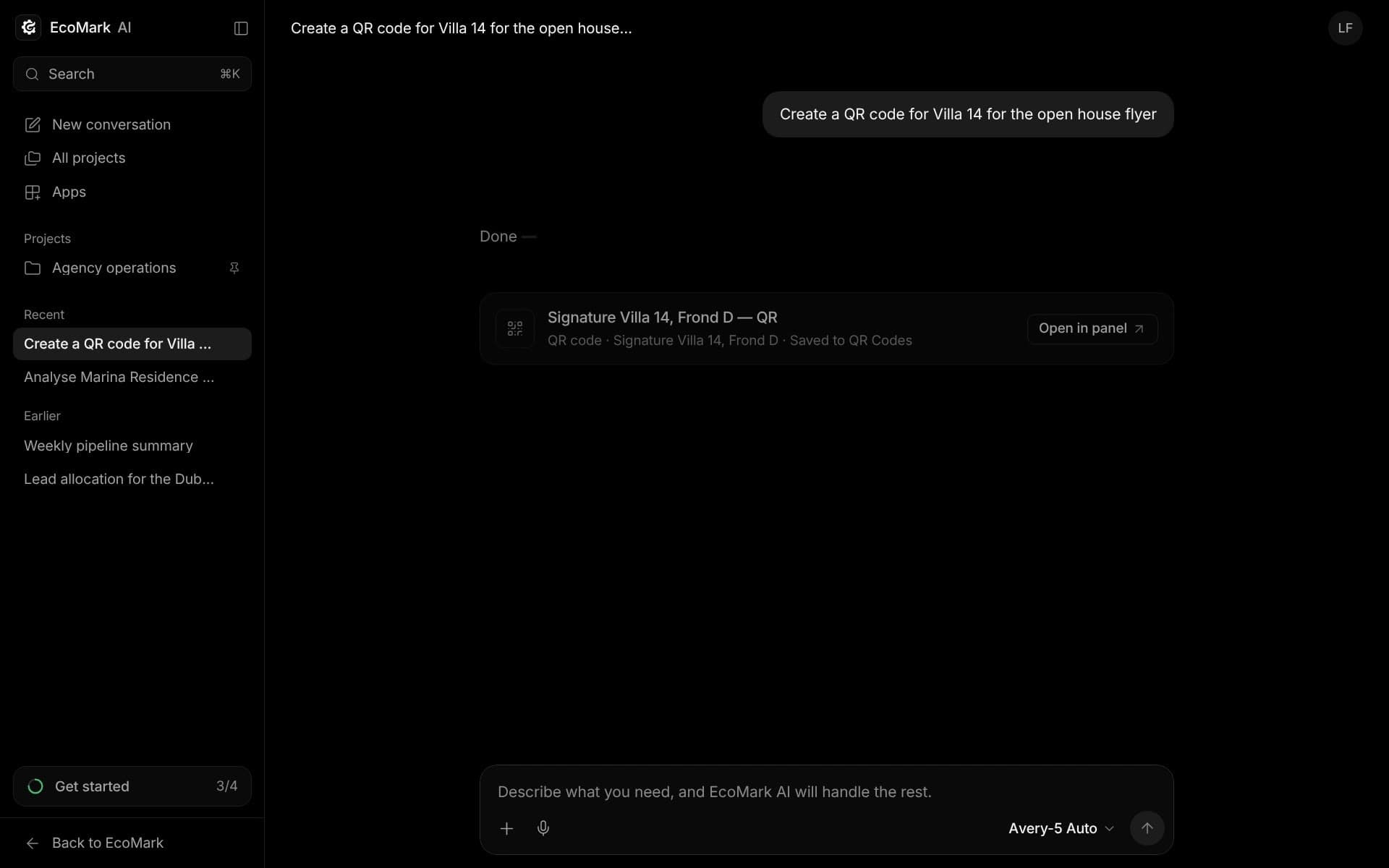
A QR code for the open-house flyer, pointing to the listing's public page and saved with the agency's QR codes.
Meet EcoMark AI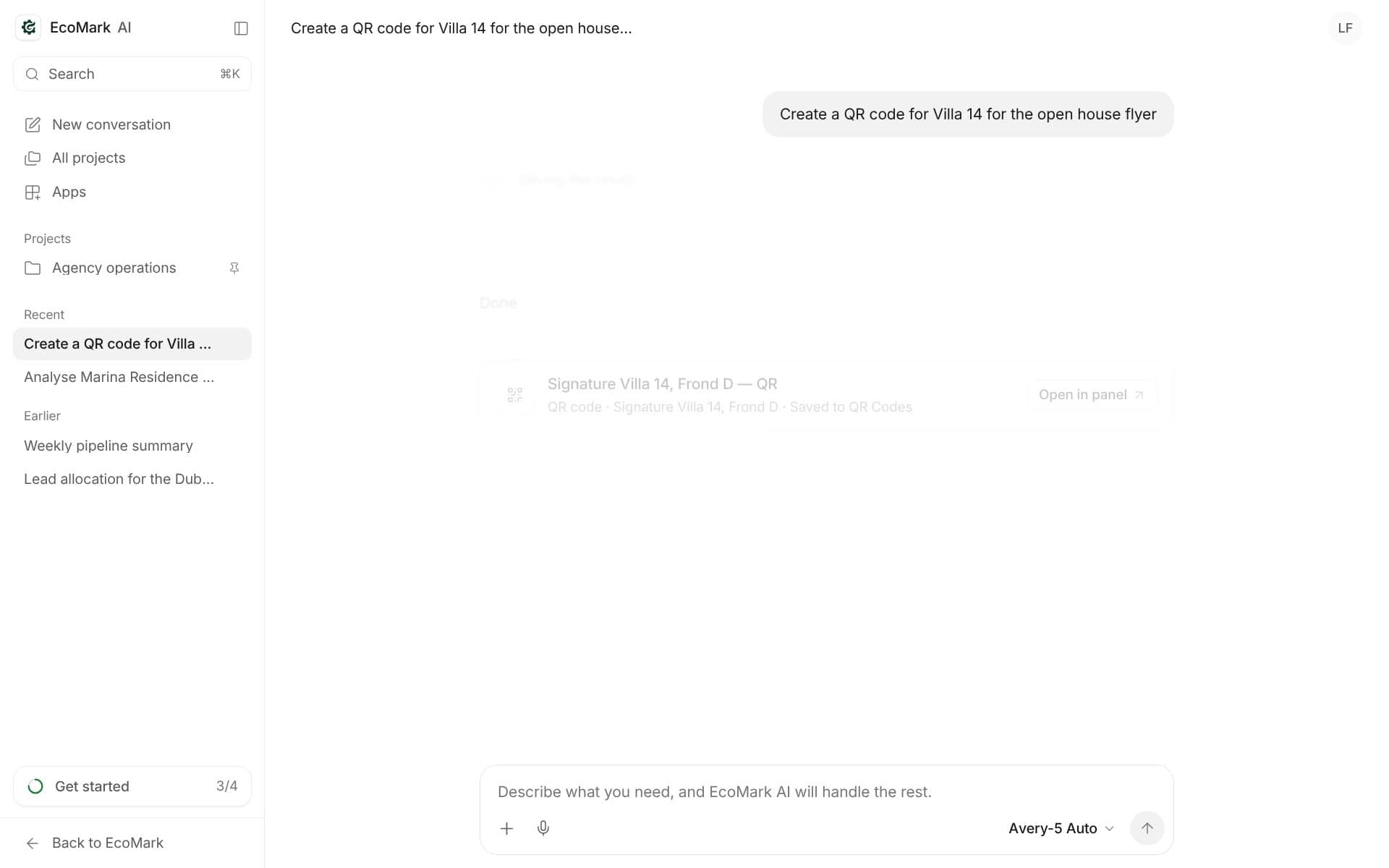
Ask for the summary and it is written from the agency's own figures, with the full breakdown in the panel.
Meet EcoMark AI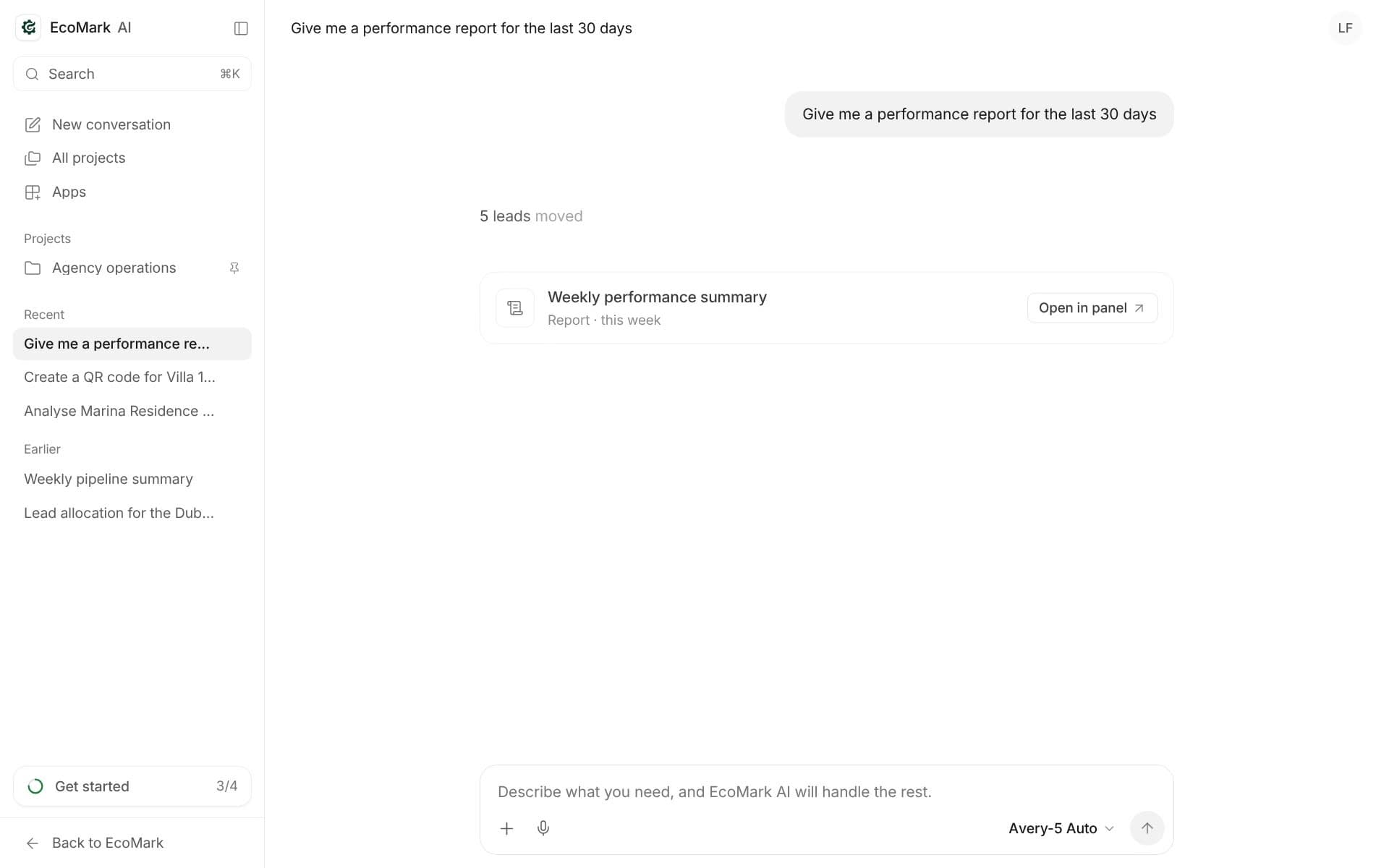
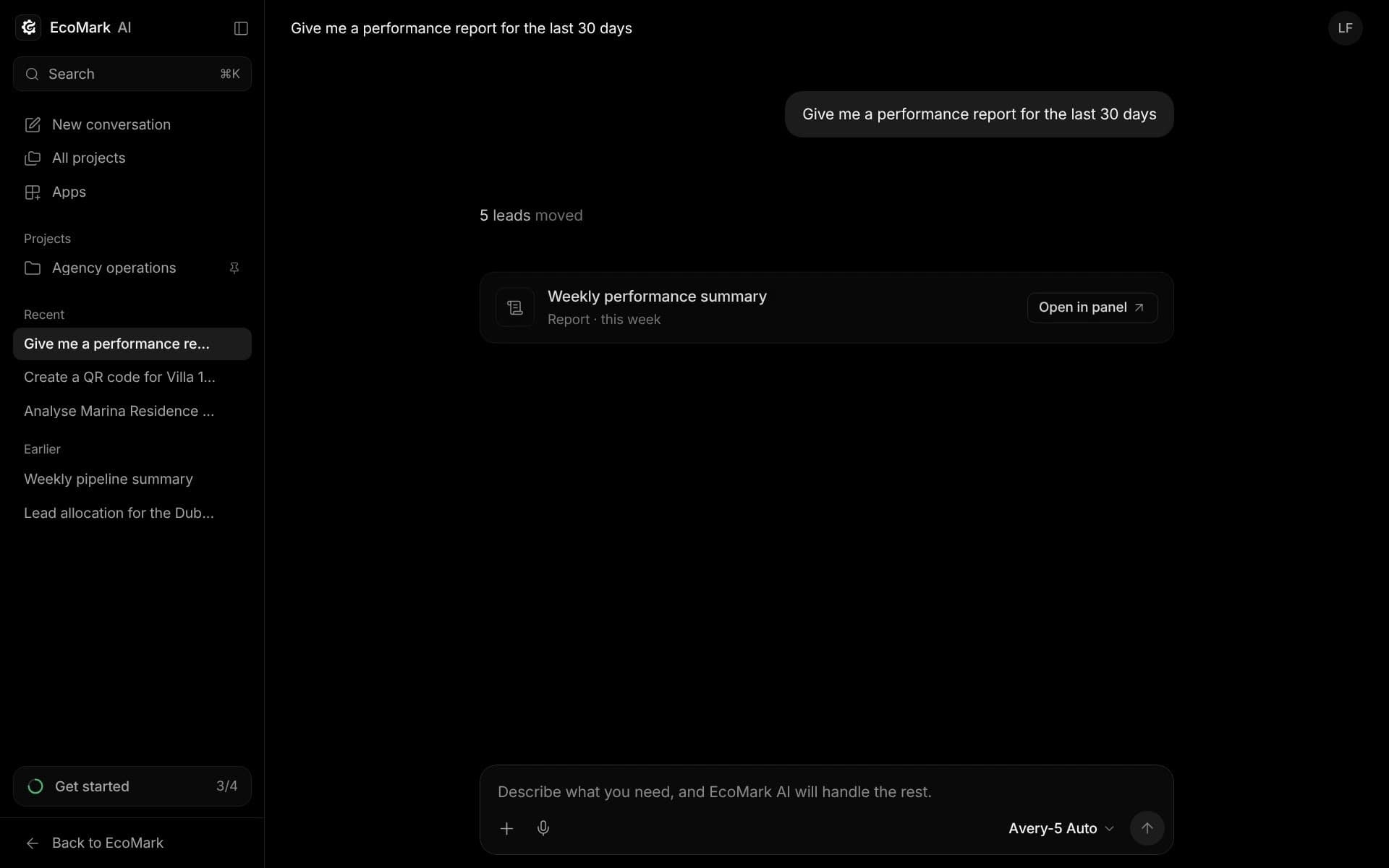
Recorded in EcoMark's demonstration workspace, with sample data.
Getting started
An admin of the agency activates the plan. Access is opened by the confirmed payment, never by a page you land on.
Your name, your e-mail, a password, the agency's name, its country and its tax or registration number. Confirm the address from the e-mail you receive: you become the agency's first admin.
A guided setup you can save and finish later:
The plan is paid on Stripe's hosted checkout page. If you have a promotion code, you enter it there.
When Stripe confirms the payment to EcoMark's server, the workspace opens for the agency. Returning from the checkout page alone opens nothing.
Admins manage the subscription in the billing portal. If you cancel, access continues until the end of the period you paid for. If a payment fails, access pauses until it is resolved.
There is no free trial. If you want to see EcoMark before you activate it, ask for a demo: the team answers by e-mail to arrange a time and walks you through it.
Something else about the plan? Write to the team: they answer by e-mail.
Write to usNo. You can create your agency and activate the plan, or ask for a demo first.
No. There is one plan, EcoMark OS, billed monthly.
They stay in the balance. Credits do not expire, and each new cycle's credits are added to what is left.
The agency's admins. Agents work in the workspace and with EcoMark AI; the subscription, invoices and top-ups stay with the admins.
Yes. If you have one, enter it on Stripe's checkout page when you activate the plan.
Cancel from the billing portal. The plan does not renew, and access continues until the end of the period you paid for.
Access to the workspace pauses until the payment is resolved. An admin updates the card in the billing portal.
Create your workspace and activate it when you are ready, or ask the team for a demo.