iPhone and Mac
EcoMark on your devices.
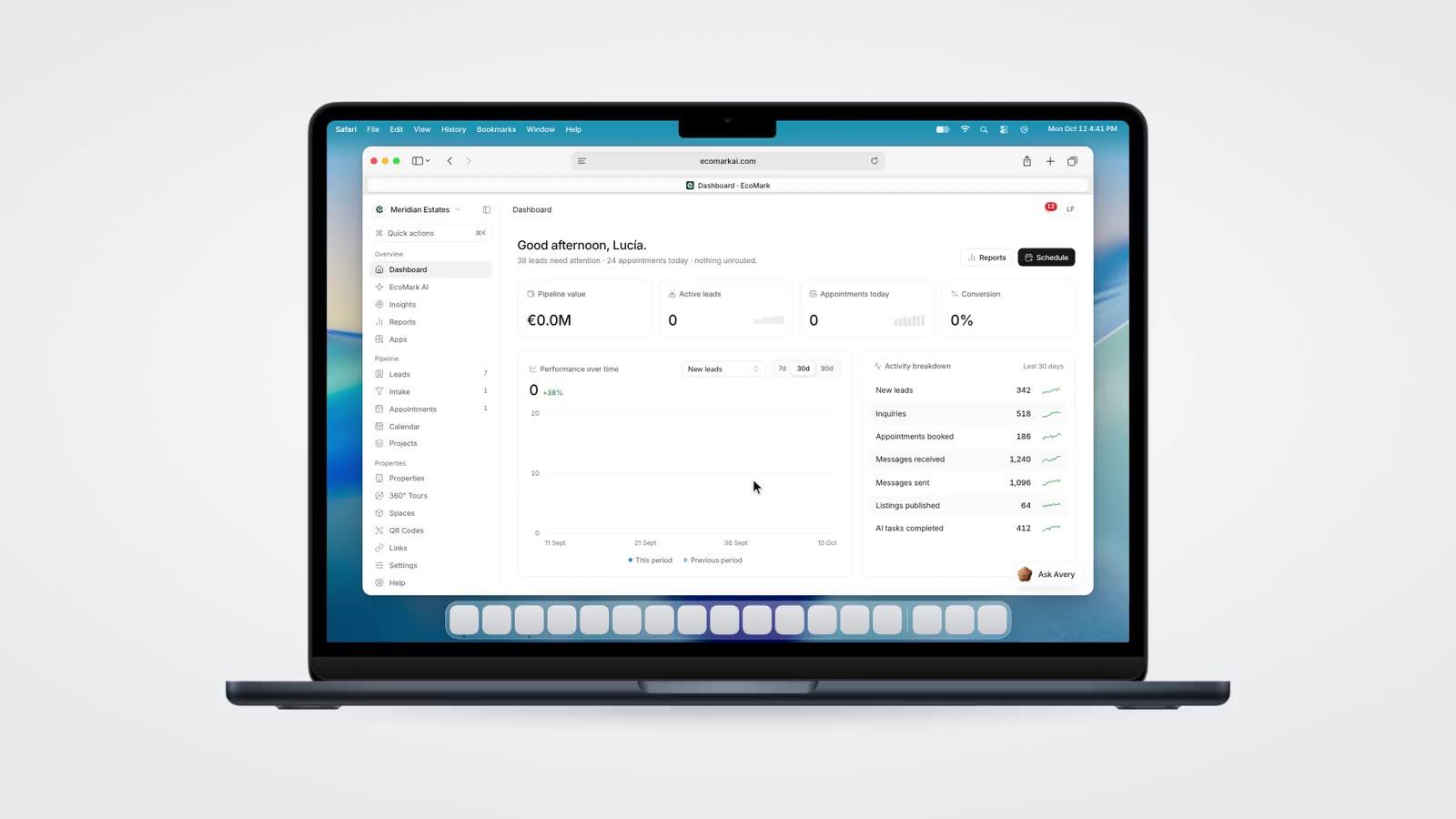
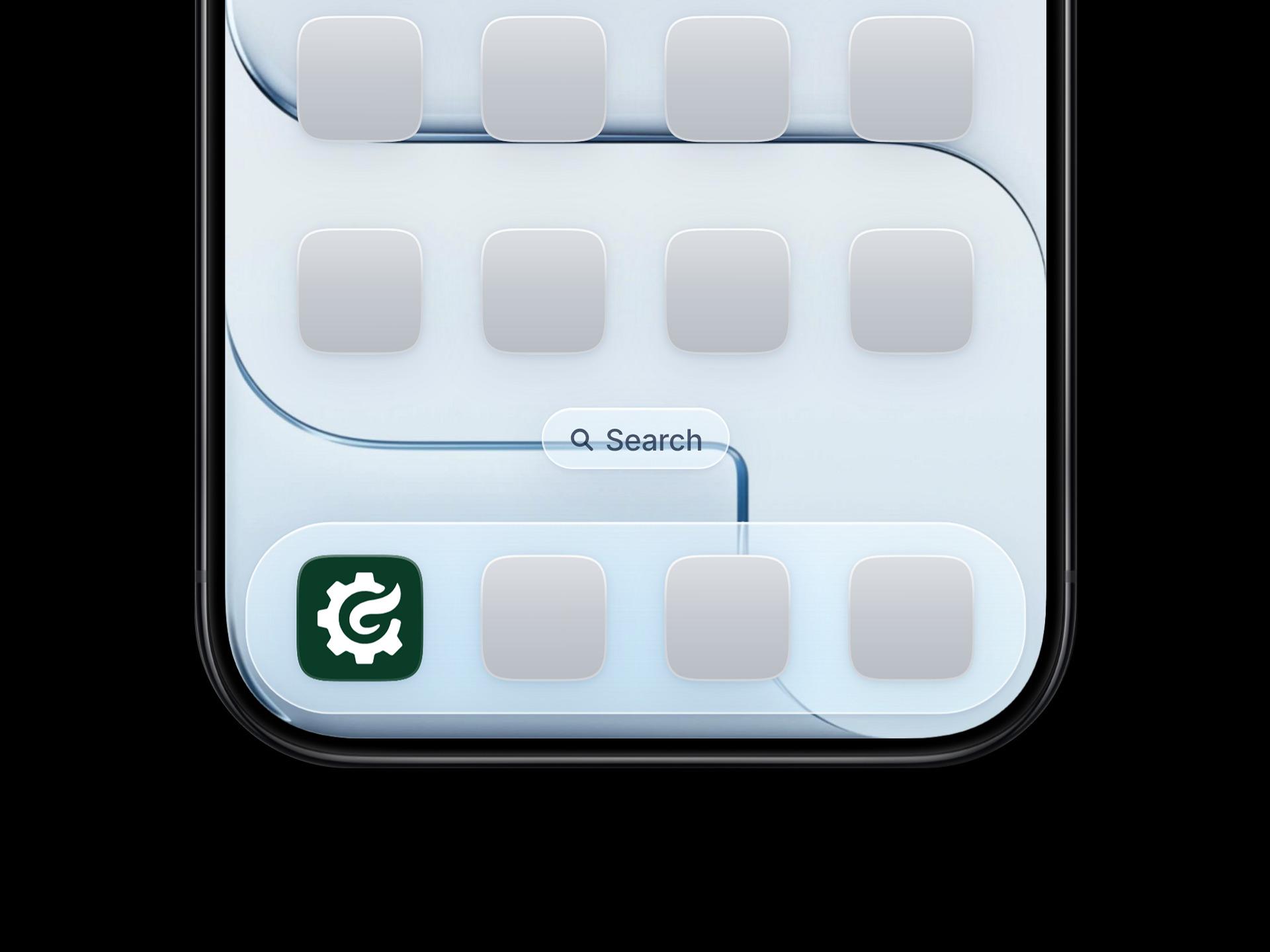
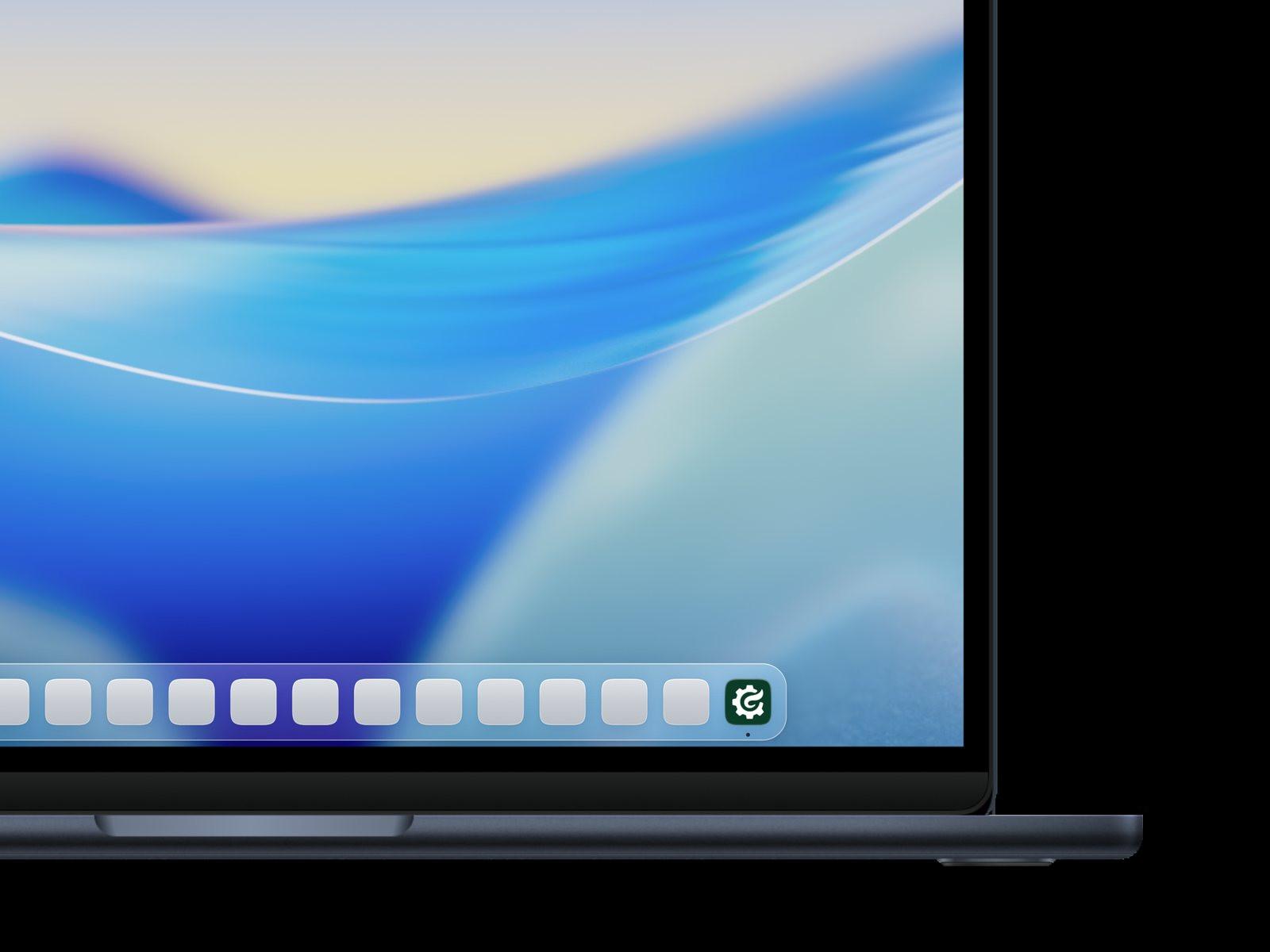
Add EcoMark to your iPhone's Home Screen or your Mac's Dock and open it like an app: full screen on iPhone, in its own window on Mac. It's the same EcoMark you use in the browser, with the same account, so there's nothing to download from the App Store.
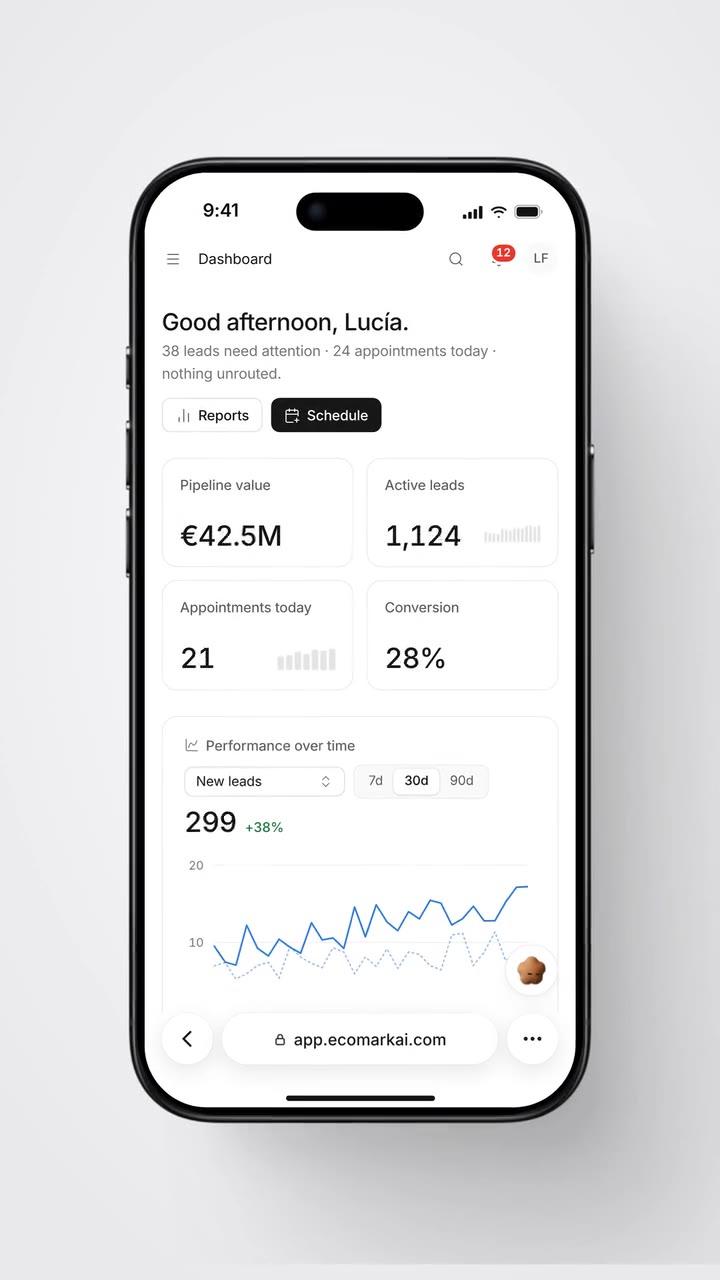
iPhone
On your Home Screen.
With Safari.
Mac
In your Dock.
With Safari on macOS Sonoma 14 or later.
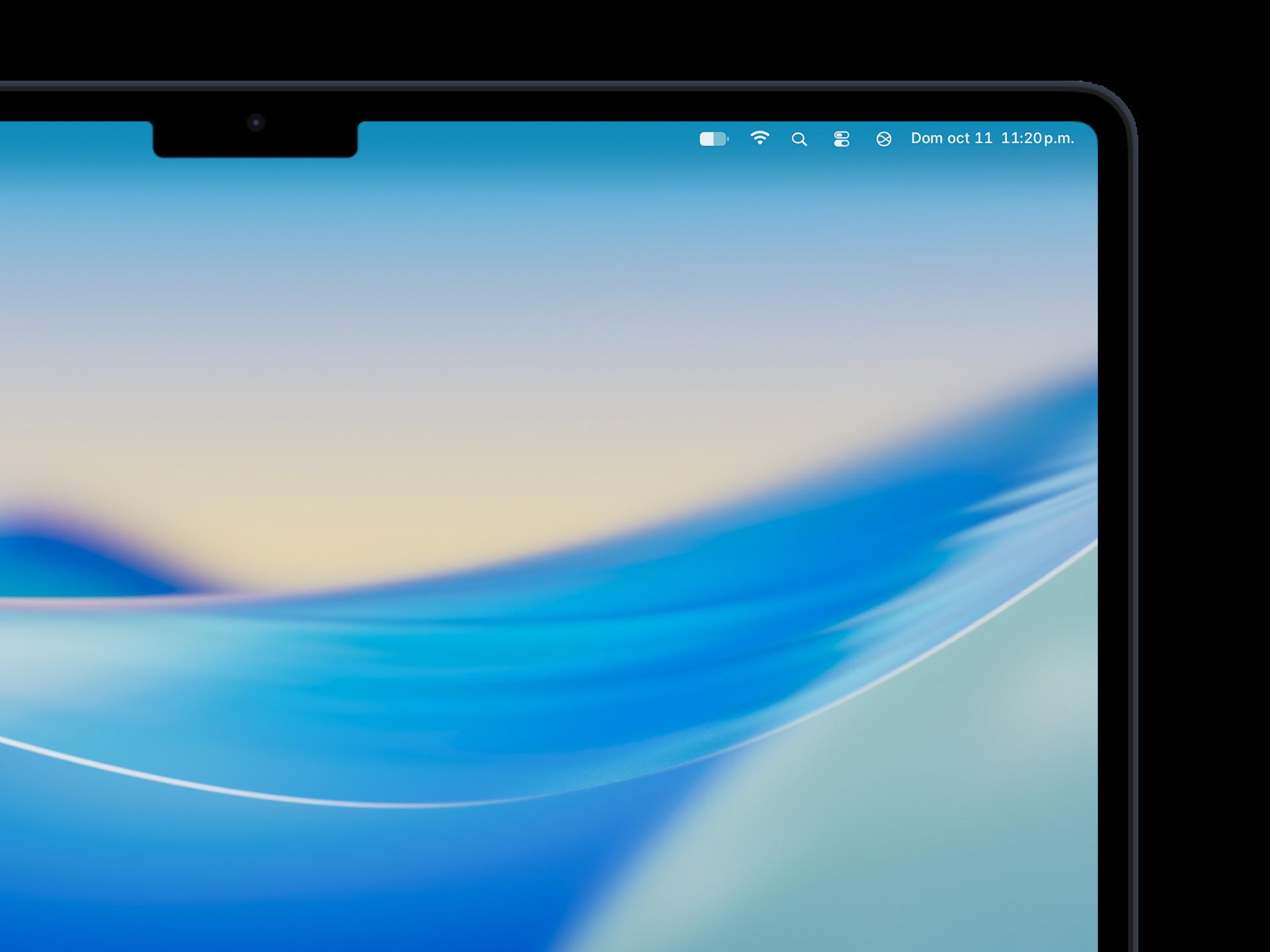
Not an App Store app: it's EcoMark on the web, with its own icon and its own window, always on its latest version.
To use EcoMark you need your agency's account.
Create your agencyAlready have an account? Sign in