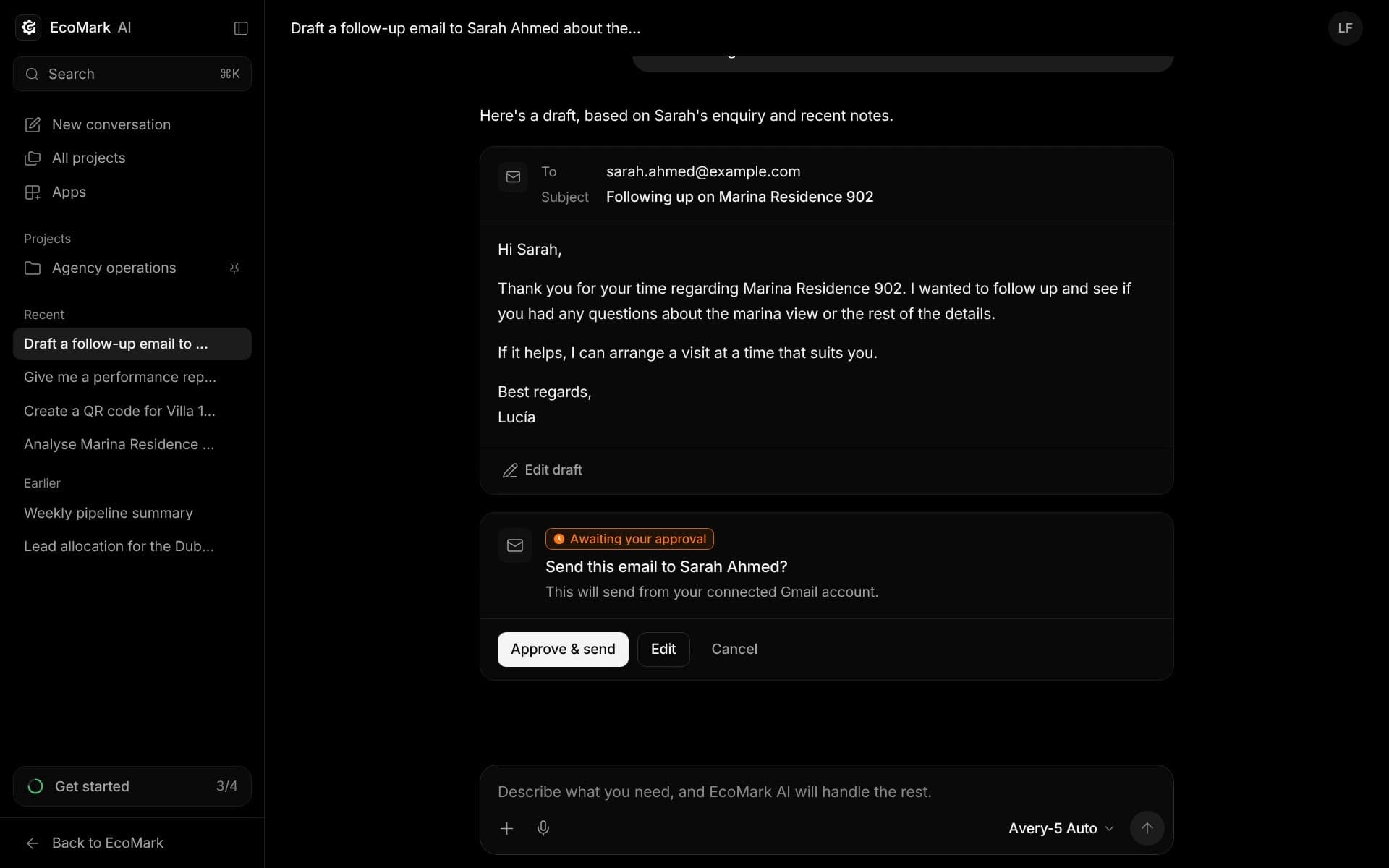
It drafts, you approve.
EcoMark AI writes the email from the lead's own history, and nothing is sent until you approve it.
How approvals work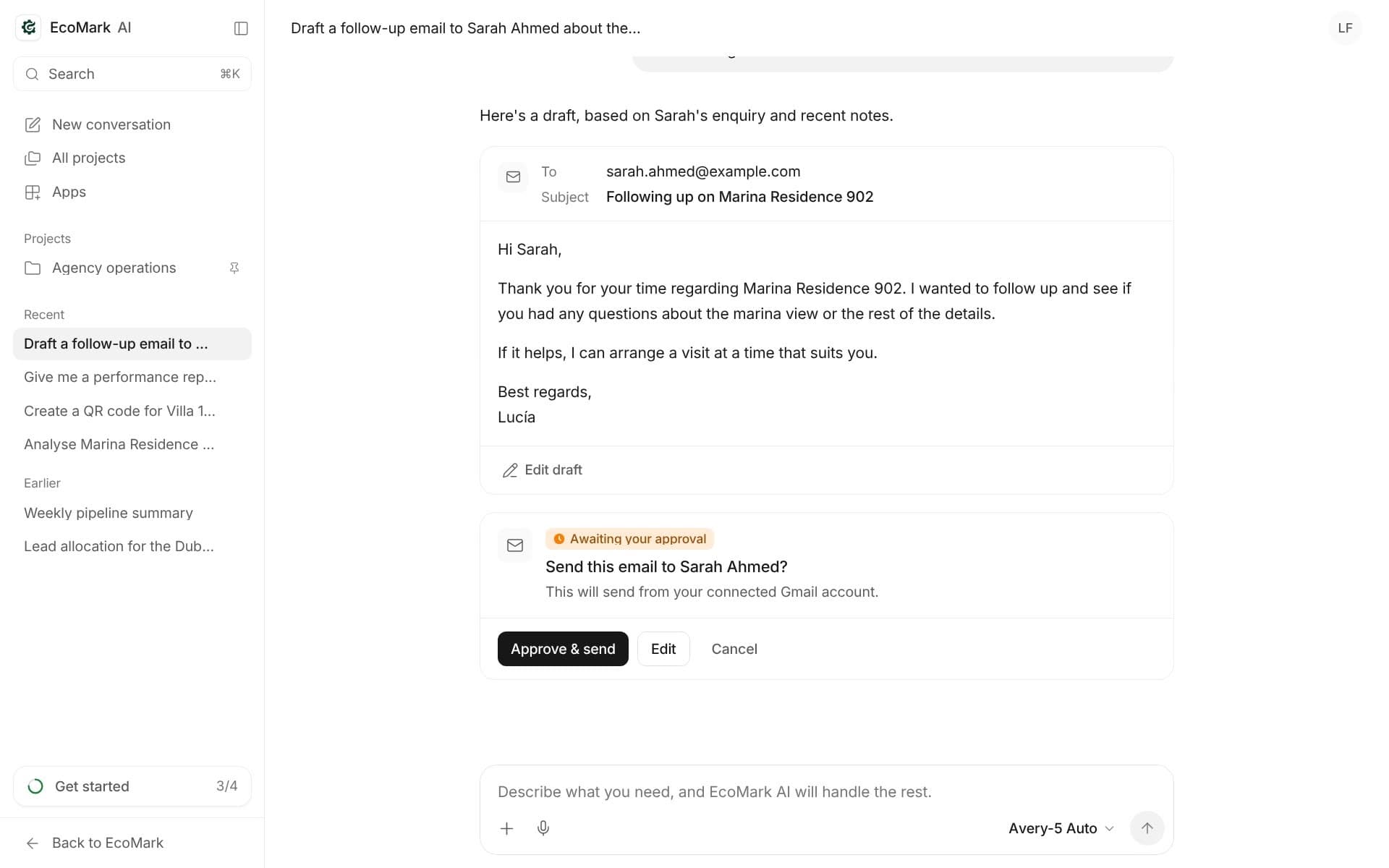
Leads, listings and messages together. EcoMark AI prepares the work; you approve it.

The services EcoMark runs on, and the apps it is built to connect to
EcoMark at work
What EcoMark AI writes, creates and finds for the agency, and what stays waiting for you, recorded in the product itself.
EcoMark AI writes the email from the lead's own history, and nothing is sent until you approve it.
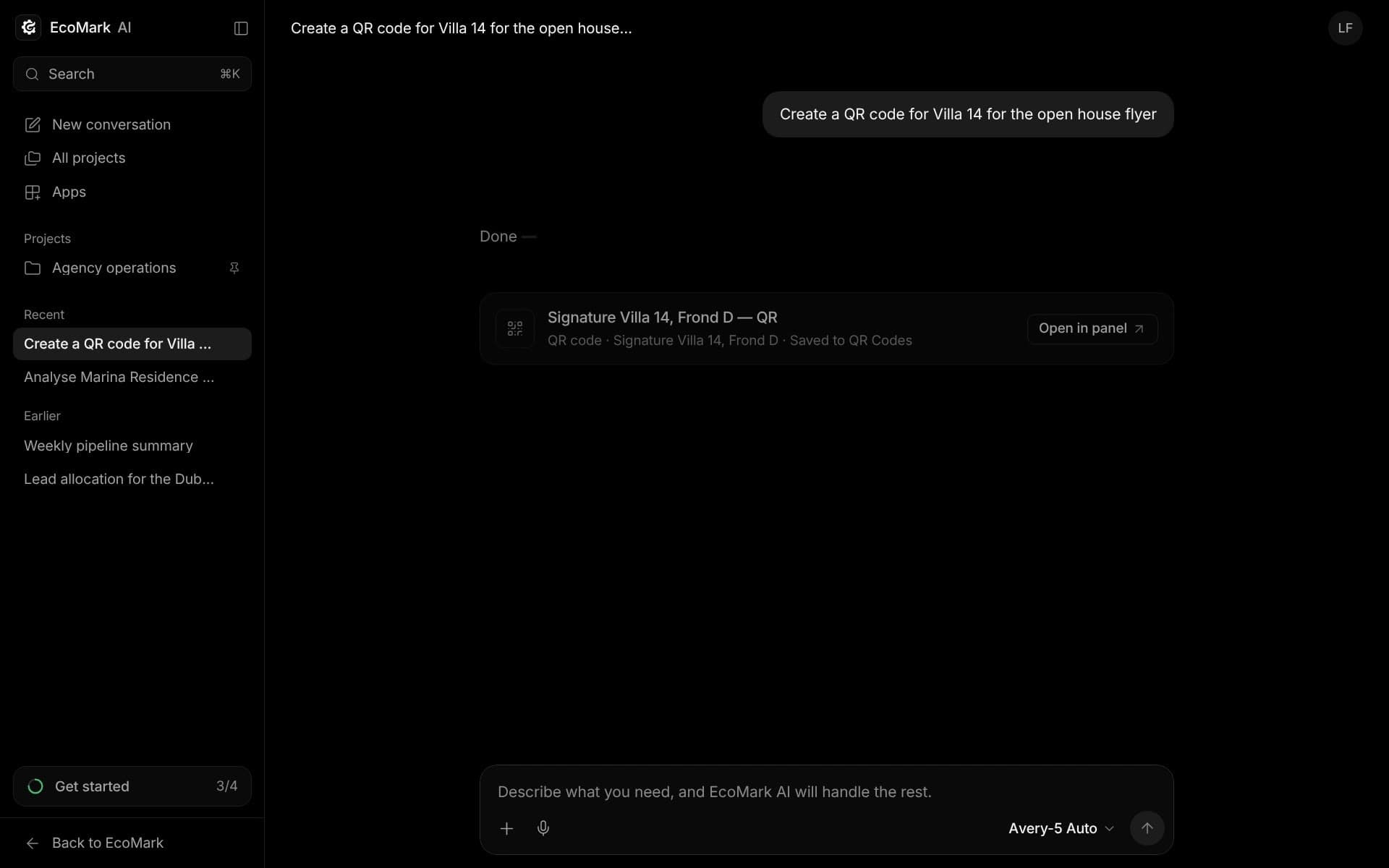
How approvals workA QR code for the open-house flyer, pointing to the listing's public page and saved with the agency's QR codes.
Meet EcoMark AI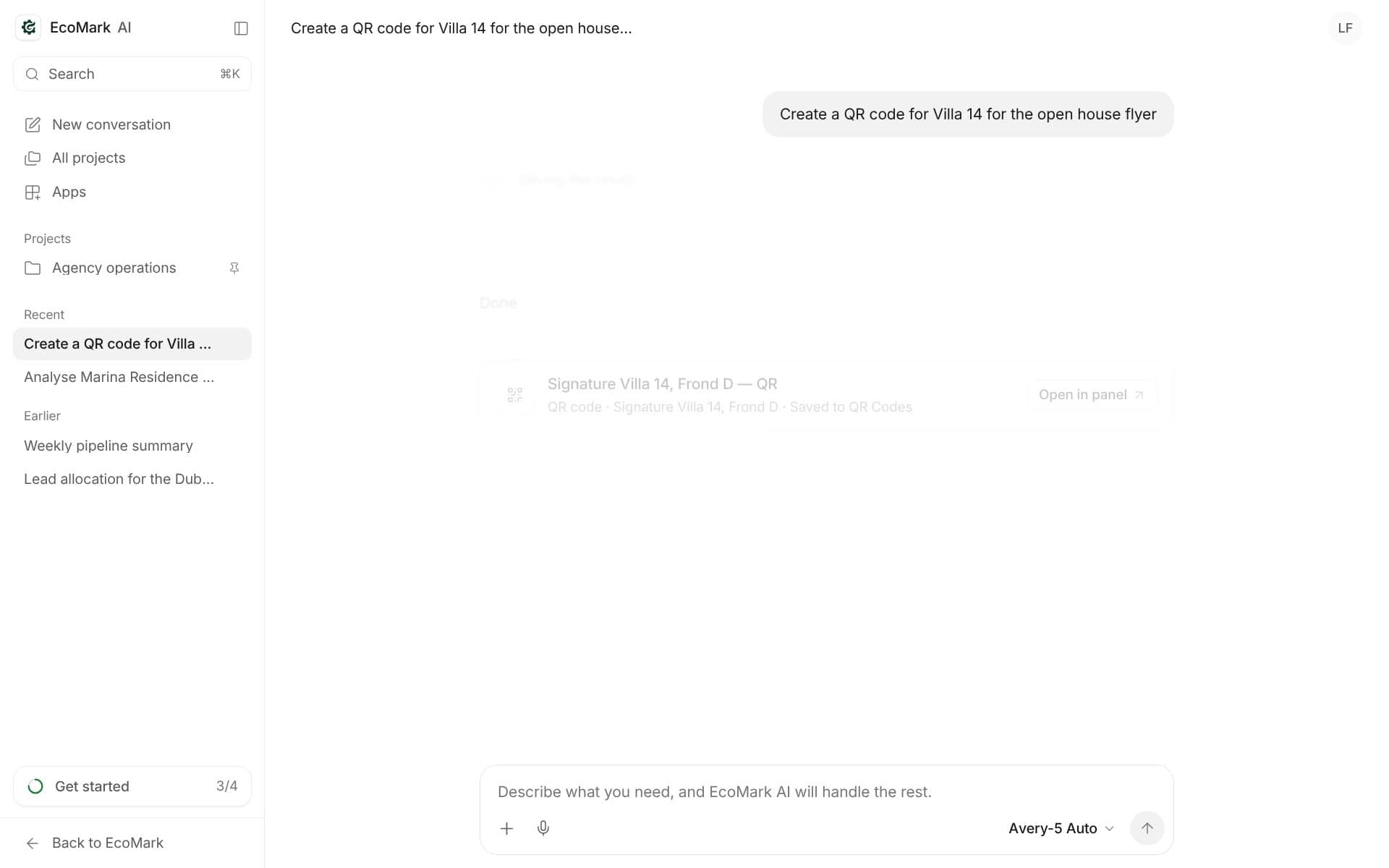
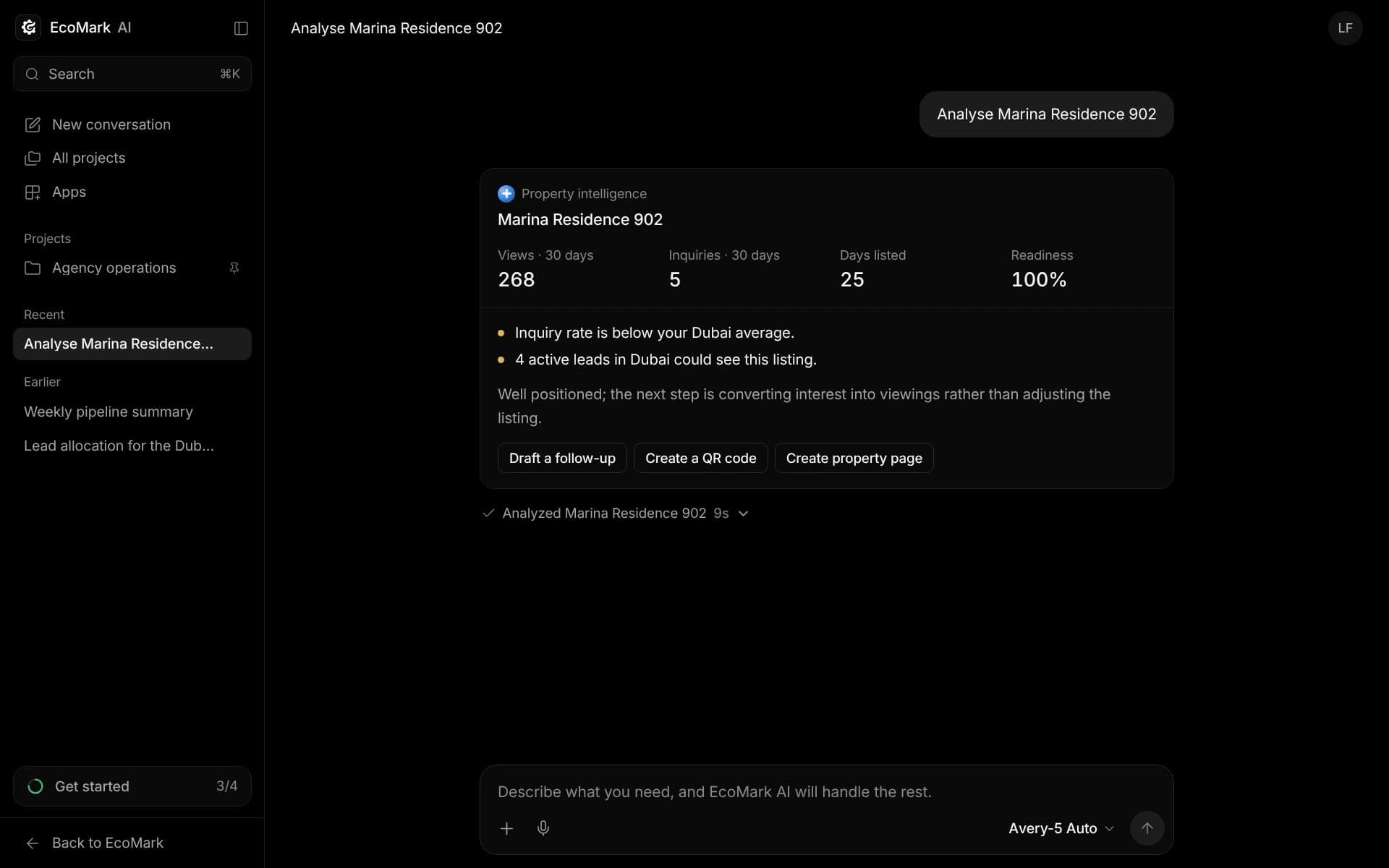
Views, enquiries, days listed and readiness, with the next step proposed and a button for each.
Explore the product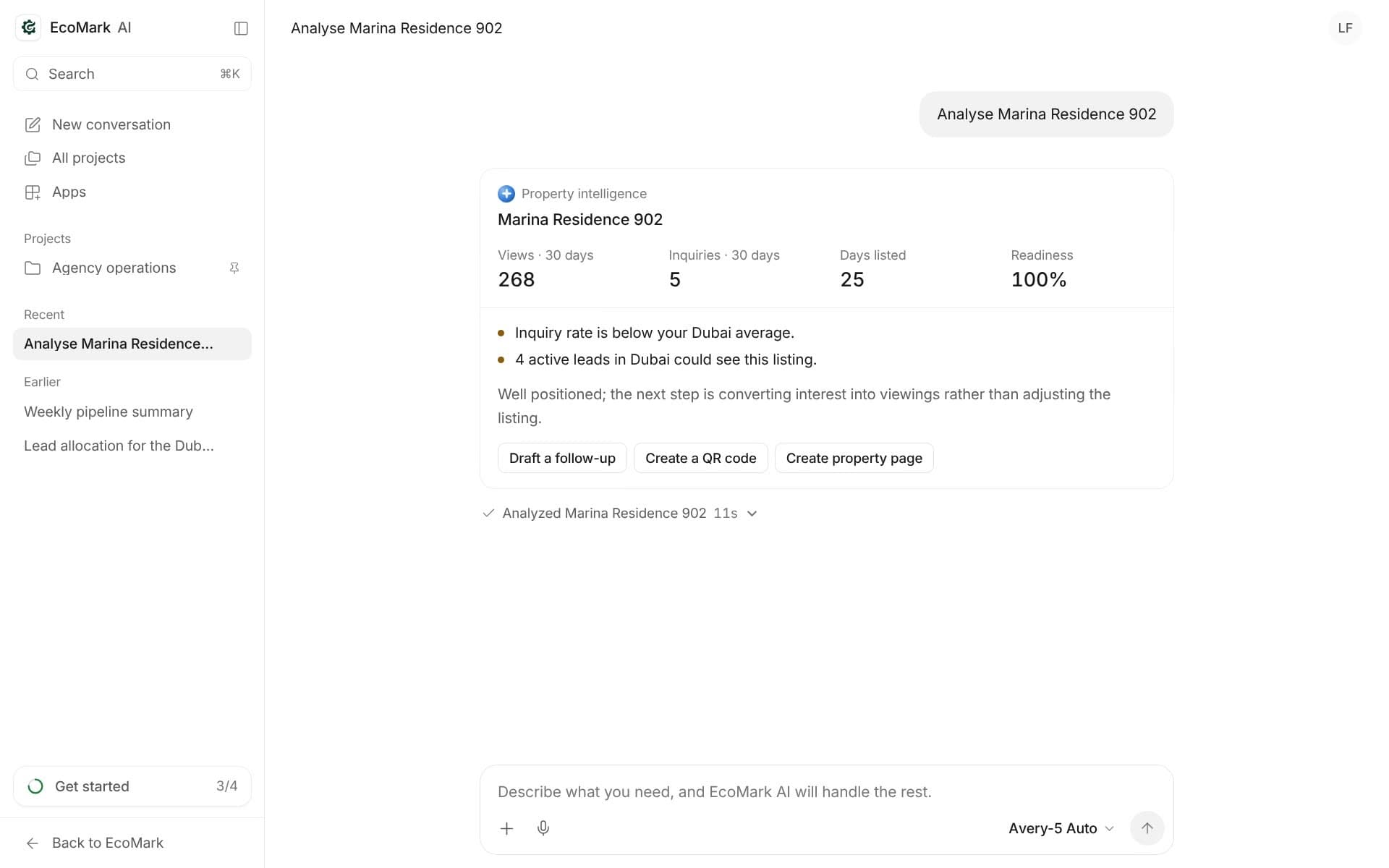
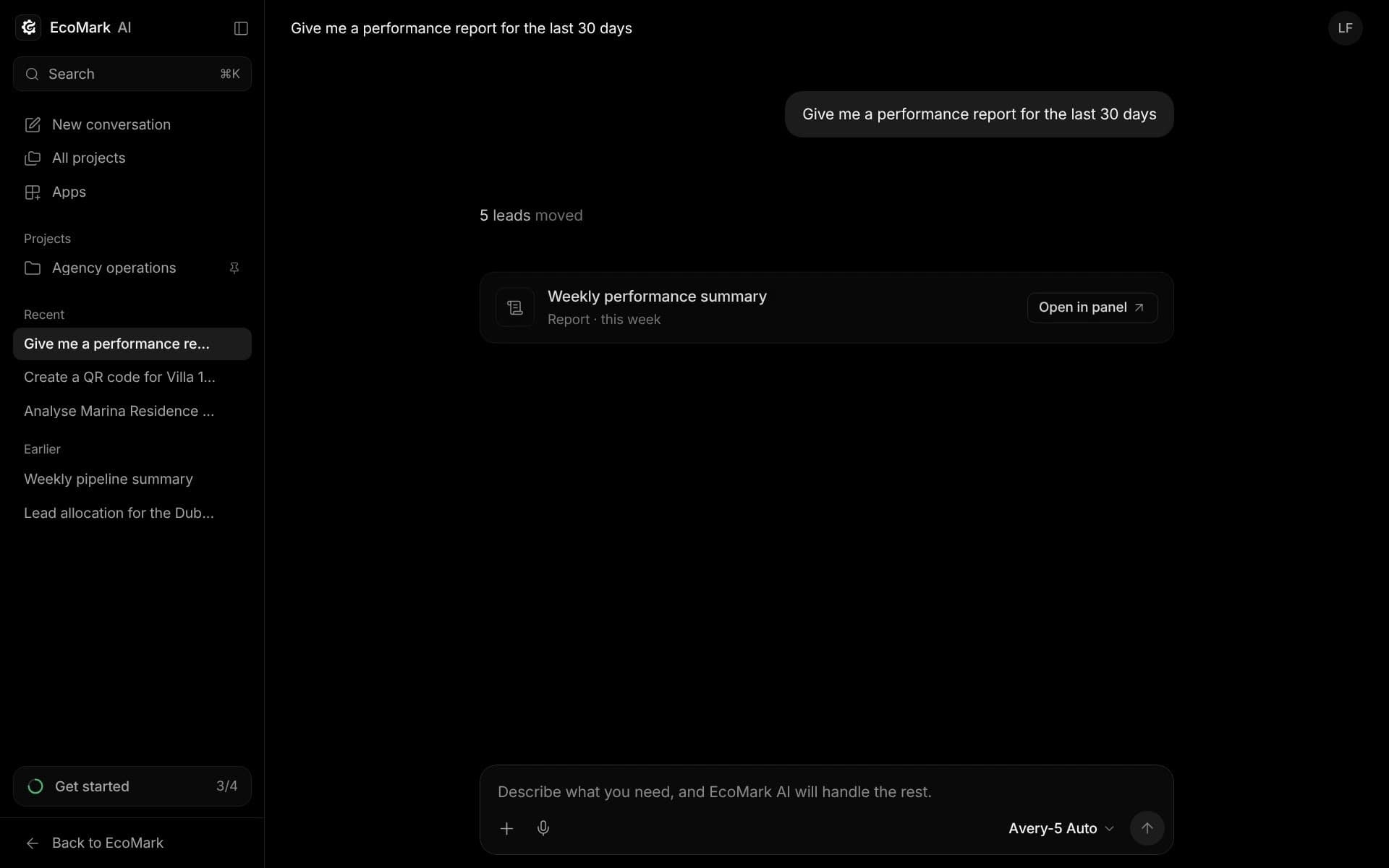
Ask for the summary and it is written from the agency's own figures, with the full breakdown in the panel.
Meet EcoMark AI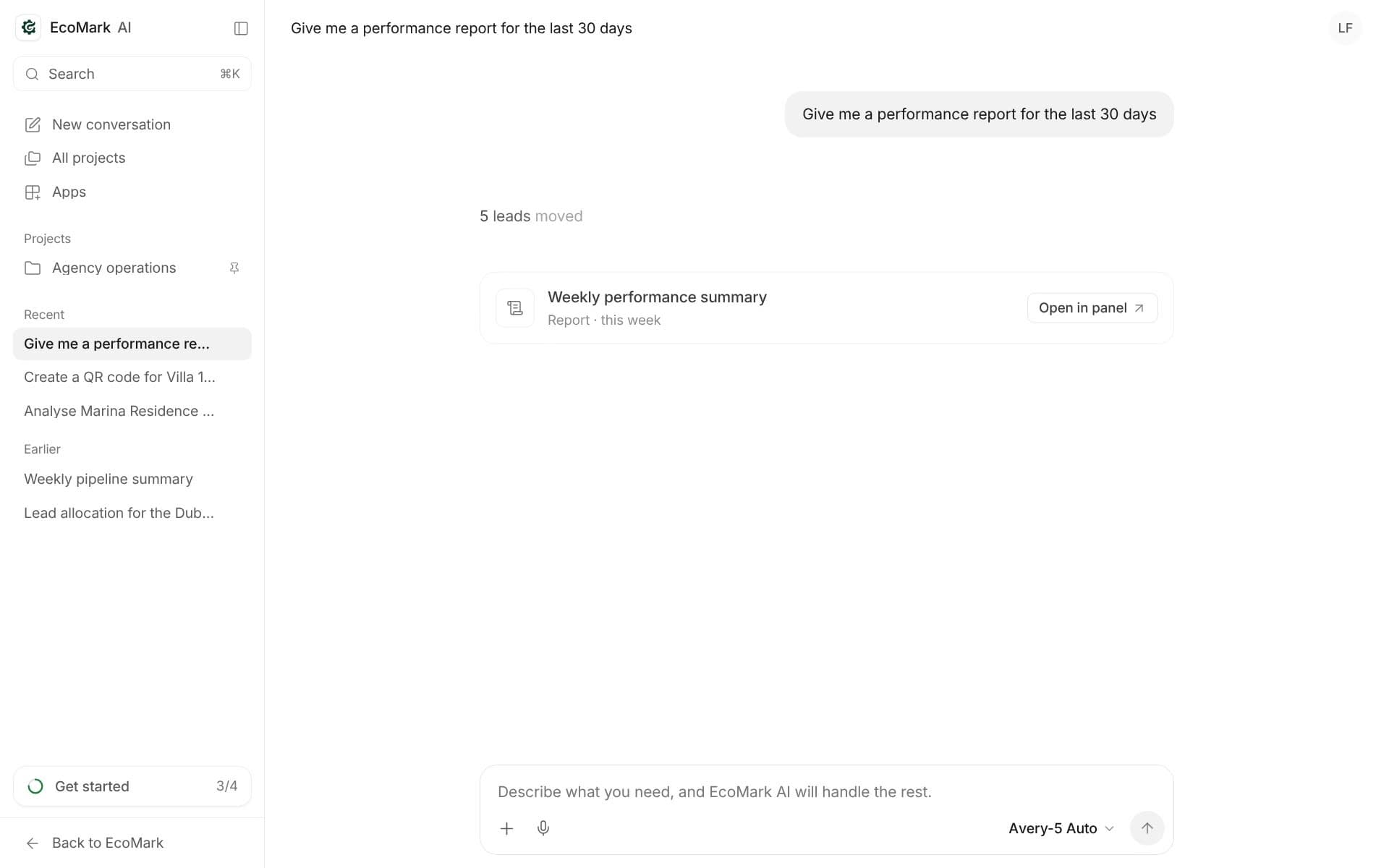
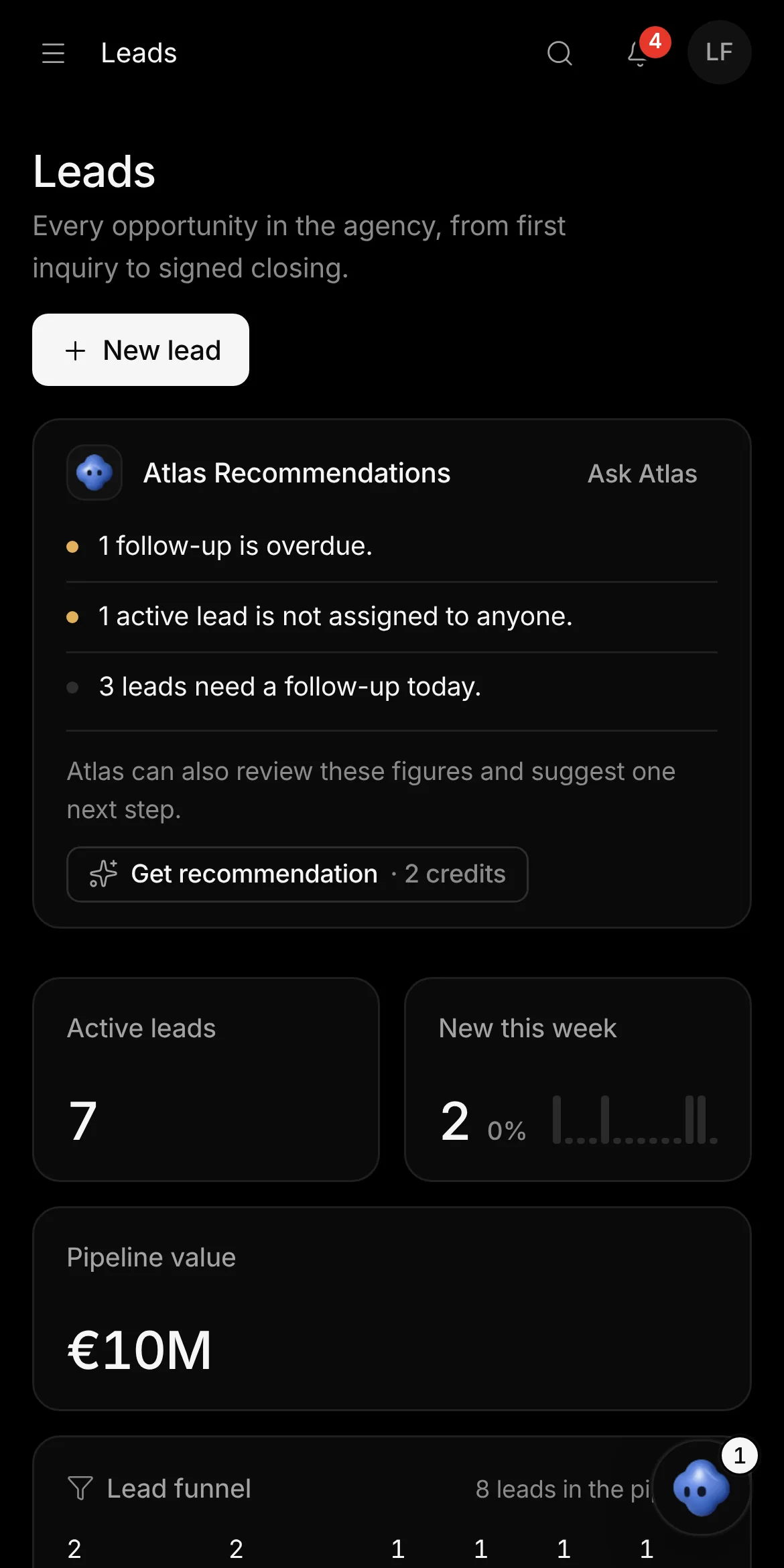
What deserves your attention today, answered from what is happening in your agency right now.
Meet the Ekos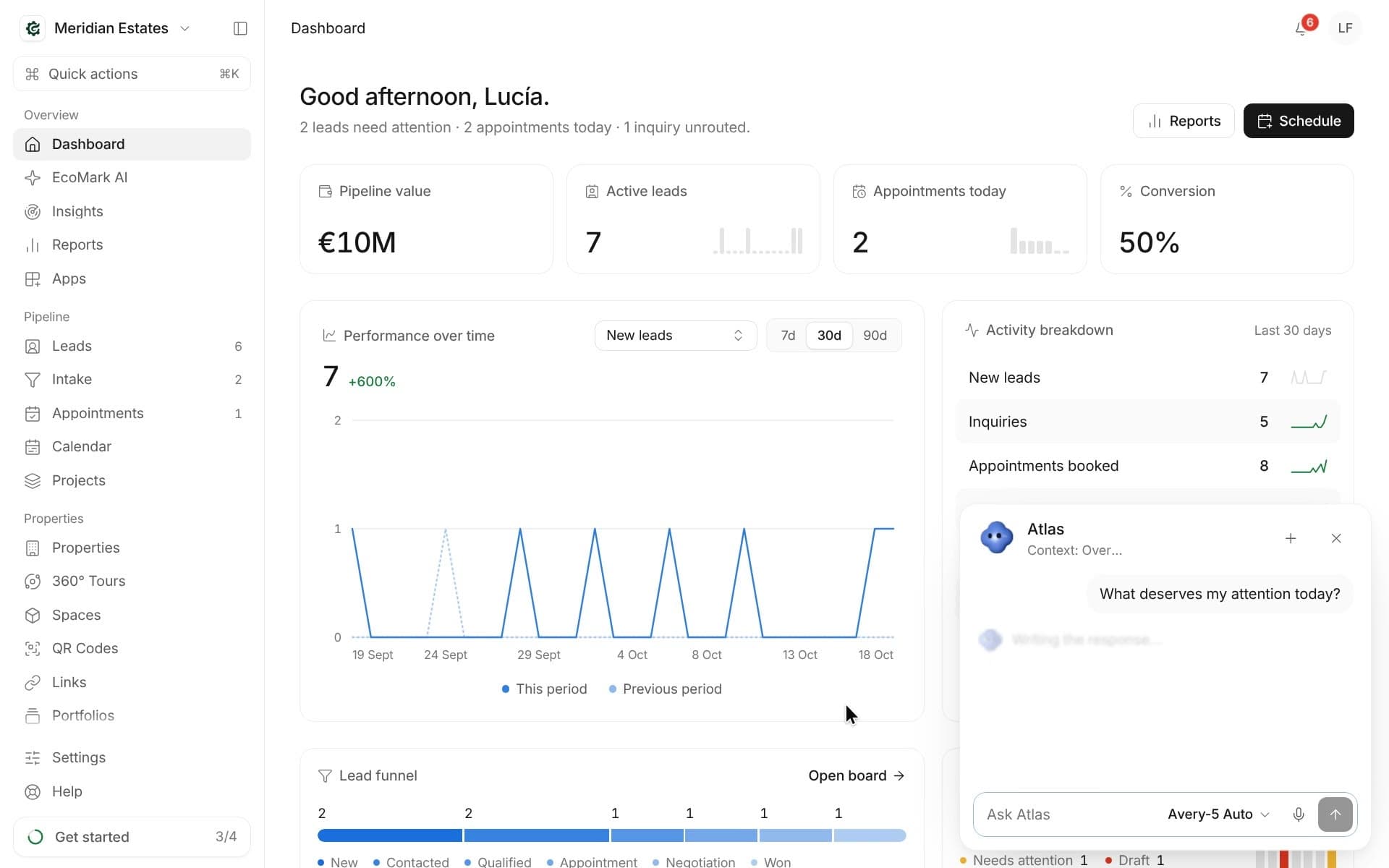
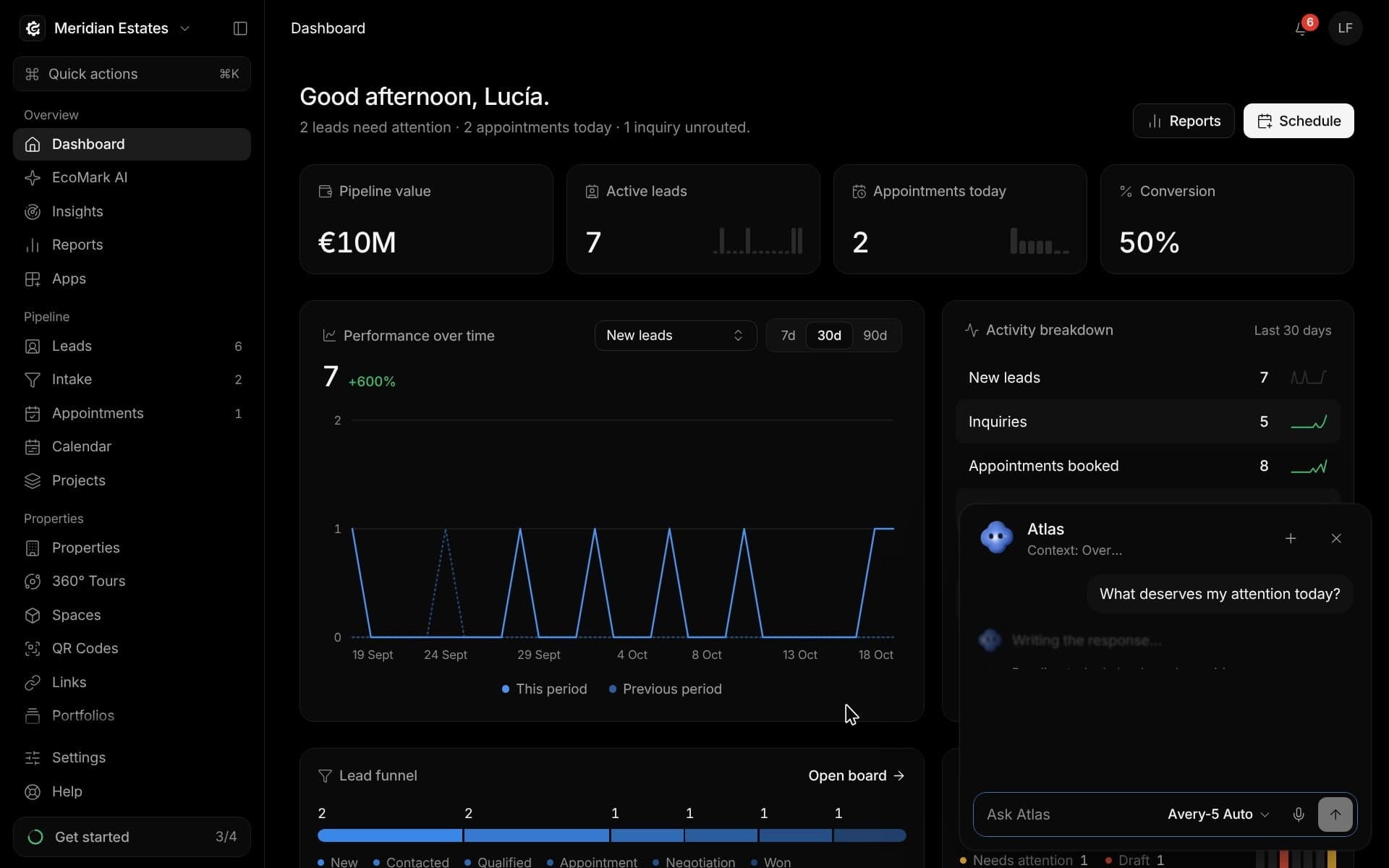
Recorded in EcoMark's demonstration workspace, with sample data.
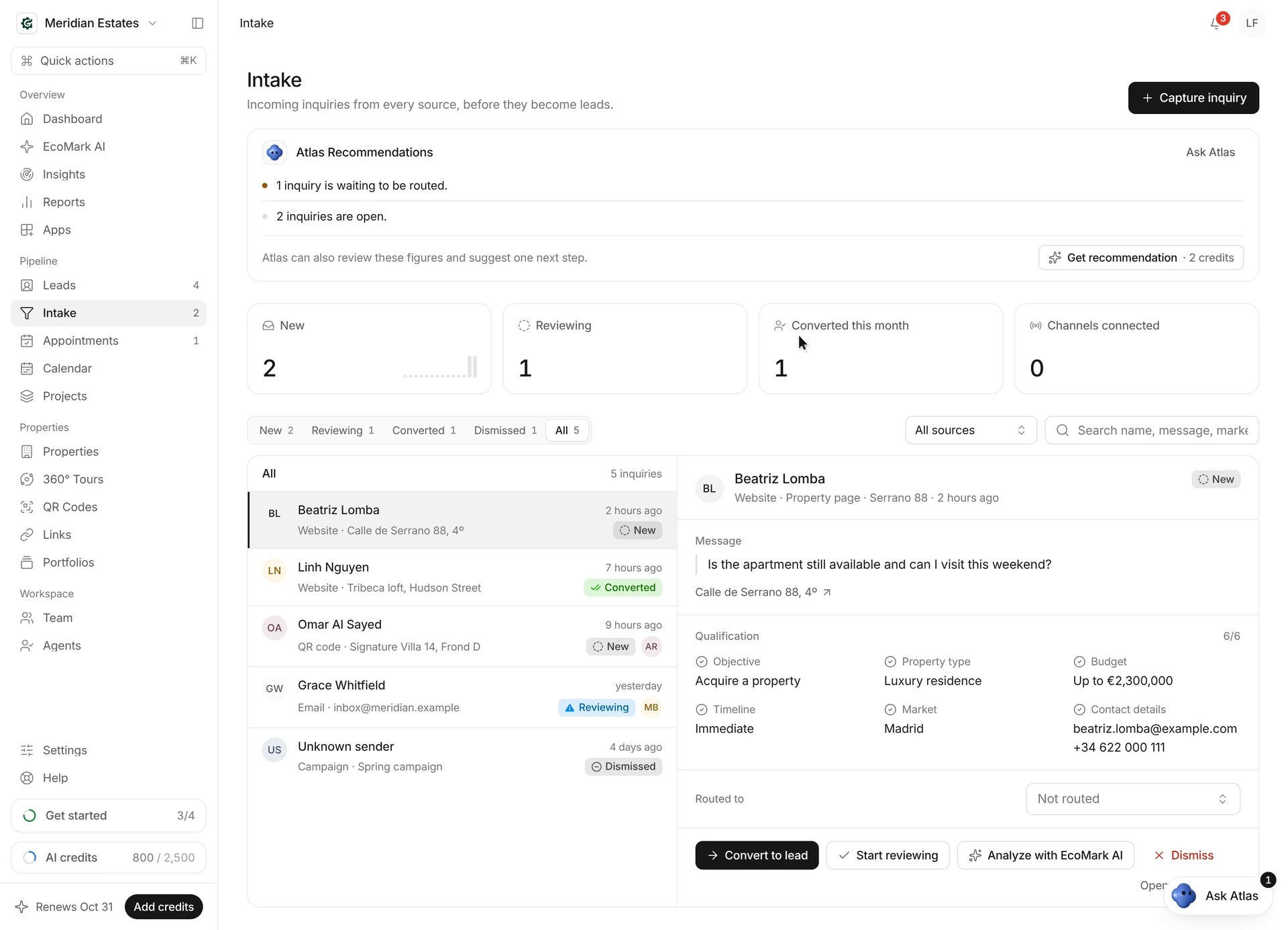
Each enquiry is logged with where it came from, and becomes a lead with its qualification and next step.
Viewings and calls for the week, each time checked against your calendar.
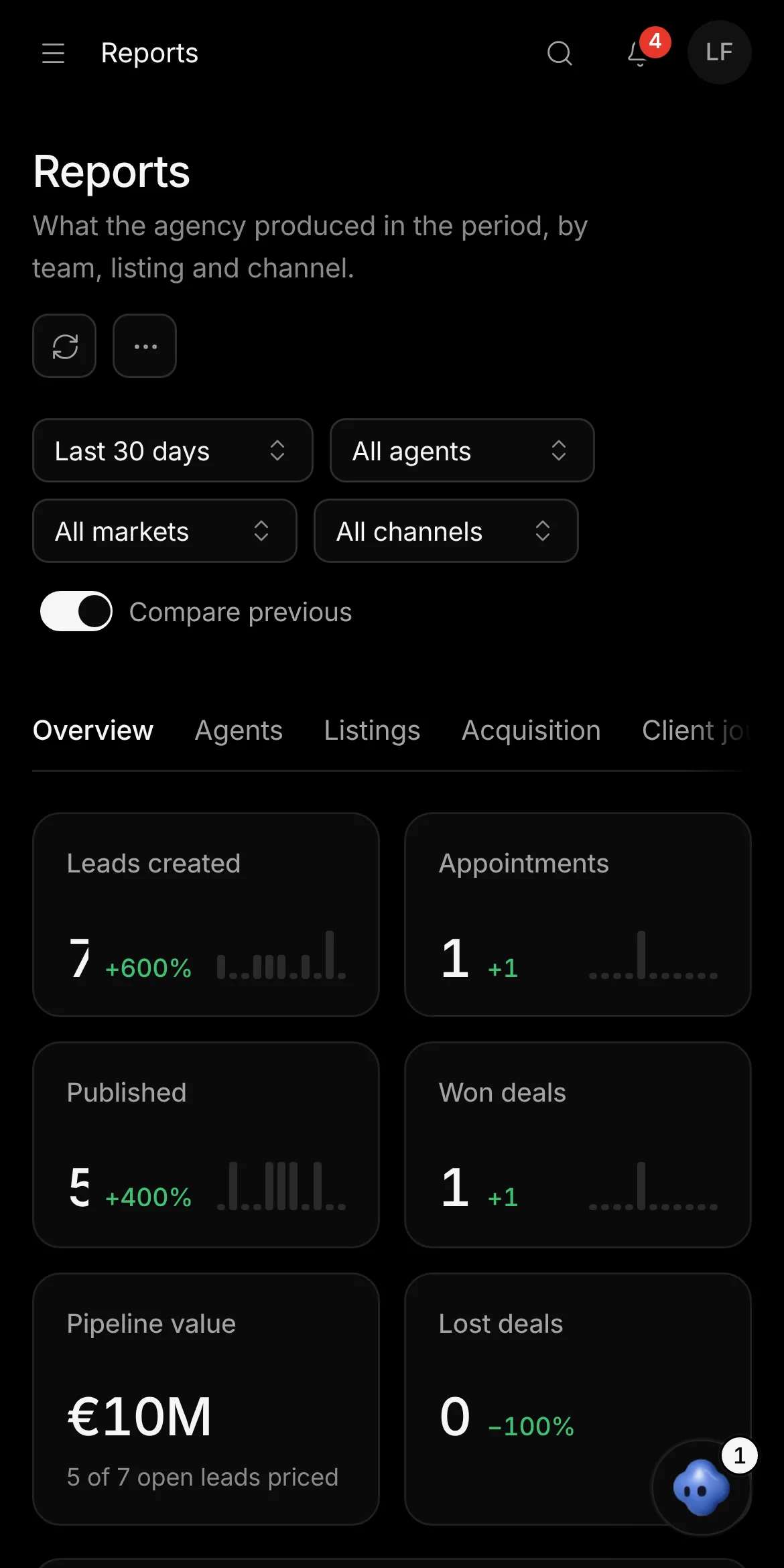
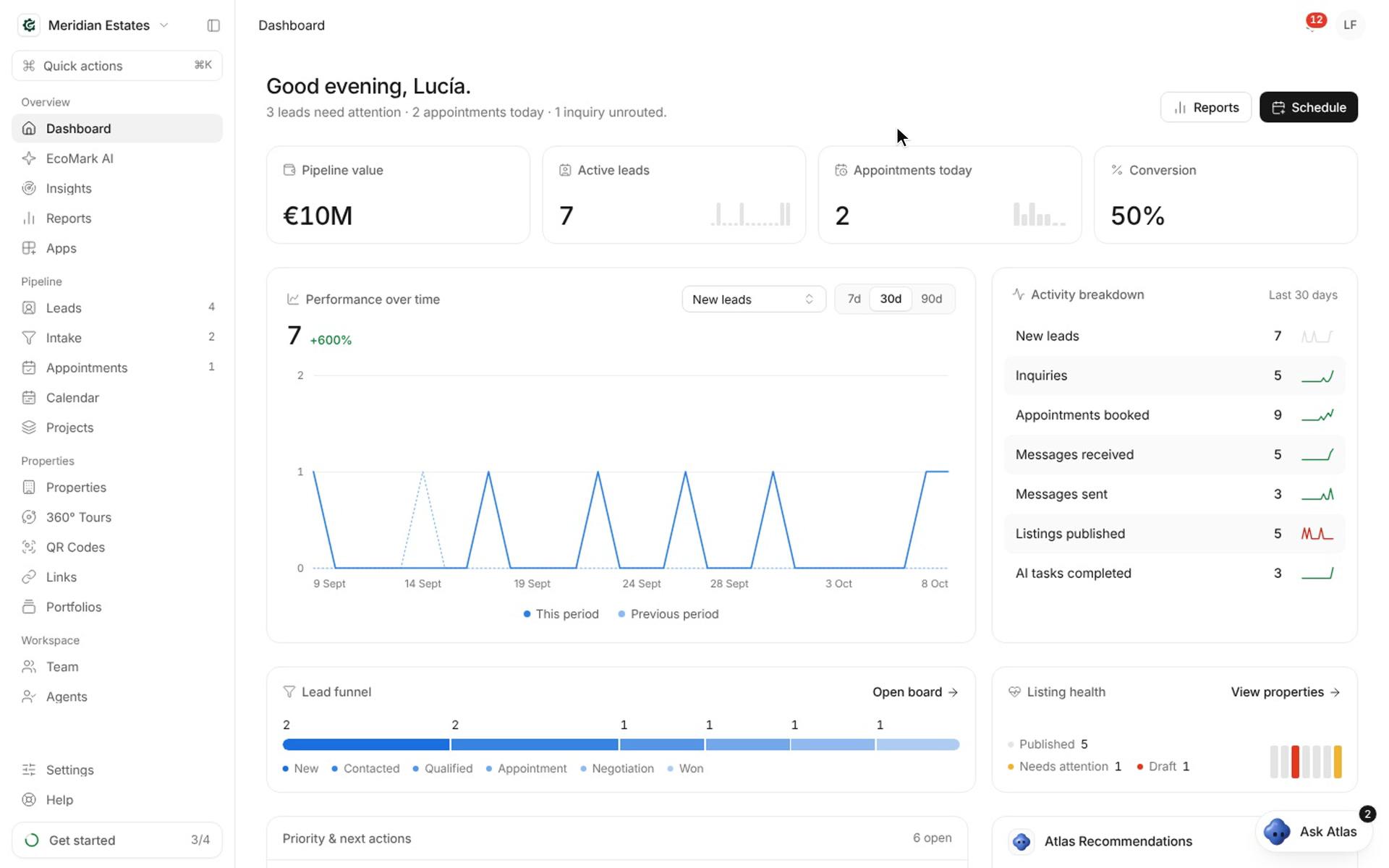
Pipeline value, active leads, today's appointments and conversion, on one dashboard.
New leads by day against the previous period, over 7, 30 or 90 days.
Mail, calendar, files, meetings and messaging connect through each provider's own sign-in. Each app opens to agencies as it becomes available, and the Apps page in your workspace shows which ones you can connect today.
EcoMark asks only for the permissions each app page lists, and writing to an app always asks you first.
Browse integrationsEcoMark AI
Brochures, chats, leases and photos go into EcoMark AI and come out as listings, leads, QR codes and replies, ready for you to approve.
EcoMark AI
Reading your workspace, searching your listings, checking your calendar, writing the answer: the orb shows each step as it happens. When something needs you, it stops and waits.
Listening
The Ekos of EcoMark AI
Gmail, WhatsApp, Google Drive, Slack and Zoom are among the apps EcoMark is built to connect to, each opening to agencies as it becomes available. In each one an Eko prepares the work, and nothing leaves until you approve it.
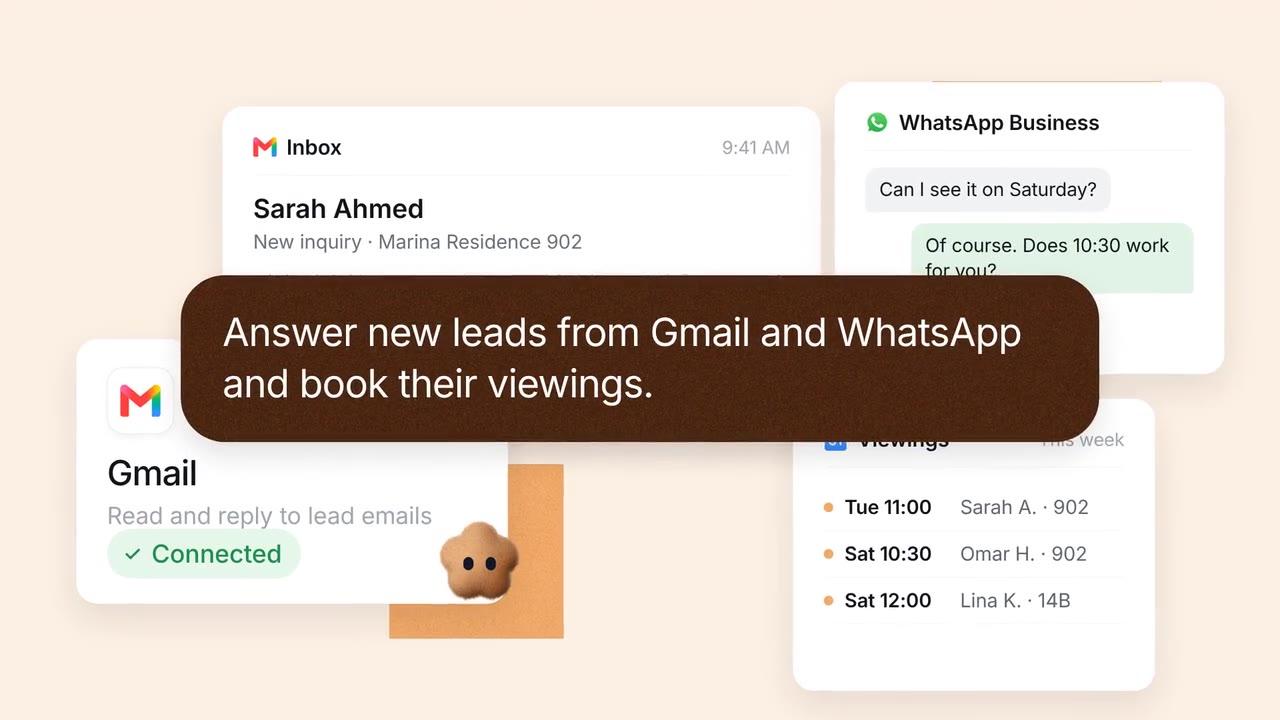
Avery answers new leads from Gmail and WhatsApp, and books their viewings.
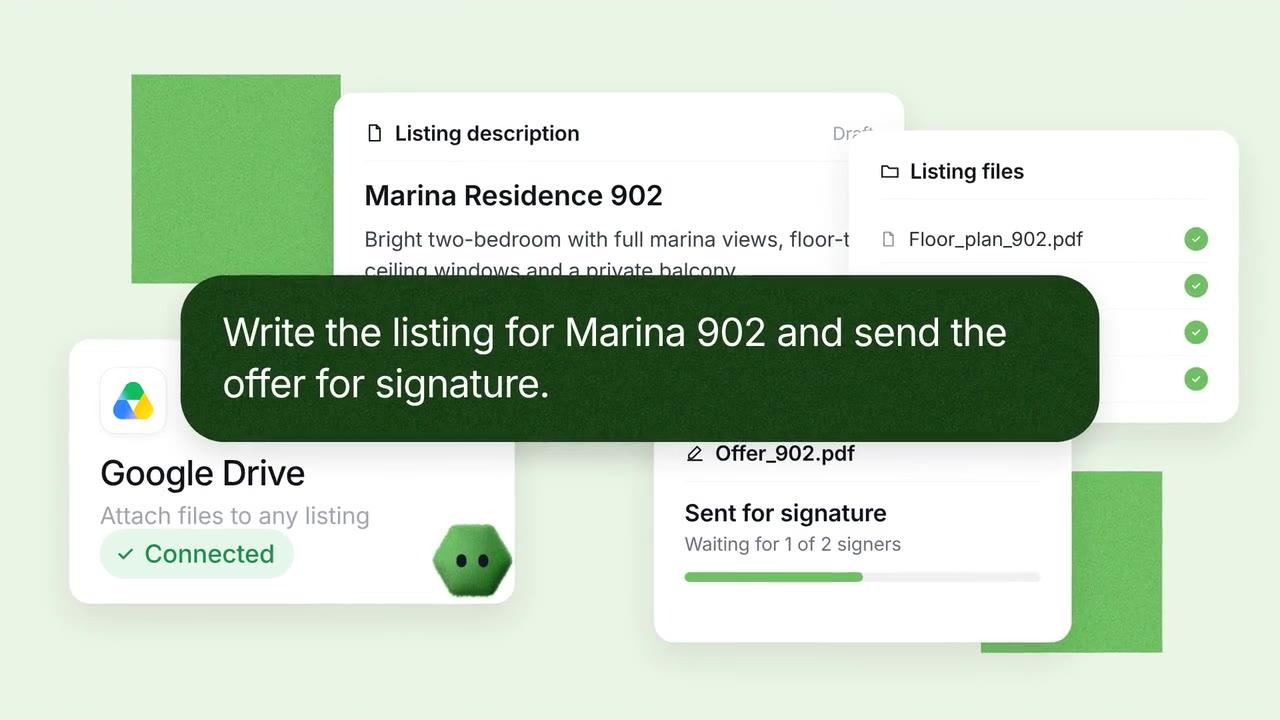
Sage writes the listing for Marina 902 and prepares the offer for signature.
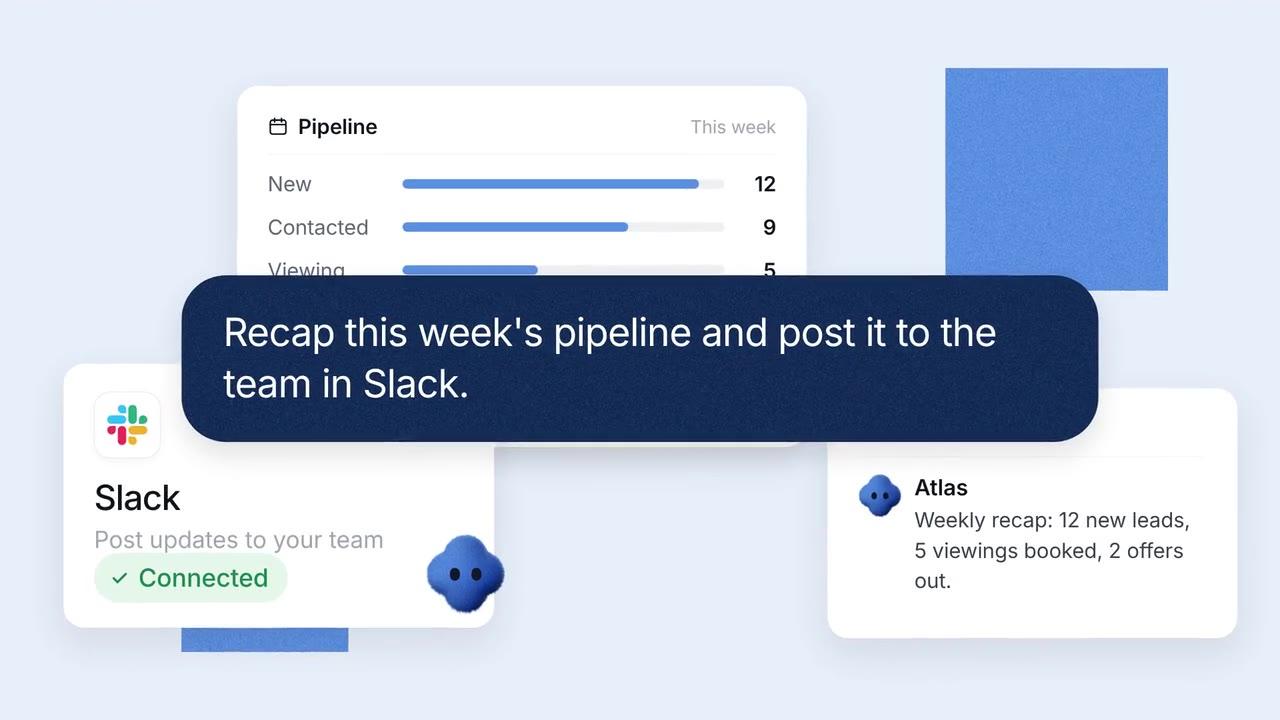
Atlas recaps the week and prepares the pipeline post for your team in Slack.
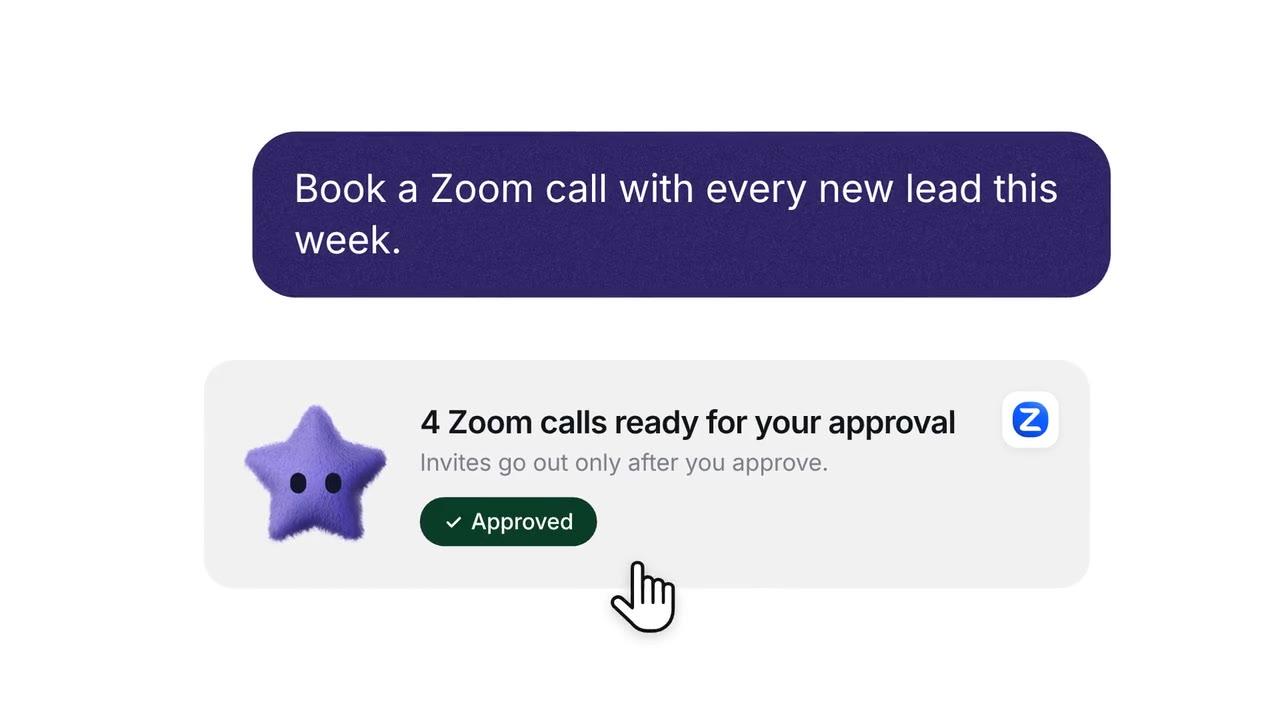
Nova prepares the calls for each new lead. Nothing is booked until you approve it.

Wherever your clients write, the reply is drafted and waiting for your approval.
How it works
Everyday help, a stalled sale brought back to life and a message sent through a connected channel, in the product's own interface.
On screen
Recorded in EcoMark itself: the pipeline and a lead's record, the week's viewings, and the reports for the period.
Use cases
Each of these is something EcoMark AI already does. It proposes; you decide.

When it arrives
An enquiry is logged in Intake with where it came from. Ask EcoMark AI and the reply is drafted for you to approve.

Before the visit
Before a visit, the buyer's criteria, the listing's facts and what was said last time come together in one brief.

After the visit
Record what the buyer said. The follow-up is written and waits, ready to send when you approve it.
Contracts and deals
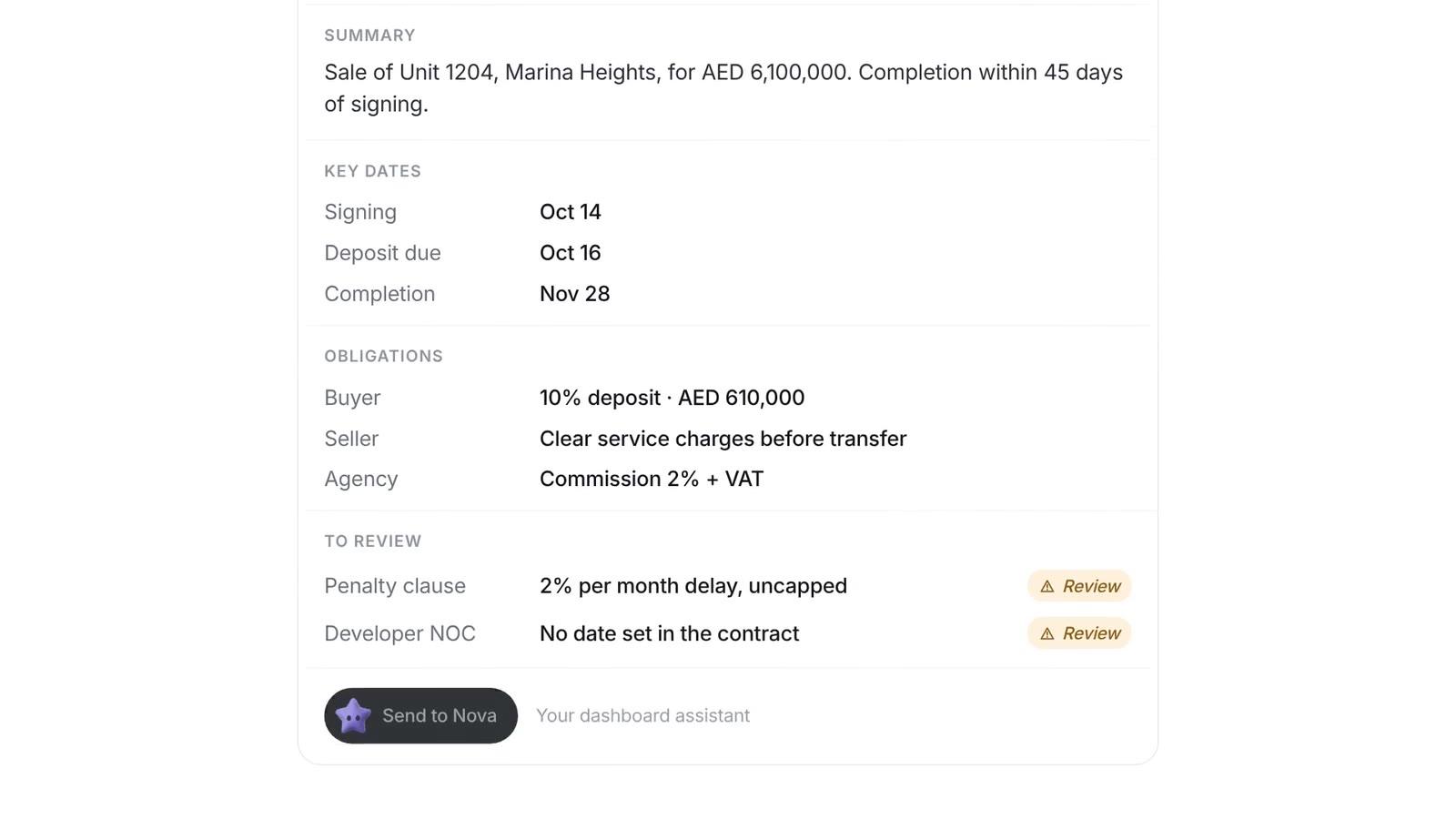
Attach a sale agreement and ask. EcoMark AI reads it, sets out the key dates, what each party owes and the clauses to review. Then Nova opens the deal and sets up the follow-up.
Auto picks for you. Max for the hardest work, Core for every day, Flash for quick tasks.
Penalty clauses and missing dates are marked for you to check. It reads; it does not give legal advice.
The contract and its analysis filed, the property and the buyer linked, tasks, reminders and the next steps.
On any screen
The same workspace on a computer, a tablet or a phone, in the browser: in light or dark, in any of 15 languages, each member in their own language and time zone.

Leads, listings, viewings, messages and reports in one place, with EcoMark AI preparing the work and you deciding what leaves.
Gmail, WhatsApp, Google Drive, Slack, Zoom and more, each through its own sign-in, opening to agencies as it becomes available.
A message, a published page or a price change stops first on an approval card.
The pipeline, the viewings and the period's activity, on the computer or the phone.
Atlas, Avery, Sage and Nova: one engine, each putting something different first.
Admins see the whole agency; agents, their own work.
In 15 languages, from English to Japanese, light or dark, each member in their own language and time zone.
A message, a published page, a price change, anything in a connected app and anything that uses credits stops at an approval card first.
Every table is isolated per agency in the database, and every server action checks access again.
After the assistant applies something, EcoMark reads the record back and says whether it found it.
What the assistant read, what it proposed and what you approved stays in the conversation, with the time it happened.
It always asks you first. Prices and discounts, published listings, contractual commitments and signatures, payments, deleting anything, messages to many people at once, and everything that leaves through a connected app.
There is no free trial. You can create your agency and activate the plan, or ask us to walk you through it first.
By default it prepares the message and waits for your approval. A member can allow it to send within set limits. Price changes, publishing, anything in a connected app and anything that uses credits always ask first.
EcoMark is built to connect with Gmail, WhatsApp Business, Slack, Microsoft 365 (Outlook, Teams and OneDrive), Google Calendar, Google Drive, Dropbox, Zoom, Calendly, Motion and DocuSign, each opening to agencies as it becomes available. The Apps page in your workspace shows which ones you can connect today. Each app's page lists what EcoMark does with it and the permissions it asks for.
In 15: English, Spanish, Arabic, French, German, Italian, Portuguese (Brazil and Portugal), Russian, Turkish, Hindi, Urdu, Chinese, Japanese and Korean, with right-to-left layout for Arabic and Urdu. Each member chooses their own language.
Monthly, by card, through Stripe's hosted checkout. You can cancel from the billing portal and keep access until the end of the period you paid for.
Create your workspace in a few minutes, or ask for a guided walkthrough with a person.